The Flipped Pyramid: Why 2026 is the Year Everyday Workers can Streamline their own Workloads and Create new Products
For the first time or more than ever, the person who understands the problem best is the person solving it. Why the right desktop tools and AI understanding is key to getting your work done.
TLDR: Hopefully this will inspire people to learn how to use the tools and techniques available to assist them in their day-to-day workloads or ideas. After reading, I hope you can see AI and the tools mentioned as a means to get work done in less time, specifically the tasks you are less excited about, so you have more time for the tasks that matter more to you, or the business or even tasks that might not have been possible before.
A note: Some of the products mentioned in this article have been my sponsors, but that’s not why they’re here. I do what I do to help people solve day-to-day business challenges. What used to mean I “coded” a solution for someone, I now see this as teaching them how to use these tools to solve those challenges themselves.
[
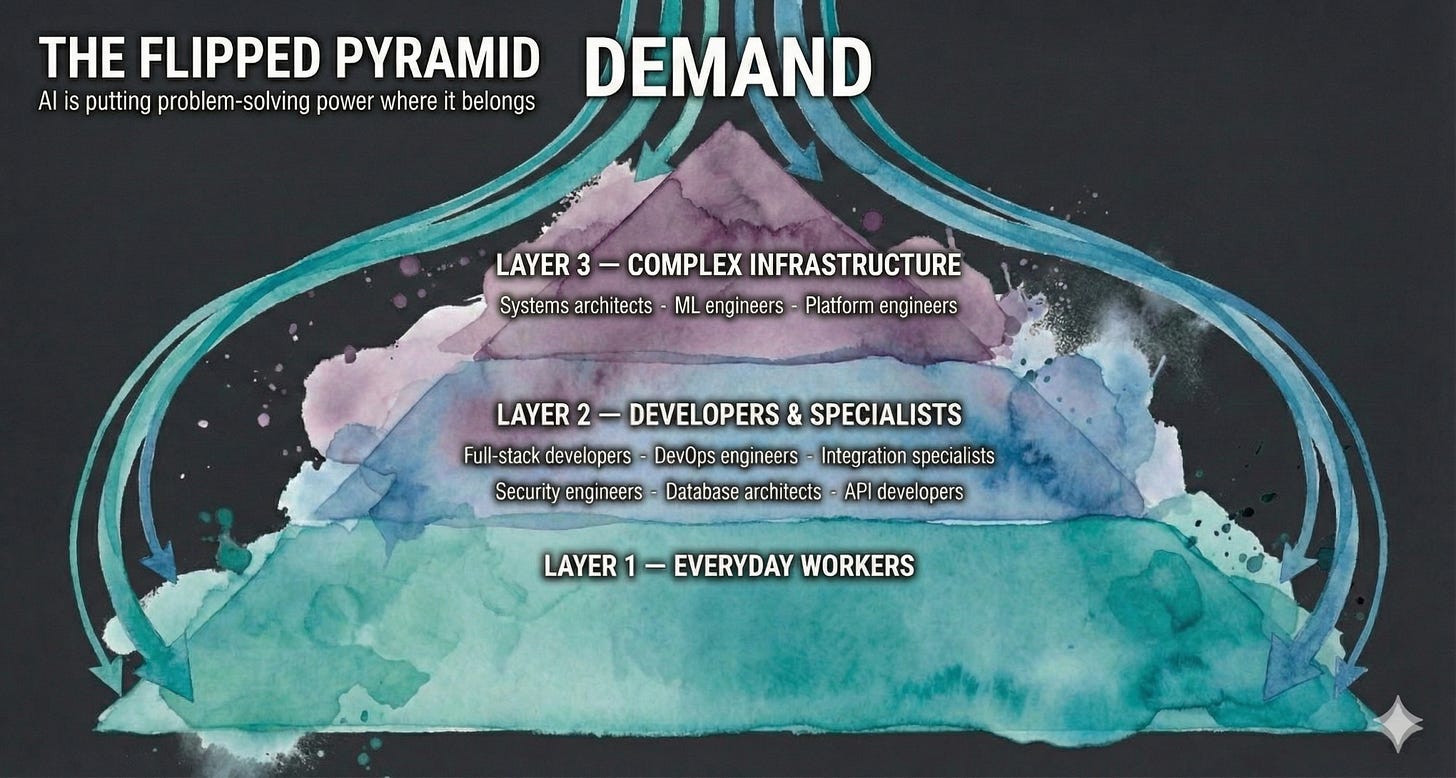
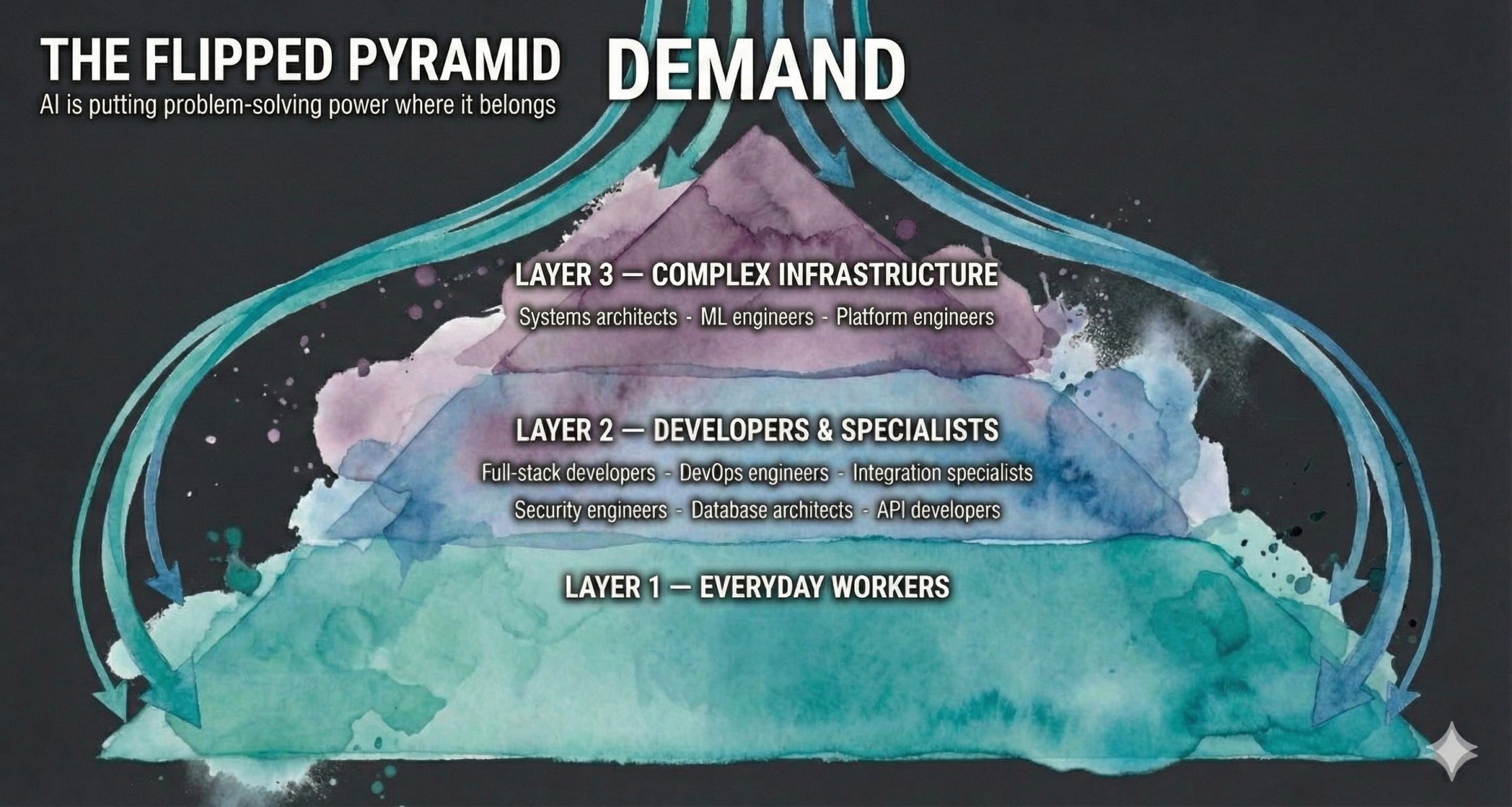
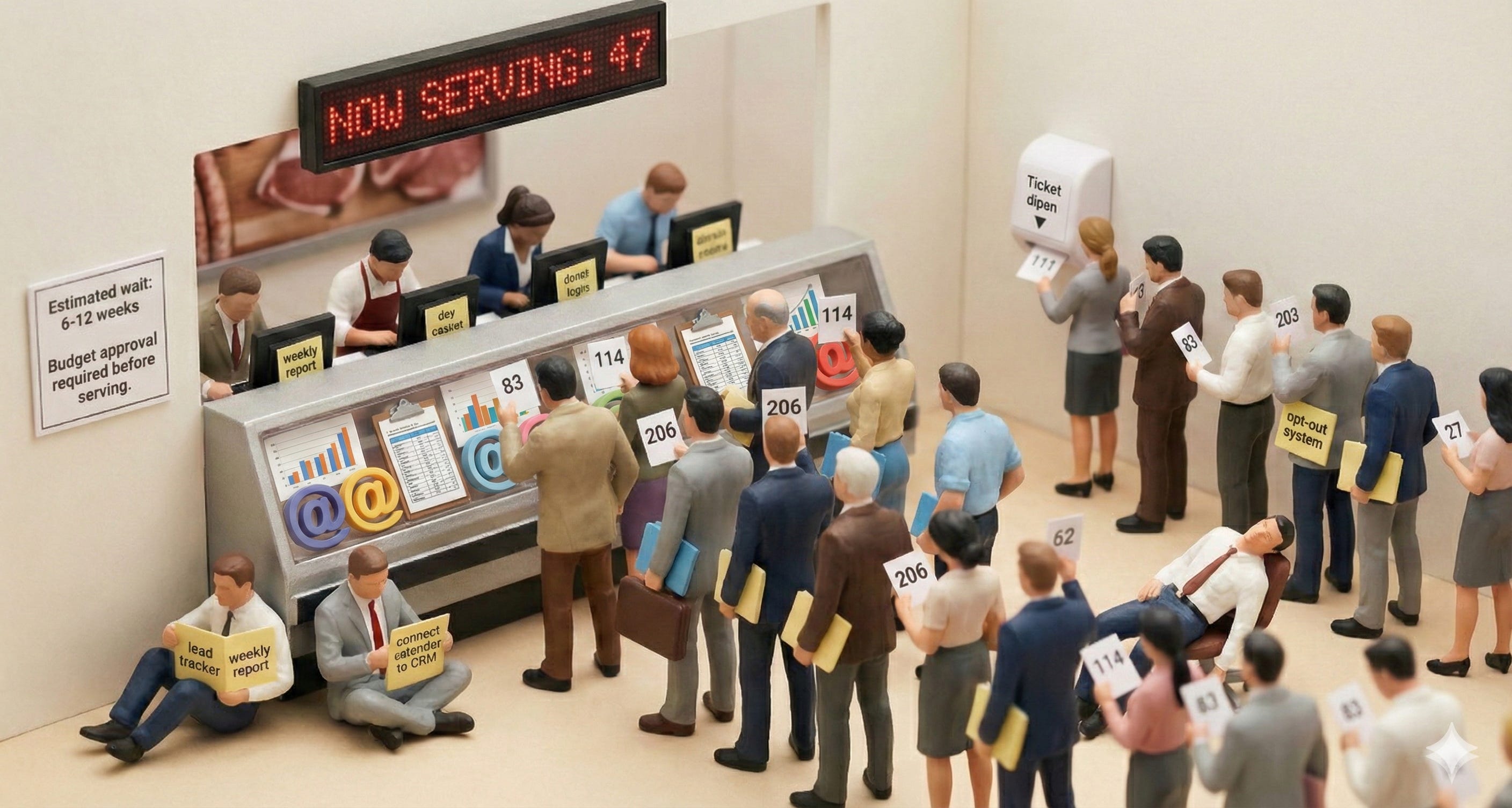
For decades, the pyramid of problem-solving in business looked the same. A wide base of workers — the people actually doing the job — would hit a wall or a technology ceiling. They needed a report automated, a workflow streamlined, a database built, a system connected. So they’d funnel that need upward, through layers of approvals and budgets, until it landed on a tiny point at the top: a small, expensive team of developers and engineers. That tiny point was the bottleneck. Every business problem that required technology had to squeeze through it.
The demand or workload did not scale with the workflows
But now, with AI, some “training” and the right tooling, the pyramid has flipped.
[
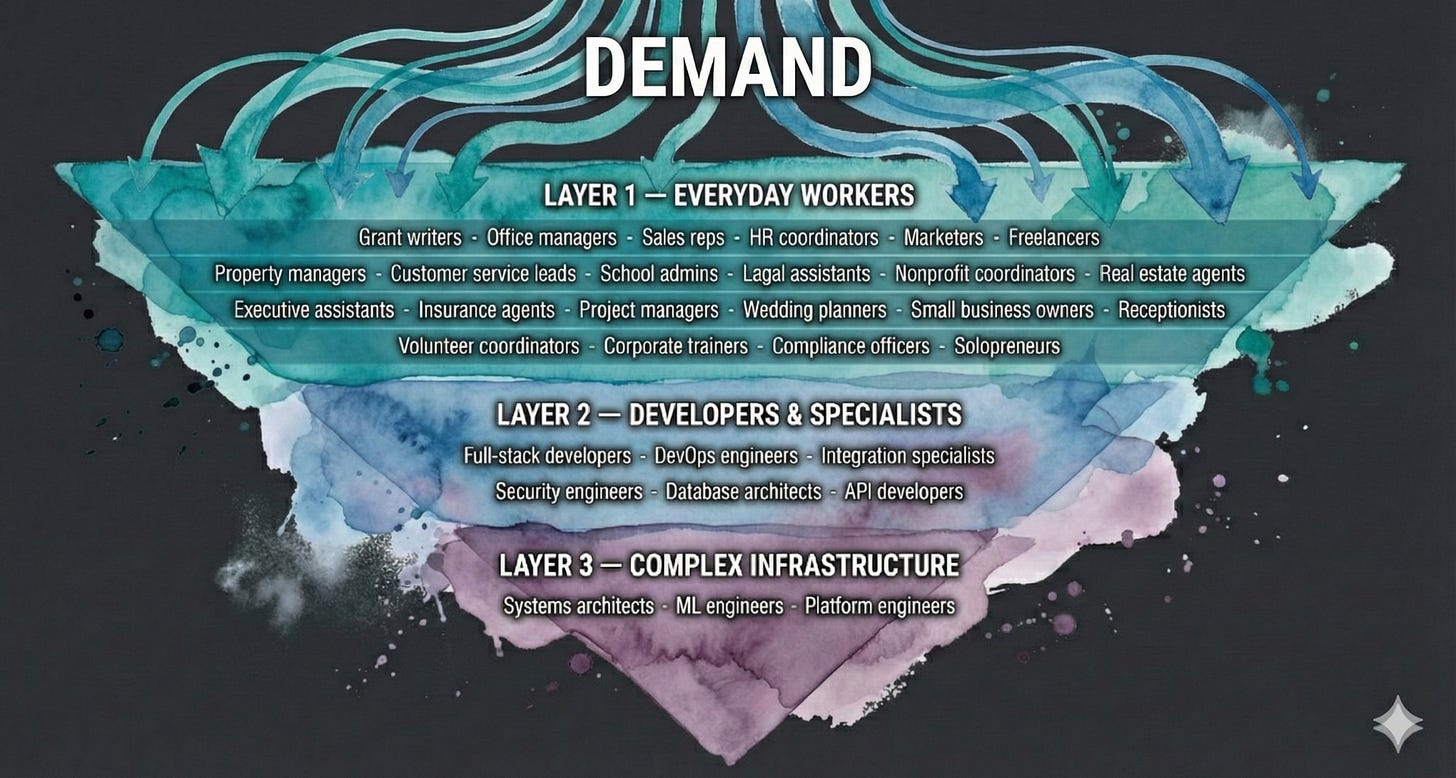
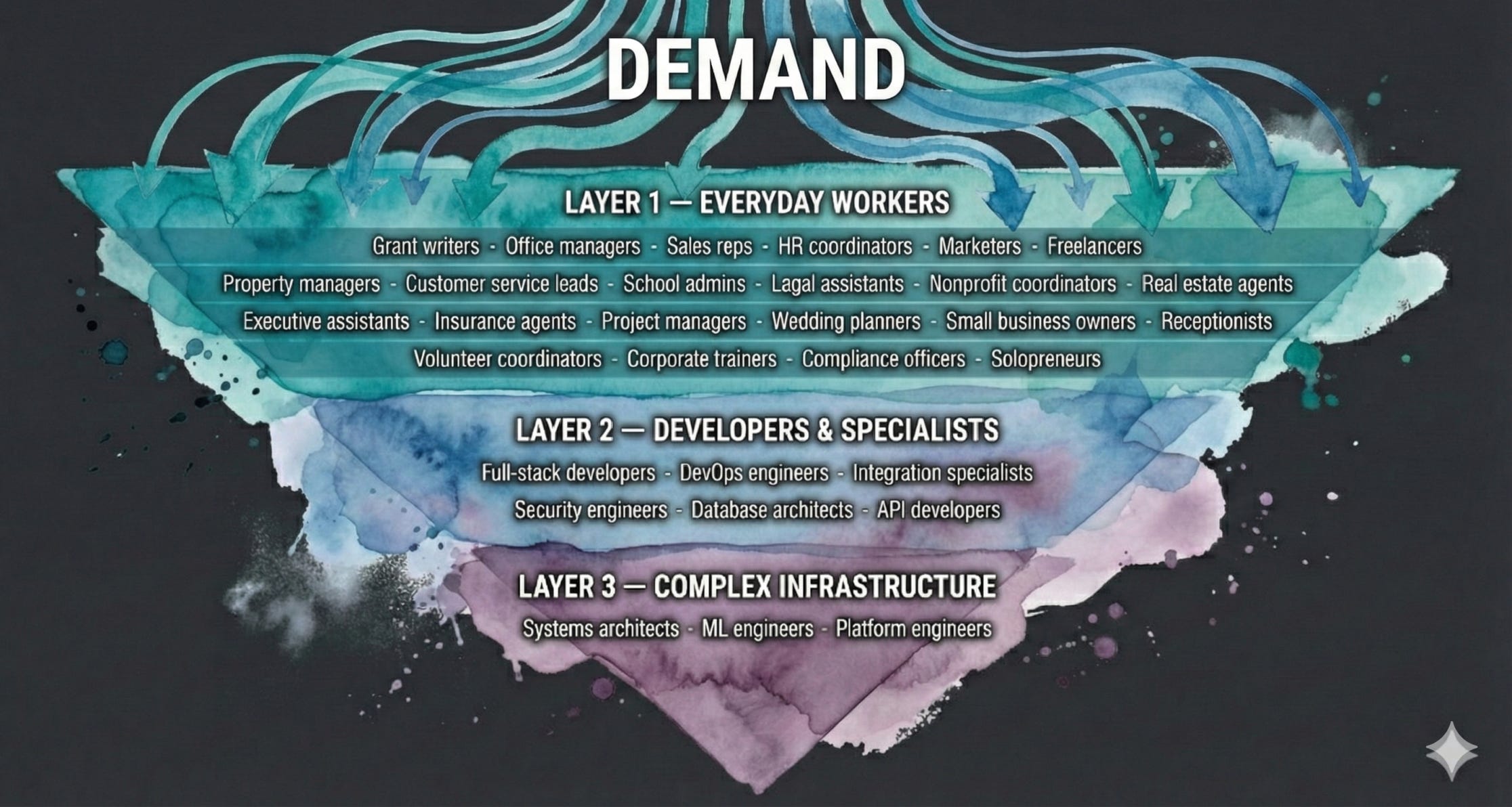
The wide part is now on top. The people who do the work — the office managers, the nonprofit coordinators, the real estate agents, the sales reps, the HR assistants — are now the ones with the ability to solve their own problems. The applications are here, they’re user-friendly, and the skills needed to get real results from them are simpler than most people think. What’s missing for a lot of people is just a little bit of understanding — how to use these tools and techniques to actually help themselves.
This article is about that flipped pyramid; what sits at each layer, and why learning to work at the top of it might be the most important professional skill of 2026.
Not long ago I was working with someone who had to do a weekly report to their manager of all the emails they got about a certain topic. Once I showed them how to automate it with these simple tools and strategies, well let’s say that tedious job went from two hours of crunch time to maybe 10-20 minutes freeing them up and having less crunch time and (if they did not tell their boss!) then some free time to learn or innovate!
The Old Pyramid: Developers on Top, Everyone Else Waiting
[

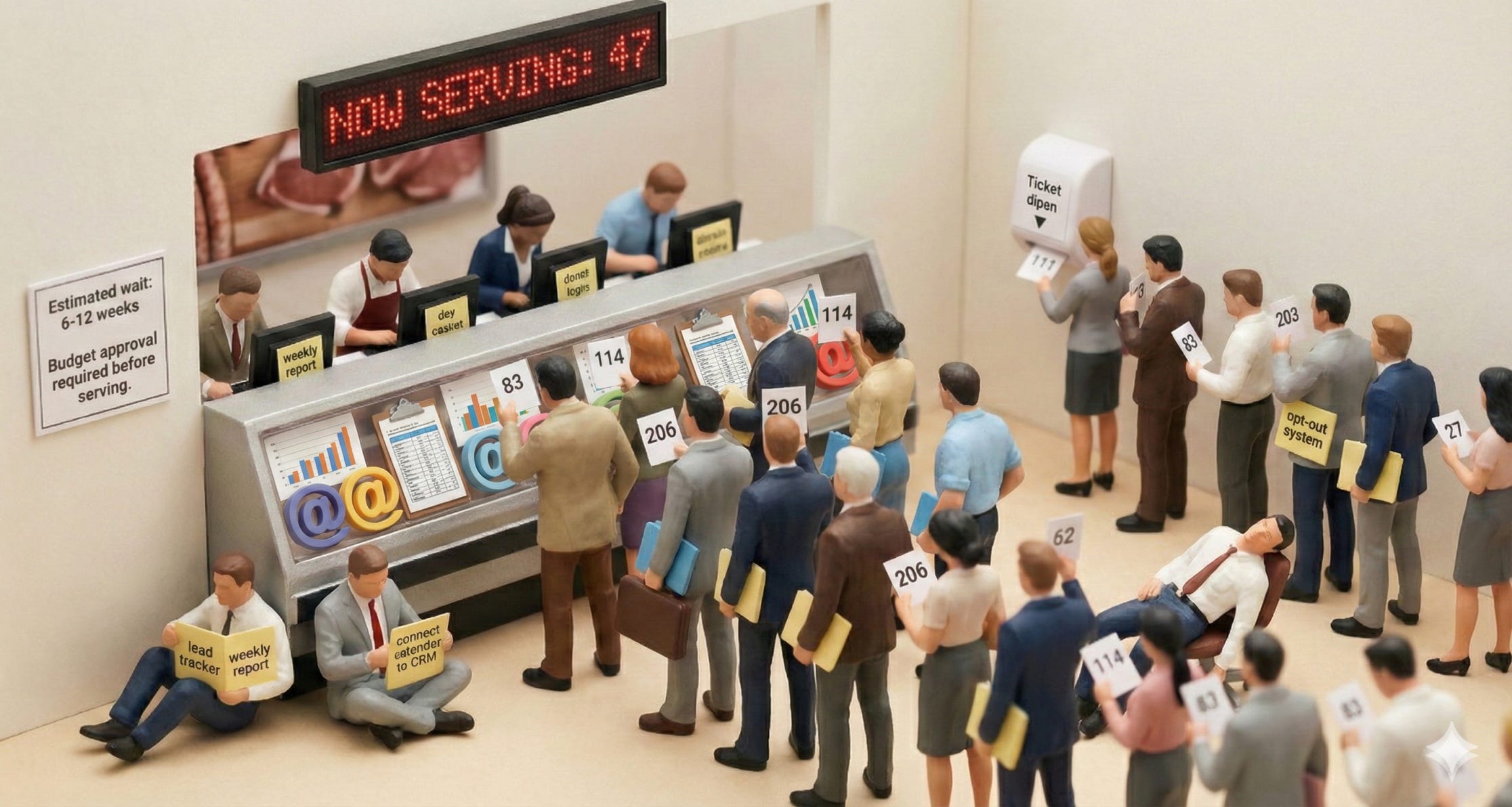
Picture the traditional pyramid: The broad base was filled with business needs — hundreds of employees doing daily tasks that were repetitive, manual, and time-consuming. The narrow top was a handful of developers, consultants, or IT staff who could actually build (or buy) solutions.
Need a custom report generated every Monday morning? That’s a developer ticket. Want to pull leads from a website and organize them in a spreadsheet? Developer ticket. Need to automate follow-up emails based on customer responses? Developer ticket. Want to connect your calendar to your CRM? You guessed it.
[
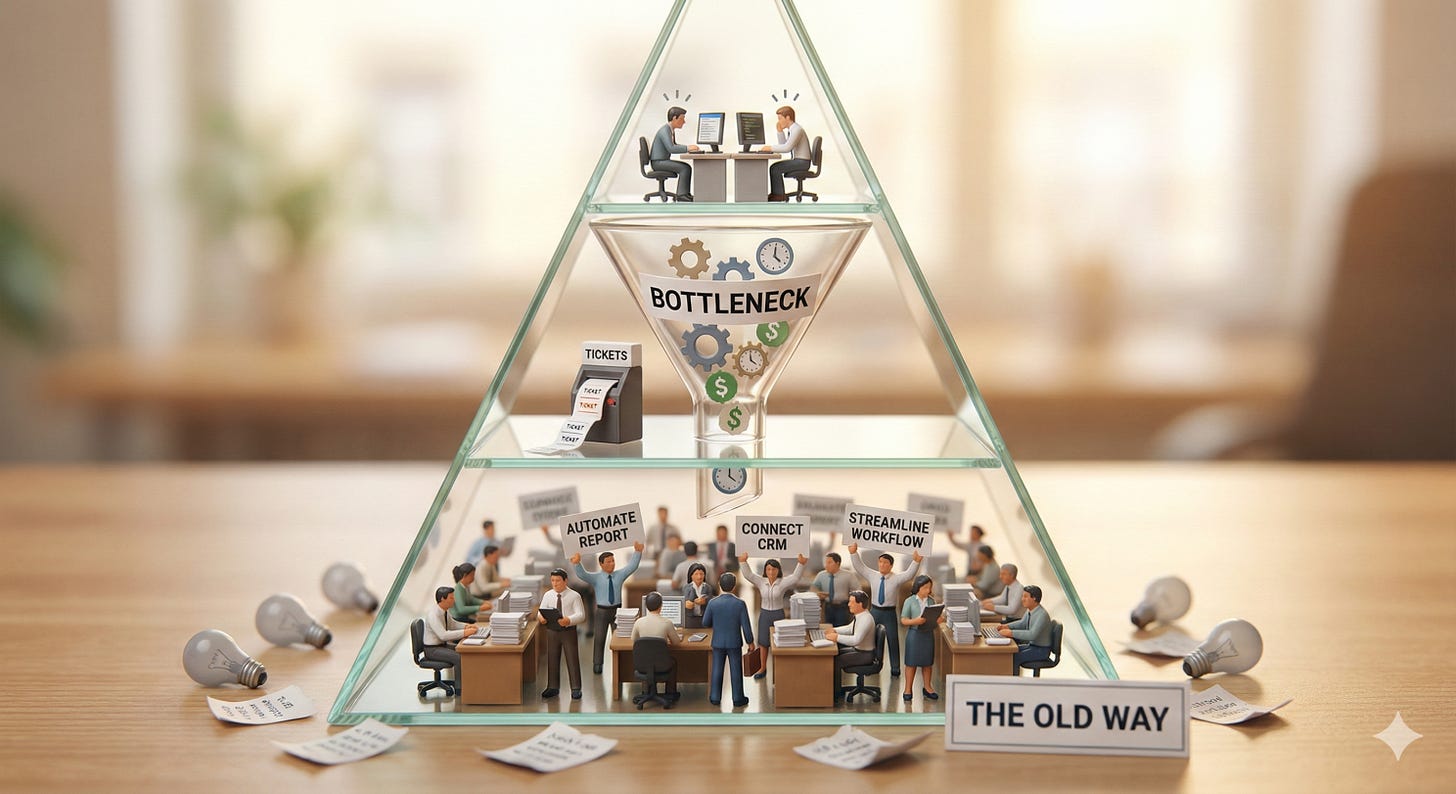
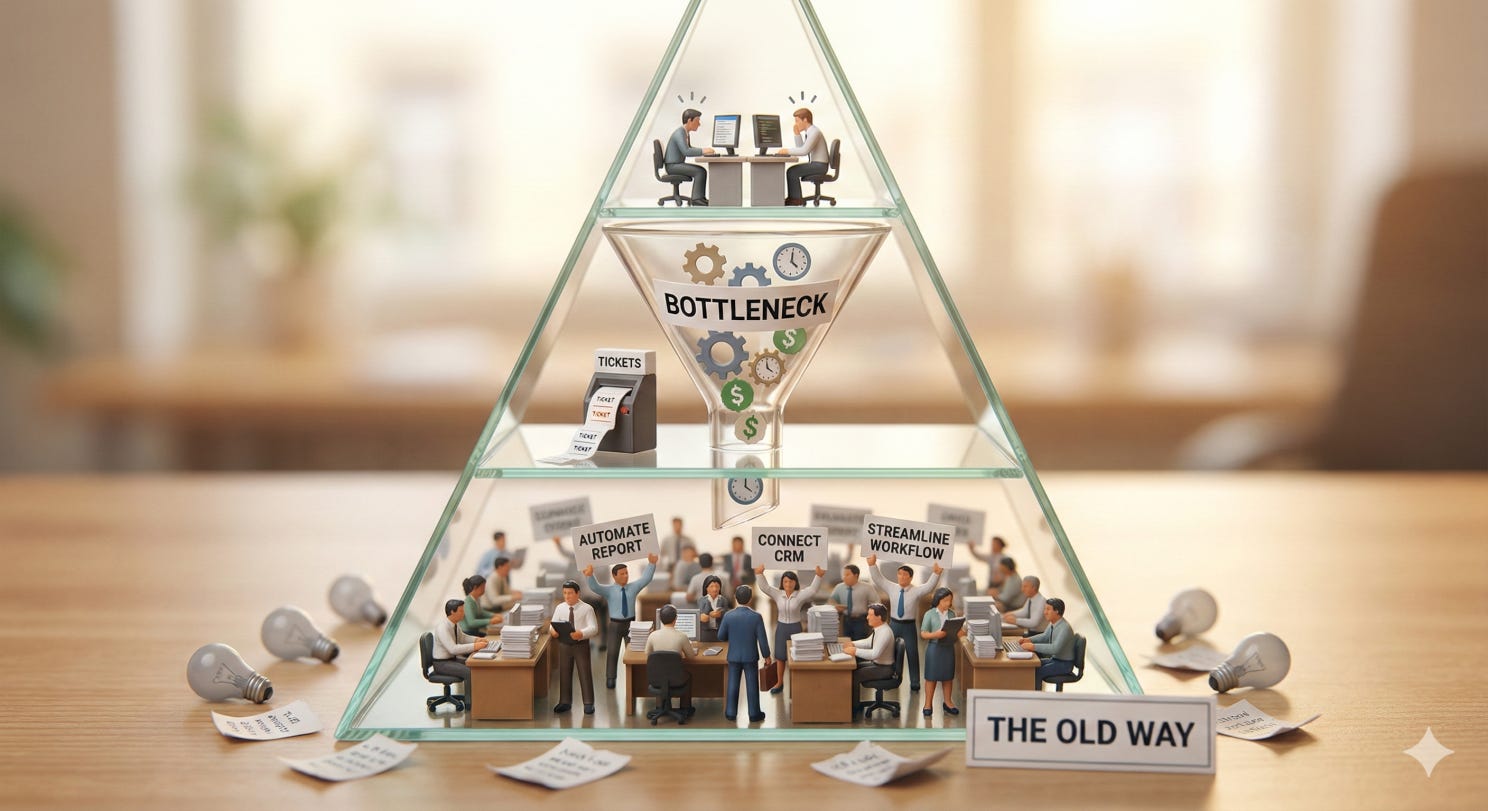
Every one of these requests cost time and money. The developer queue was long. The budget was limited. And the person who actually understood the problem — the one living it every day — had to explain it to someone else, wait weeks or months, and hope the solution matched what they needed.
That model is changing.
The Flipped Pyramid: Three Layers
Now imagine the pyramid turned upside down. The wide part is on top, and it represents the largest group of people — everyday workers who are not developers, not engineers, not technical. Below that is a narrower middle layer for developers and more specialized technical work. And at the very bottom tip is the smallest layer: complex, long-running systems and infrastructure that still require deep engineering.
Daily demand, and the systems that help to streamline it, is no longer limited to those that code solutions.
Layer 1 (The Wide Top): Normal Business Users
This is where the change is happening. This is the biggest layer, and it’s full of people who have never written a line of code and, crucially, don’t need to.
With today’s AI tools — desktop AI assistants, integrated calendars, connected email, drag-and-drop automation — a non-technical person can now do things that would have required a developer just two years ago. Here’s what that looks like in practice, across dozens of roles:
Examples
An office manager who used to spend two hours every morning compiling a status report from emails, Slack messages, and spreadsheets can now have AI read all of those sources, summarize them, and draft the report in minutes. They review it, tweak a sentence or two, and send it off.
A nonprofit program coordinator who used to write one grant proposal per week can now produce one or more per day. They feed the AI their organization’s mission statement, past successful proposals, and the new funder’s guidelines. The AI drafts a tailored proposal. The coordinator reviews it, adds the human story, and submits. Their funding pipeline just multiplied. They have more time for people.
A small business owner gathering leads from multiple sources — a website form, social media DMs, trade show business cards — can have AI consolidate them into a single spreadsheet, score them by likelihood to convert, and draft personalized follow-up messages for each one.
A real estate agent can have AI scan new property listings every morning, match them against client preferences, draft personalized property recommendation emails, and schedule showings — all before their first cup of coffee.
A barbershop or restaurant that misses calls during busy hours can set up an AI phone agent that handles bookings, reads the menu or services, and confirms appointments — all without any developer involvement. These services are affordable now, and they’re impacting small businesses in a real way.
A freelance consultant can use AI to draft proposals, track project hours, generate invoices, parse client feedback, and maintain a CRM — all through a single desktop AI tool that connects to their calendar, email, and documents.
These are just a handful — the same pattern applies to property managers, school administrators, wedding planners, project managers, customer service leads, and dozens of other roles. The common thread: the person closest to the problem is now the person solving it. They don’t need to file a ticket, hire a consultant, or learn to code. They need to learn how to describe what they need, connect the right tools, and review the output.
You’re always the human in the loop — you review the output, adjust as needed, and try again. The AI does the heavy lifting, but you make the decisions.
Layer 2 (The Middle): Developers and Specialized Integration
Some problems outgrow what a non-technical person can handle alone. That’s where the second layer comes in.
Maybe the office manager from Layer 1 built an incredible AI-powered reporting workflow, but now the company wants that workflow to feed directly into their enterprise dashboard, handle authentication, and scale to 500 users. That’s a developer job.
Or maybe the nonprofit coordinator’s grant-writing system is producing great drafts, but now they want it integrated into a custom donor management platform with audit logging. That’s Layer 2.
Layer 2 is shrinking too. Many tasks that required a developer last year are now achievable through no-code and low-code platforms, or through AI assistants that can write and deploy simple code. But Layer 2 still exists for work that needs to run on its own around the clock, handle sensitive data securely, connect deeply into company systems, or serve hundreds of users reliably.
Here’s the key insight: Layer 2 often starts as a Layer 1 success story. Someone solves their problem with AI tools, proves the value, and then the solution graduates to a more robust implementation. That’s healthy. That’s how it should work. The person who lives the problem prototypes the solution, and then a developer hardens it.
A real example: managing email opt-outs. At Layer 1, a person could use AI to read incoming opt-out requests, organize them in a spreadsheet, and flag duplicates. That works great for a while. But when the volume hits 100,000 requests a year, you need a system that processes them automatically, keeps records for compliance, and doesn’t depend on someone remembering to run it. That’s when it moves to Layer 2 — and eventually to Layer 3.
Layer 3 (The Narrow Bottom): Long-Running, Complex Systems
At the tip of the inverted pyramid are the things that still require deep engineering — systems that process millions of transactions, keep hospital records secure and available around the clock, or coordinate shipping logistics across entire countries. Think banking, healthcare, large-scale supply chains.
This is the smallest layer because most business problems never need to go here. And that’s the point — yours probably doesn’t. But for the ones that do, this is where specialized engineers and architects earn their keep.
Even this layer is being accelerated by AI. But the decision-making, architecture, and accountability still require deep human expertise and monitoring, for now.
The Second Pyramid: The New Technology Stack
The first pyramid shows who sits at each layer. But there’s a second pyramid worth drawing: what tools make each layer possible.
[
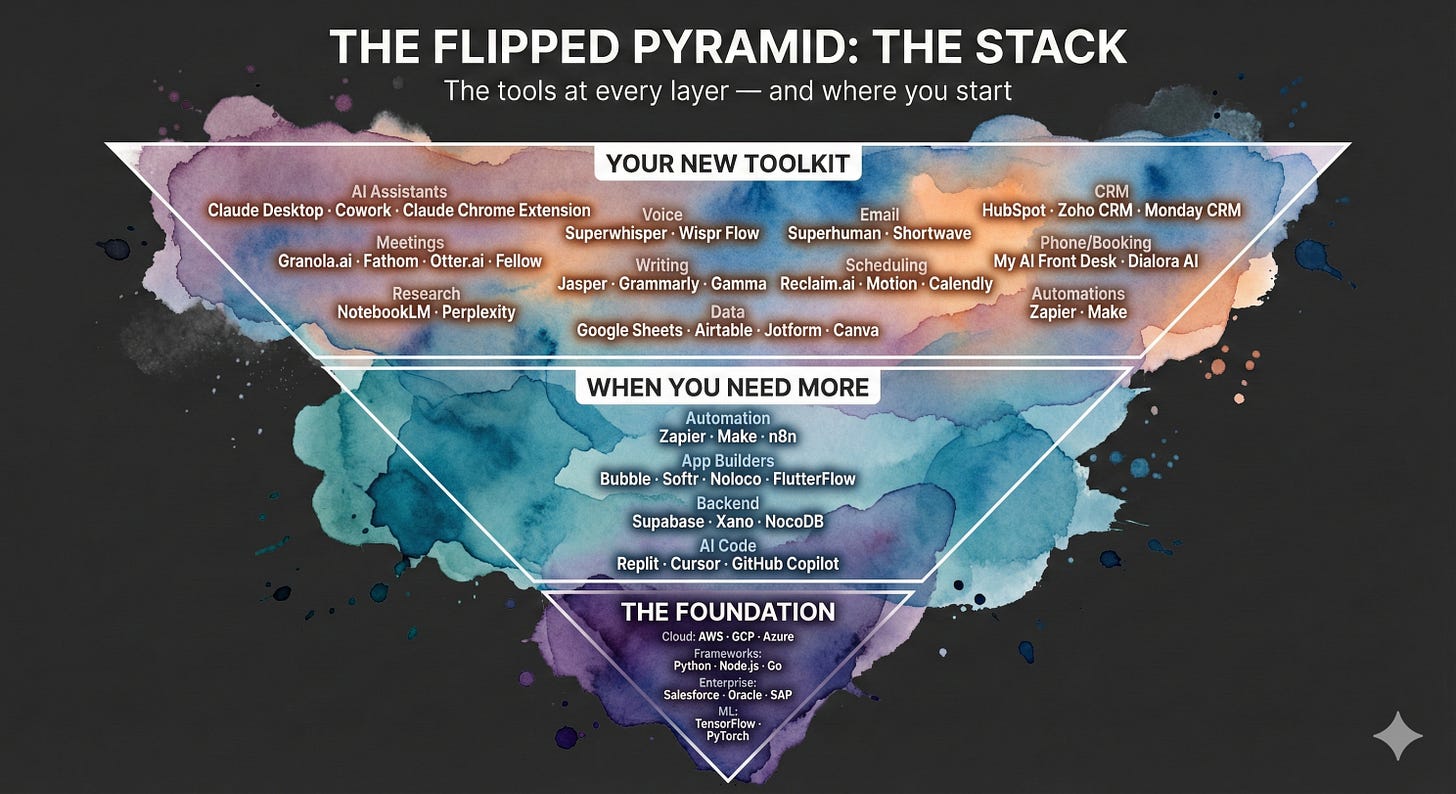
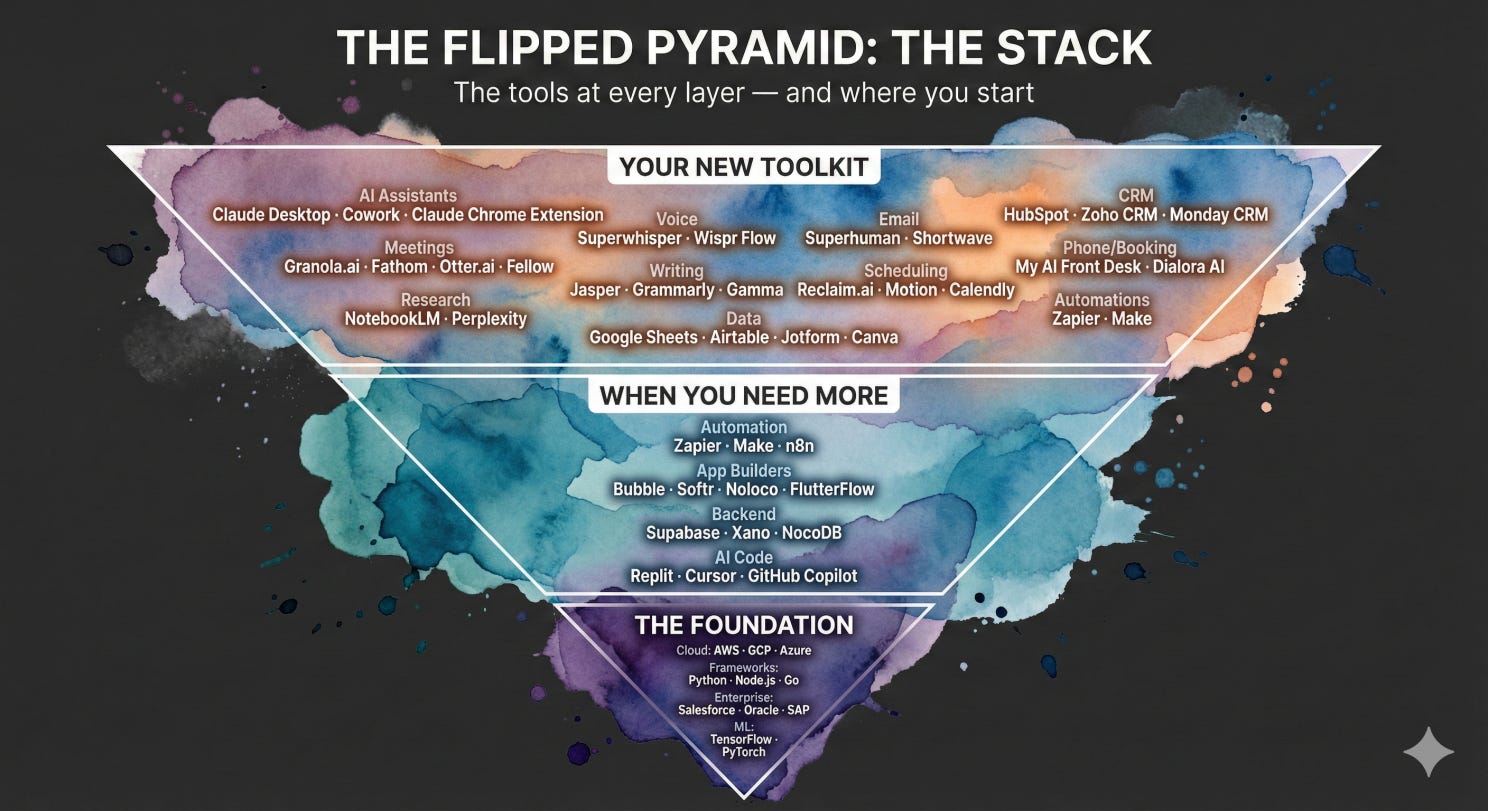
Throughout the history of technology, we’ve seen the same pattern repeat. Someone creates a platform or standard that makes so much sense, everyone stops trying to build their own version and starts building on top of it instead. CRMs. WordPress. Dropbox and cloud storage. Shopify for e-commerce. Stripe for payments. Google Sheets and Google Docs for collaboration. Each one became a foundation that the rest of the world accepted, and built beside it, or on top of it.
AI and skills around it are having that same moment right now — except it’s happening across dozens of categories simultaneously. And many of these tools live squarely at Layer 1, designed for people who have never opened a terminal in their life.
Layer 1 Tools: What’s Already Out There for You
Here’s the good news: the tools already exist. You don’t have to wait for someone to build them. The landscape is big — and growing fast — but you don’t need to learn all of it at once. Here are the categories that matter most, with a few standouts in each. I’ll be going deeper on specific tools and how to use them in upcoming articles and on my channel.
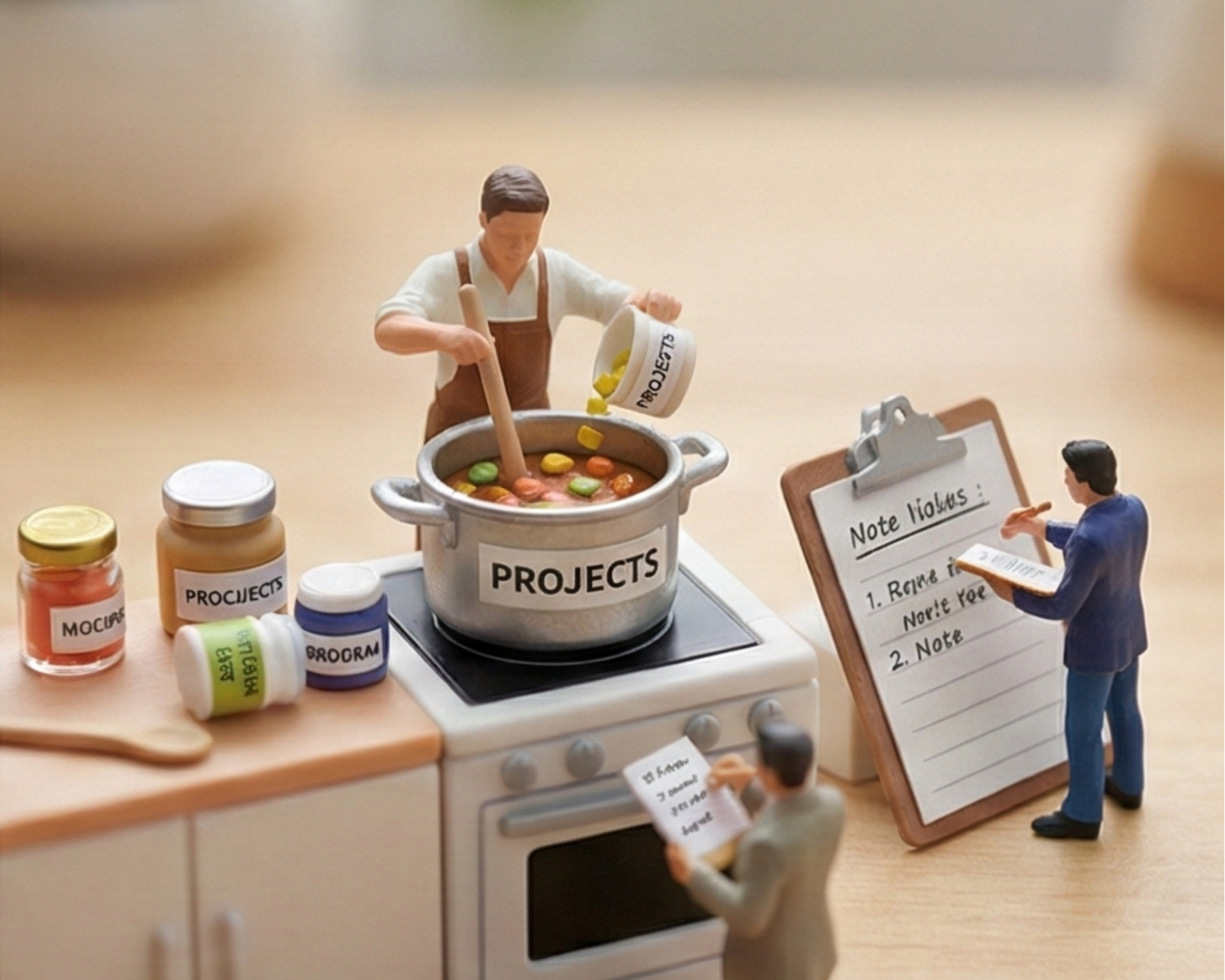
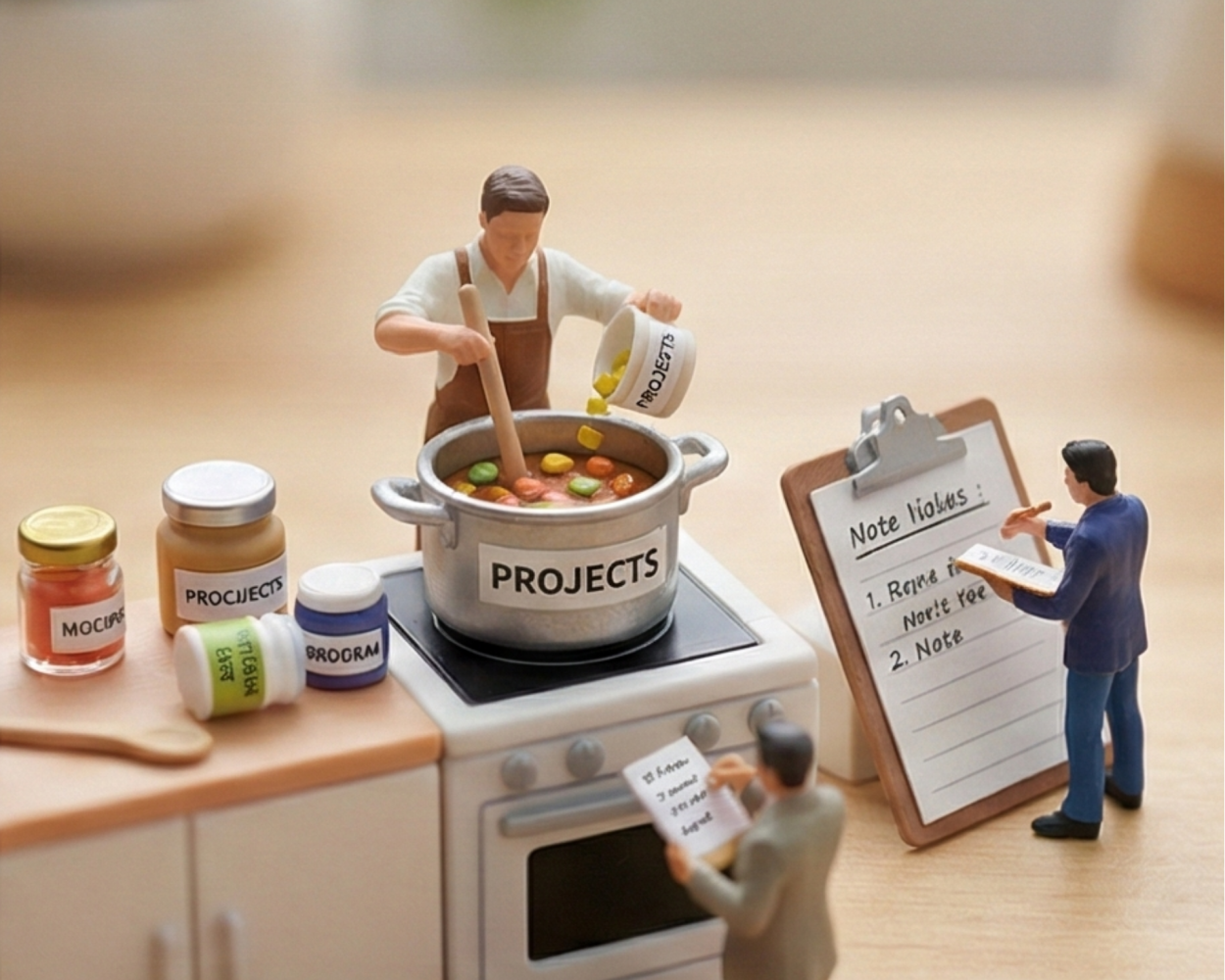
Your AI Home Base — This is the tool you’ll talk to every day. Claude Desktop is where I start — it connects to your calendar, email, Google Drive, Notion, and dozens of other services through Projects, Cowork, and the Chrome Extension. Think of it as a coworker who already has access to your files and knows how to help. ChatGPT and Gemini also live in this space. The key is picking one and actually using it.
Capture What’s Already Happening — Meetings, calls, and conversations are full of information that gets lost. Granola.ai keeps meeting notes private on your device. Fathom gives you free unlimited recordings with 30-second summaries. Otter.ai does real-time transcription and identifies who said what. These tools turn conversations you’re already having into usable data — without extra work from you.
Research Without the Rabbit Holes — NotebookLM (Google) lets you upload your own documents and ask questions about them — contracts, reports, policies, whatever you already have. Perplexity does web research and cites its sources so you can verify. These replace hours of reading and Googling with a focused conversation.
Talk Instead of Type — If typing prompts feels slow or unnatural, voice tools like Superwhisper (works offline) and Wispr Flow (matches your writing tone) let you just say what you need. This one change makes AI feel less like a chore and more like talking to a colleague.
Data Without the Headache — Google Sheets with Gemini built in is a great starting point — you can ask it to organize, analyze, and chart your data in plain English. Airtable works like a spreadsheet but acts like a database. Jotform builds AI-generated forms that handle payments and automation. NanoBanana turns raw data into visuals. If you deal with numbers, lists, or reports, this category will save you the most time.
Connect Your Tools So They Talk to Each Other — Zapier and Make let you build simple automations with drag-and-drop logic: “When I get an email with this keyword, add a row to this spreadsheet and send me a Slack message.” No code. And now AI can help you build these automations just by describing what you want.
None of these require a developer. They require curiosity, a willingness to experiment, and maybe a YouTube tutorial or two. And in the next article in this series, I’ll walk through the core concepts — prompting, context, and the practical skills — that make all of these tools actually work for you.
Layer 2 Tools: When You Need More
[
When a Layer 1 solution proves its value and needs to scale, share with a team, or run on a schedule without someone babysitting it, these tools step in:
Workflow Automation — Zapier, Make, and n8n still have a place here, but now for more complex multi-step flows that connect several tools and run daily or weekly on their own.
No-Code App Builders — Replit for building full web applications using ai. Softr and Noloco for turning Airtable databases into shared team dashboards and portals.
Backend and Database — Supabase for an open-source backend with auto-generated APIs. Xano for a managed database with visual logic builders. Nocobase for a spreadsheet interface on top of a real SQL database.
This layer is getting easier and easier as well. But sometimes it is about knowing these options exist than some skill built over years of doing and training. Knowing what your business needs, and what is the possible tool - today, for the job.
Layer 3 Tools: The Foundation
At the bottom of the stack, the smallest layer: AWS, Google Cloud, Azure. Kubernetes and Docker. Full-stack frameworks in Python, Node.js, Go. Enterprise systems like Salesforce at scale, Oracle, SAP. TensorFlow and PyTorch for training ML models. This is where microservices architectures, access control lists, and deep integration with internal enterprise systems live.
Layer 3 is getting smaller not because it’s less important, but because the tools you use every day are being built on top of it. It becomes the plumbing — essential, but invisible to the people turning on the faucet.
Why This Matters: The Person With the Idea Can Now Build It
Here’s why the flipped pyramid is such a big deal: the person with the idea — or the need — can now get the task done. Not every idea has the budget to hire a developer. Not every workflow improvement has a business case that survives a procurement process. So those ideas just died. They went un-built.
Not anymore. The video below is about someone who built their app while riding the bus to and from work using Replit. They couldn’t have afforded or had time to build it otherwise. That story is going to become common. The bus-ride builder. The lunch-break automator. The person who says “I had this idea” and then actually does it that same afternoon. The idea person can materialize what they could not before.
Builder Spotlight + Office Hours
The person who understands the problem best is finally the person who gets to solve it. Not because they learned to code. Because the tools met them where they are.
From screenshots to styled reports (using prompts and style guides), from call logs to follow-up emails, from raw data to client-ready summaries — these workflows are now possible, saving hours of tedious copy-pasting and retyping. The tools themselves aren’t tricky. Knowing which tools to use can be — and that’s exactly what this series is here to help with.
The Shift No One Is Talking About
[
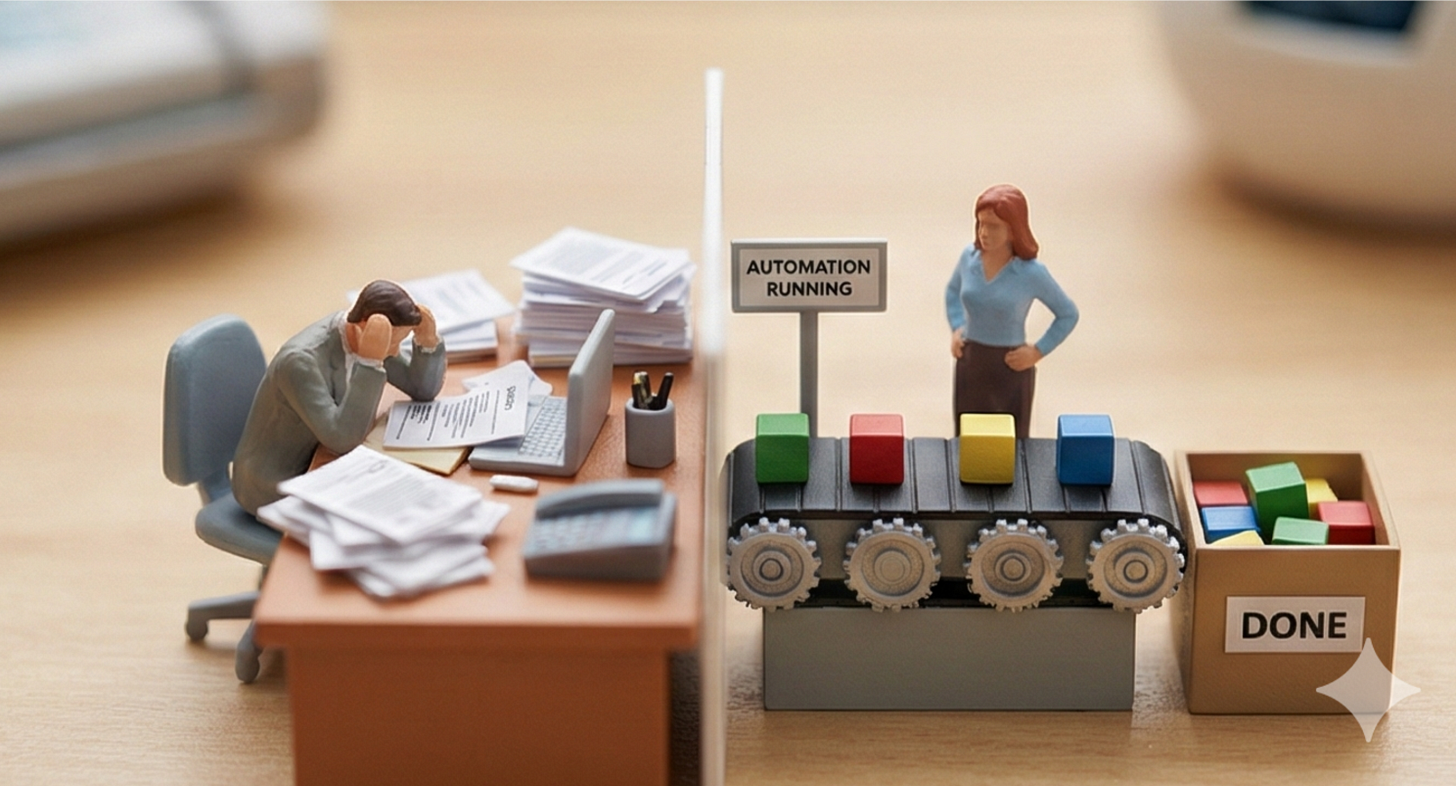
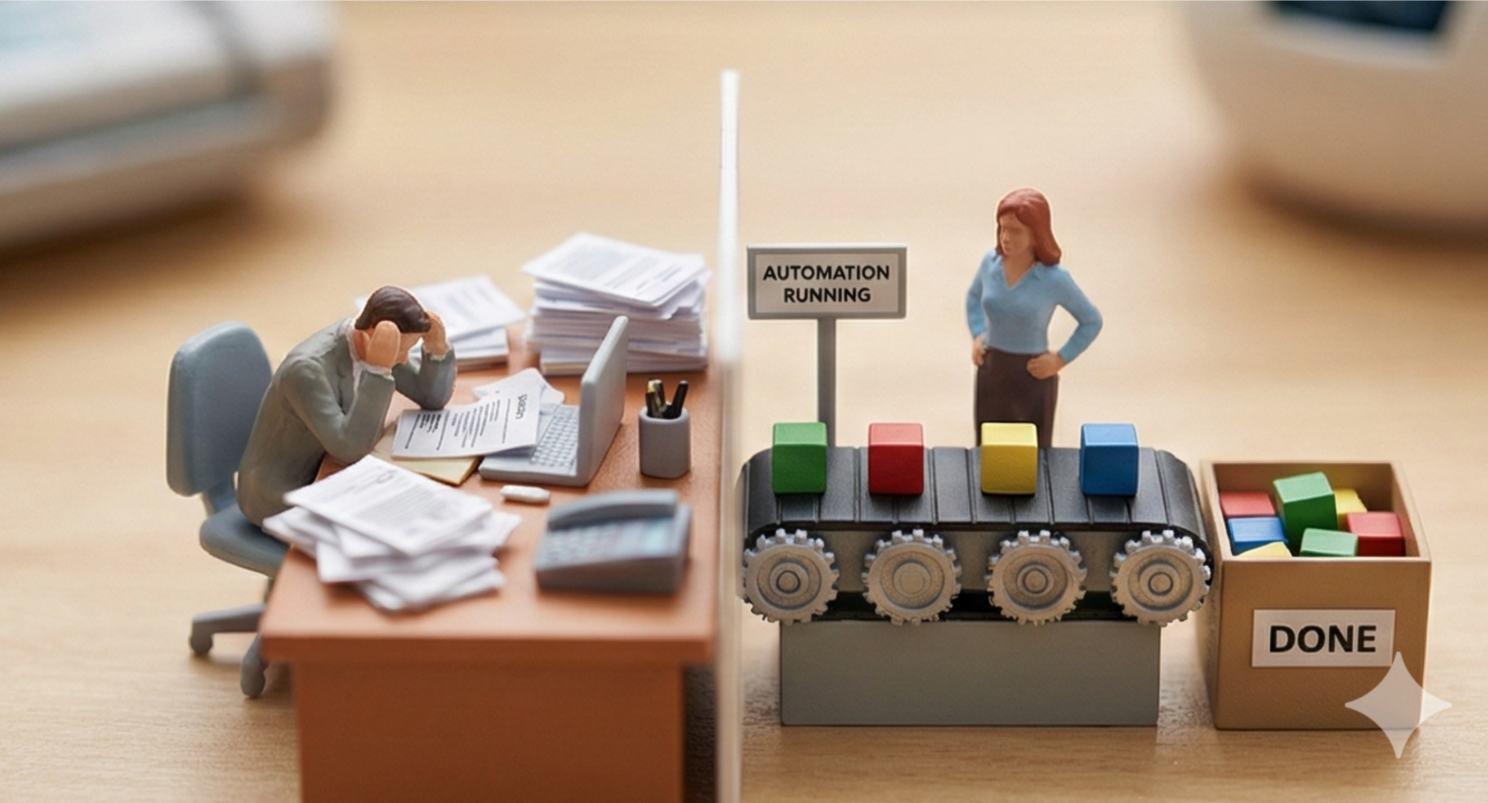
For the first time or more than ever, the person who understands the problem best is the person solving it. They don’t have to translate their needs through three layers of management and a developer who’s never done their job. They sit down, describe what they need in their own words, and build it.
That’s a profound change in how work gets done. And it means that the most valuable professional skill of 2026 isn’t coding or managing teams of people to get a project built. It’s knowing how to use AI tools effectively — understanding prompts, connecting integrations, building context that makes AI useful to your specific work, and knowing when your solution has outgrown Layer 1 and needs to move to Layer 2.
These are learnable skills. Practical, everyday skills — not computer science degrees. And that’s exactly what this series is about.
Where You Start
You don’t need to overhaul your workflow. You don’t need your boss to approve a new platform. You need ten minutes and one task you’re tired of doing manually.
Connect your AI assistant to your email and ask it to summarize your unread messages. Feed it last week’s meeting notes and ask it to pull out the action items. Describe the report you build every Monday and ask it to draft the next one.
That’s it. That’s the first step.
From there, it builds. You start to see the patterns — the places where you’re doing work a machine should be doing for you. And once you see it, you can’t unsee it.
Bosses: give your people time to experiment. If everything is ASAP, there’s no time to optimize and learn. The teams that figure this out first will outpace the ones that don’t.
For those starting a new business or competing with established ones — this is the moment to leap frog. You can build features and workflows that weren’t possible a few years ago, often just by describing what you want to an AI tool and letting it build it for you.
What’s Coming Next
This article is the why. Next, I’m going to walk you through the how — the core concepts that make all of these tools actually useful: how to write prompts that get results, how to give AI the right context, how to build repeatable systems for your specific work, and how to share what you build with your team. It is not a science or a certificate course or anything that complex.
These aren’t abstract ideas. They’re the practical, day-to-day skills that turn “I tried ChatGPT once” into “I saved four hours this week.”
I’ll be sharing all of it here, on YouTube, and on SubStack. If you’re a business owner, a team lead, or someone who just knows there’s a better way to get your work done — this is for you. Follow along, try the tools, and bring your questions. The best ideas are going to come from you actually doing it.
The pyramid has flipped. The wide part is where you are. Let’s put it to work.