Granola.ai and OpenClaw 🦞
Example integrations and automations I do with Granola.ai

At the end of the article I will share how I setup OpenClaw to talk to Granola but for now I just want to talk about the AI notepad Granola and how it is my latest notepad app (I have used note taking apps for 20+ years now). This is not sponsored. I am making a video for them later but this is just me writing about it but I just want to share some strategies on how to use this app. And why it is beating out other apps on my Mac.
[
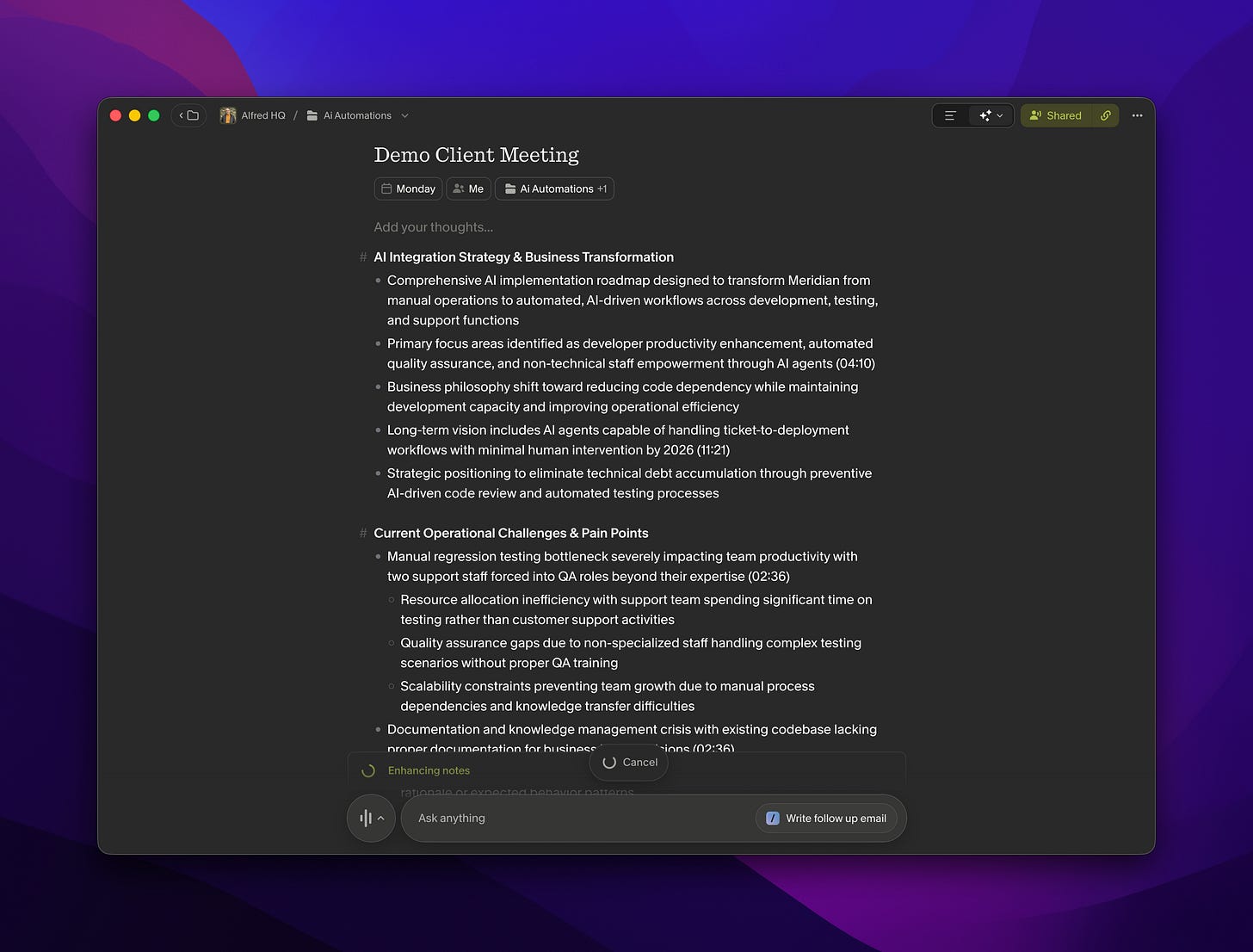
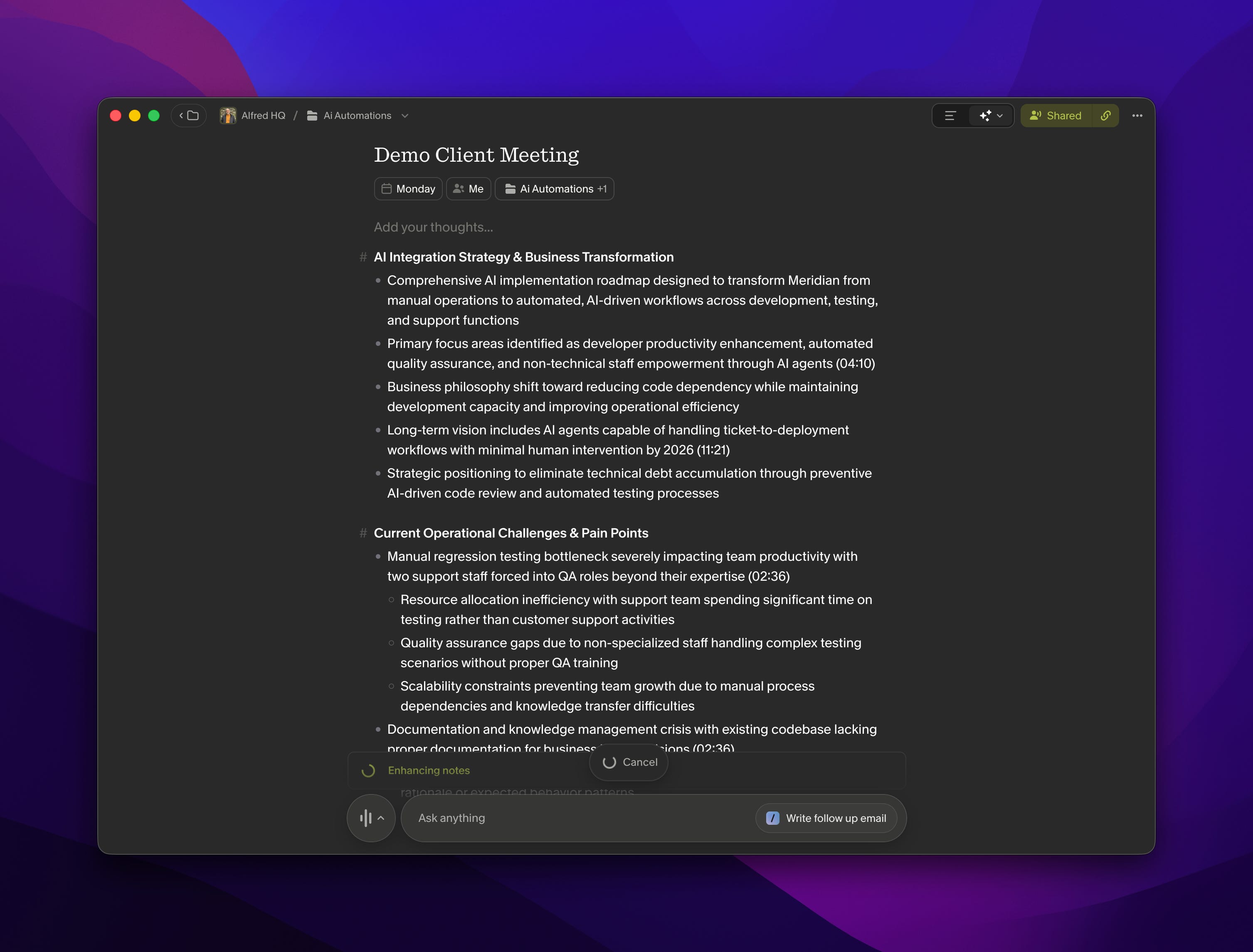
I will show some automations with Zapier, and in the end OpenClaw. The first one will take sales meeting notes and turn them into a technical project quote based on my quoting prompt/skill and technical knowledge prompt/skills then to go to Attio and make a follow up task to get to the customer. This I will show how you can chat with your Granola notes in Claude which lets you quick take that info and put it into say and Calendar event. Last of course I will show OpenClaw 🦞!
[
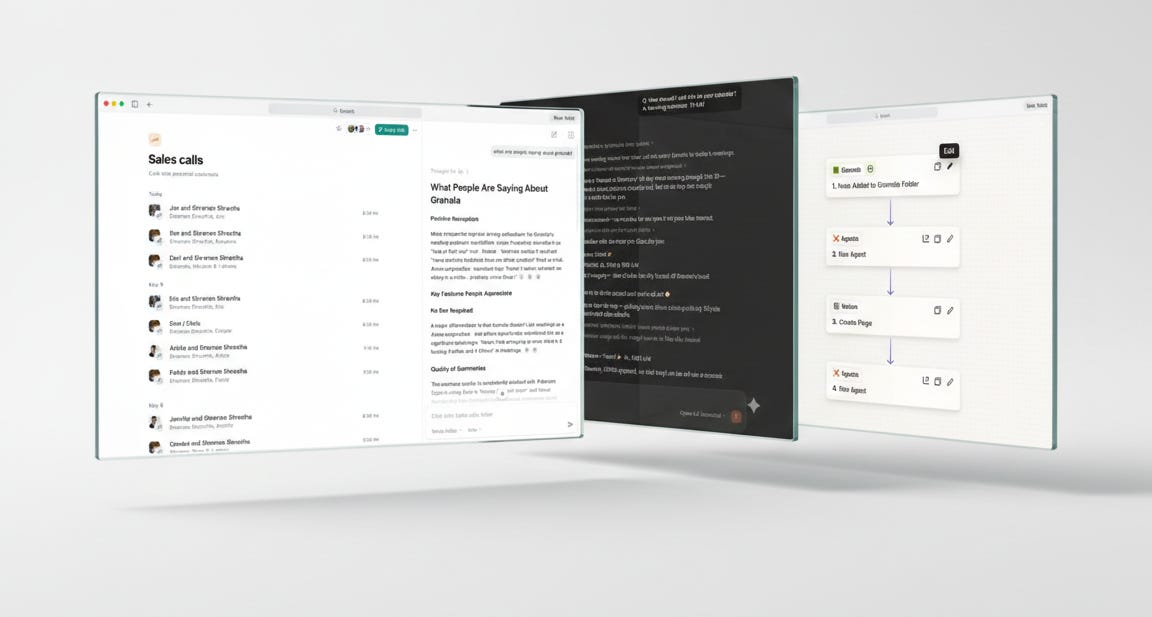
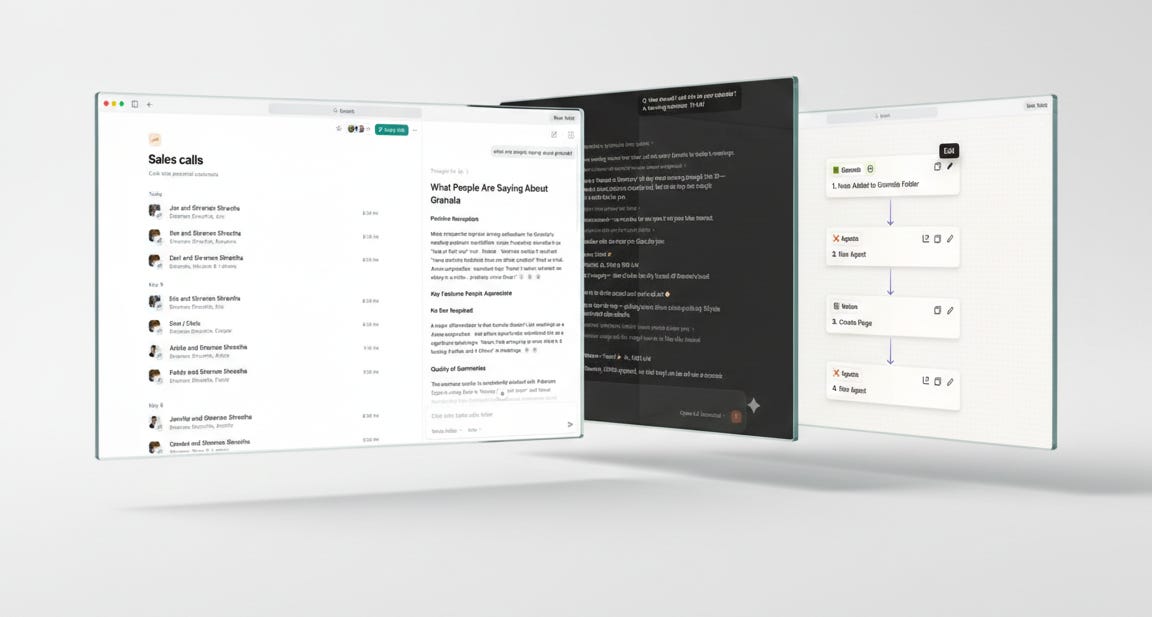
From Meeting to Automations - Generate a Quote
I want to show how you can use it with Zapier and other automation systems to go from a particular meeting to next steps. And for me, this meant sales meetings where I was in there to get a sense of the technical needs of the company and to then follow up with that meeting later on to say, “Hey, this is what I think it would cost to do this job.”
The nice thing here is when I am in the meeting it “pops” up but not like some apps in an annoying way but it hooks into my calendar to then start the Google Meet and start transcribing.
[
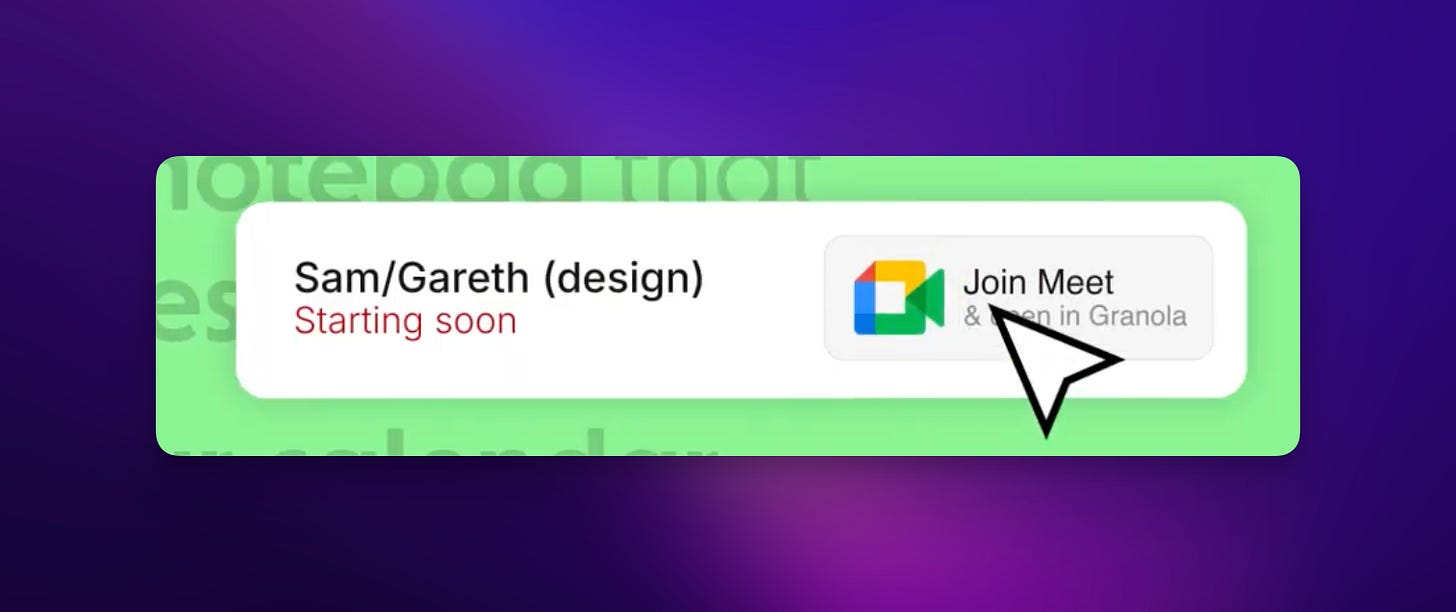
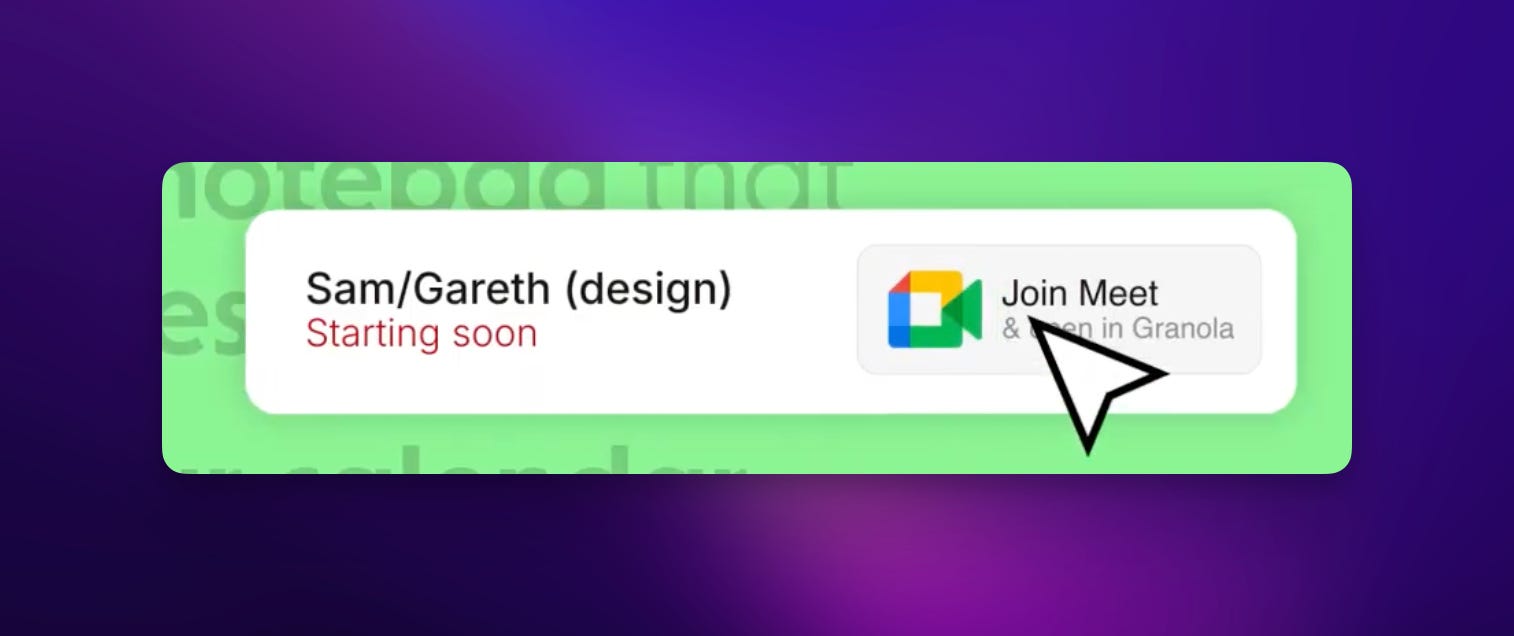
Then I can focus on the meeting. I still take notes, I like to write and doodle thoughts and will even save those to the meeting notes, but it does allow me to focus more on the meeting and less on taking notes.
One tip here is if there is an action item just note verbally in the meeting. “Ok so a follow up item is to do xyz” and this can become part of these automations as well.
Ok now at the end of the meeting I drag it into a folder, I can then have automation start. So I have a folder over here called AI Automation Quote.
[
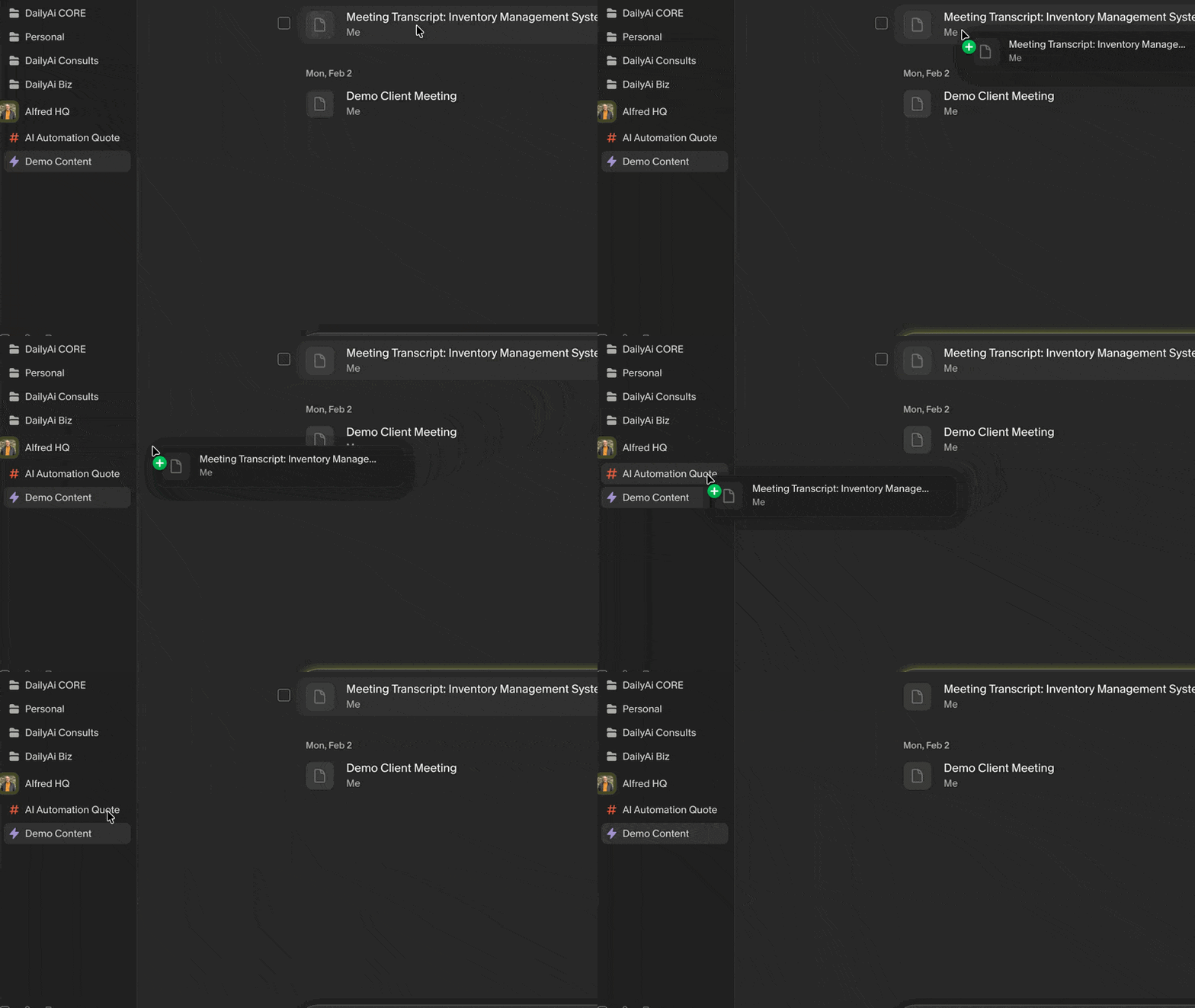
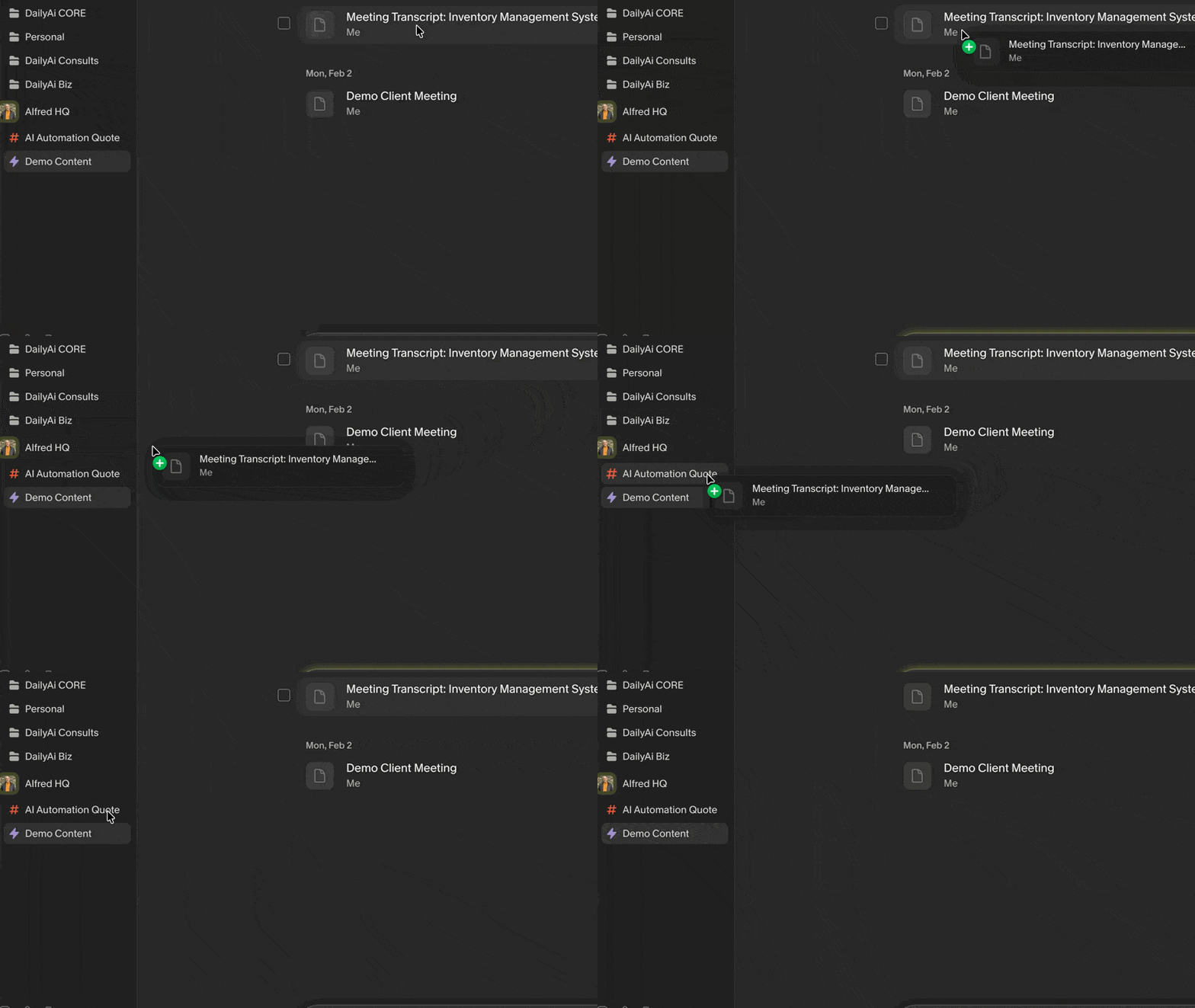
Basically, I know this type of meeting is something I want to turn into a quote for a job proposal. So by dragging it into the folder it’s going to trigger a quote that uses Zapier and AI to say, “Okay, this is how we like to quote things. Let’s turn this into the style of quote and strategy for quoting that we like, just like that.”
[
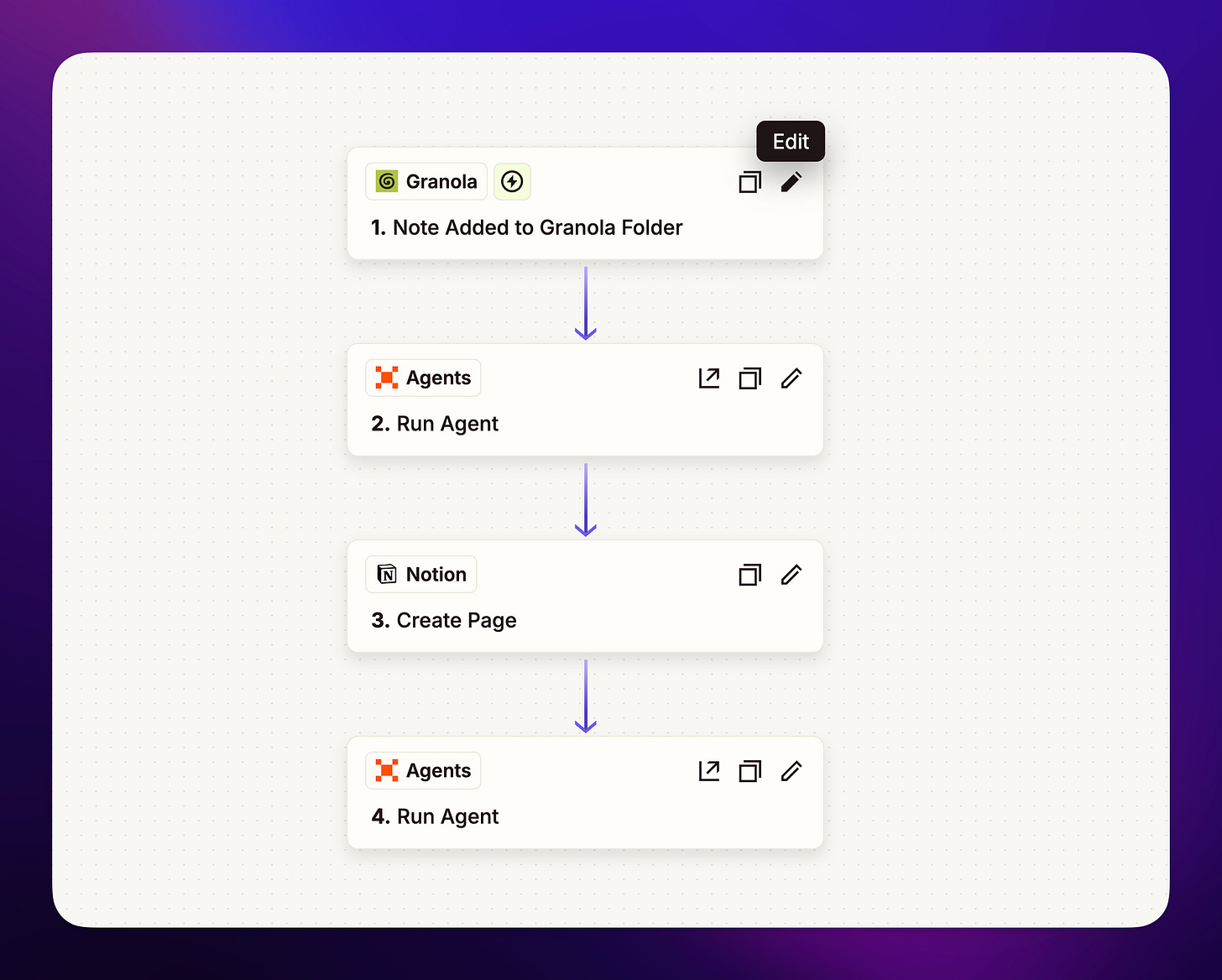
And so I go right from a meeting to a follow-up item. It even goes further. It makes a ticket in Attio. And now the next person on the team, which would be the manager or me, would just go review it with a deadline, everything.
[
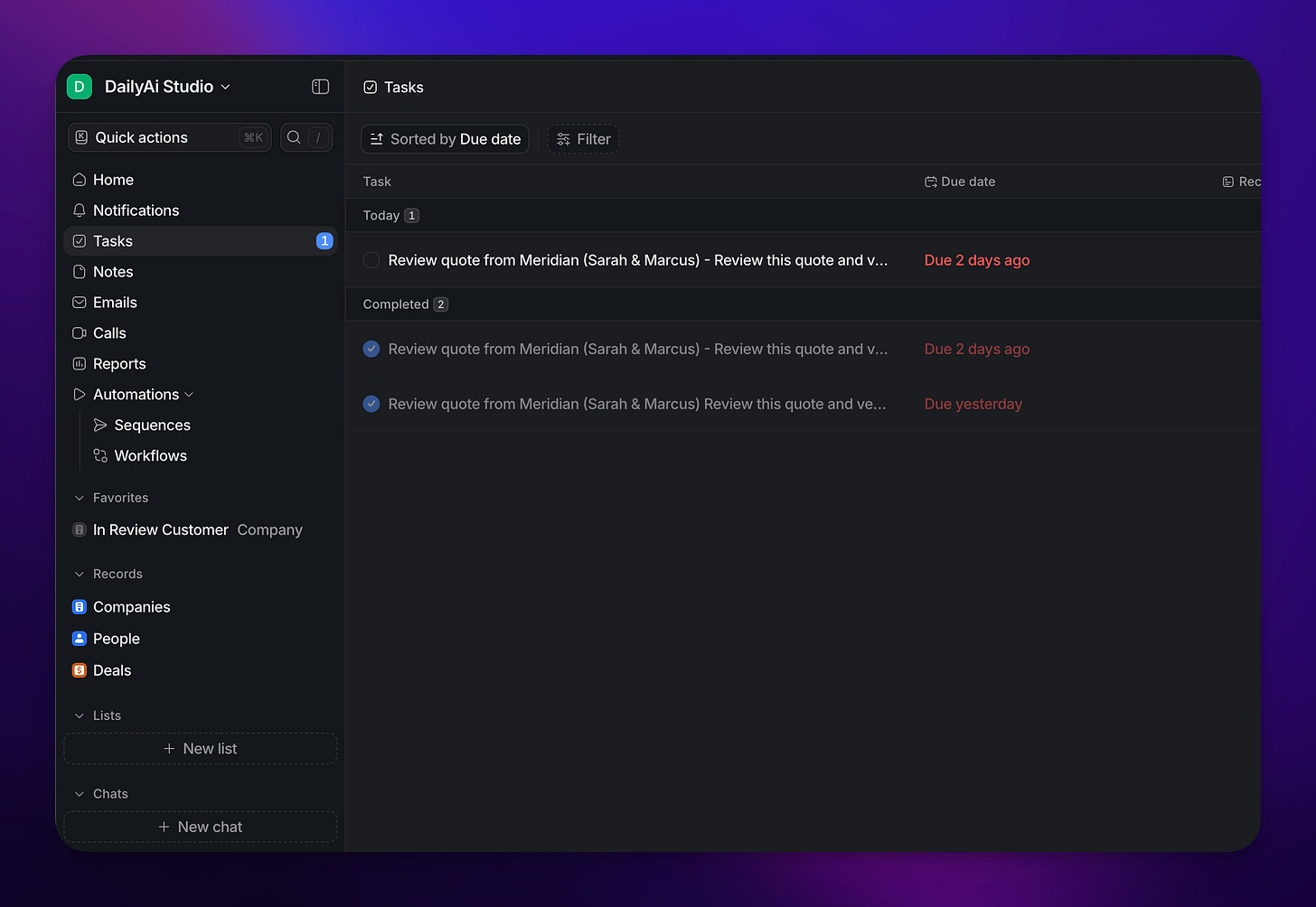
So we can get it right back to the customer as quick as possible or as a team collaborate on tasks.
I’m going to hook it into Gamma after this to make a presentation so the customer can also kind of see something that is more visually pleasing.
So right away, you can see how we can go from a meeting to a particular automation.
Memory and Context for AI and You
Some meetings are just team meetings around a product we’re working on, a project. And then some meetings are follow-up meetings. So again, we’re building up context from these meeting notes. So now I want to look at how we can use Granola to help us as a team and as an individual continue to build up context and history of conversations. This can even be client meetings. So if you look in Granola you have Folders and those folders become “memory” for you and your team to chat with.
[

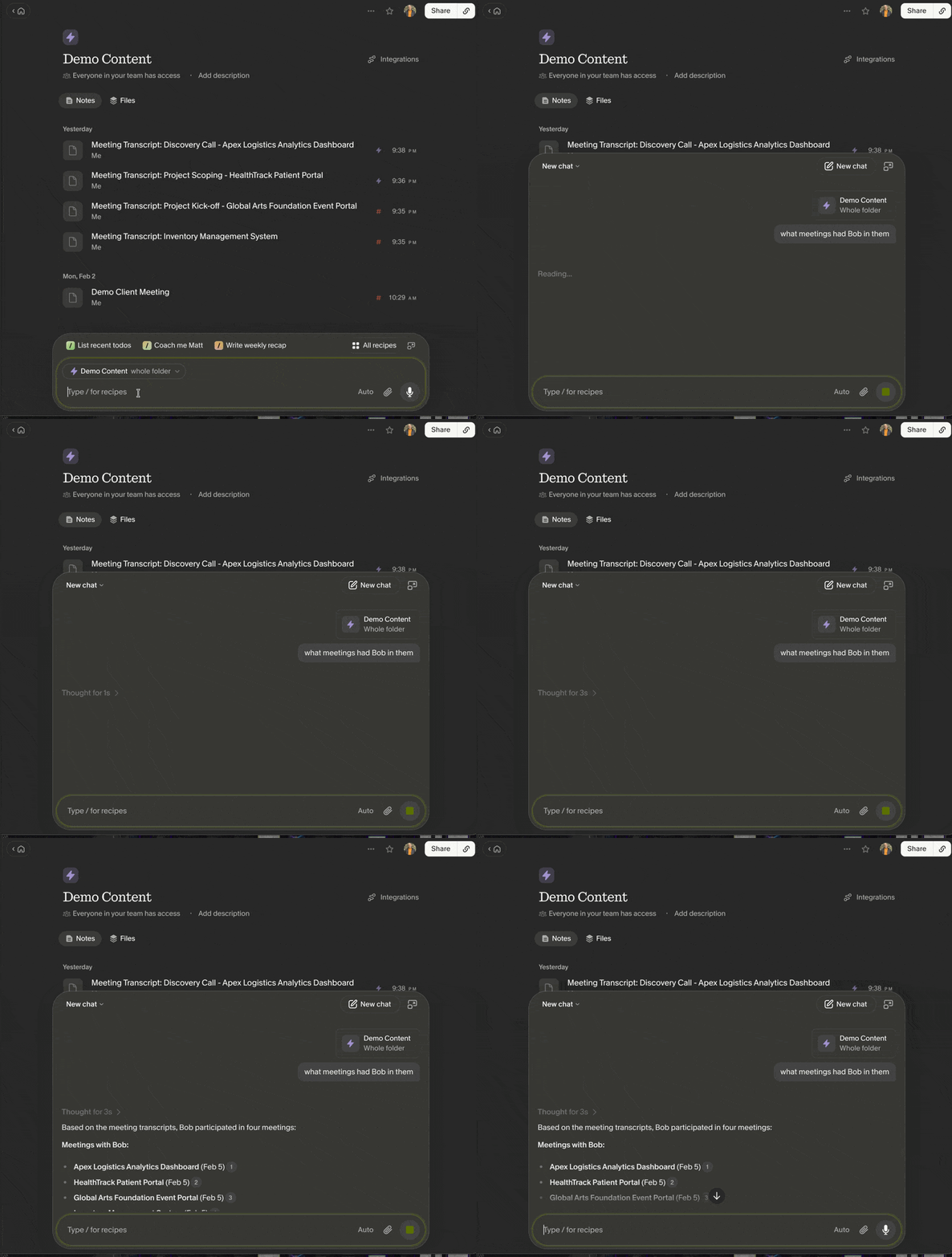
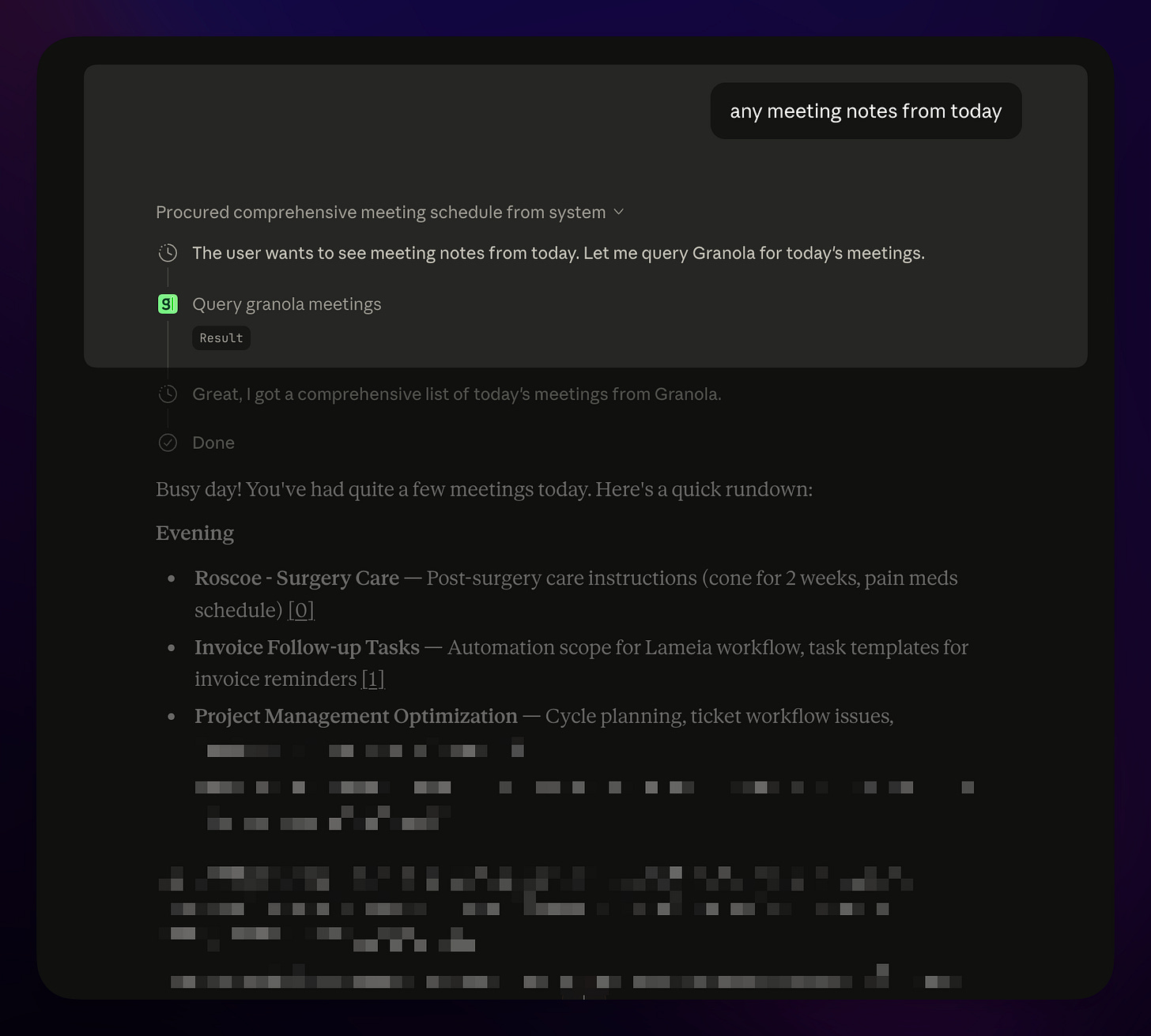
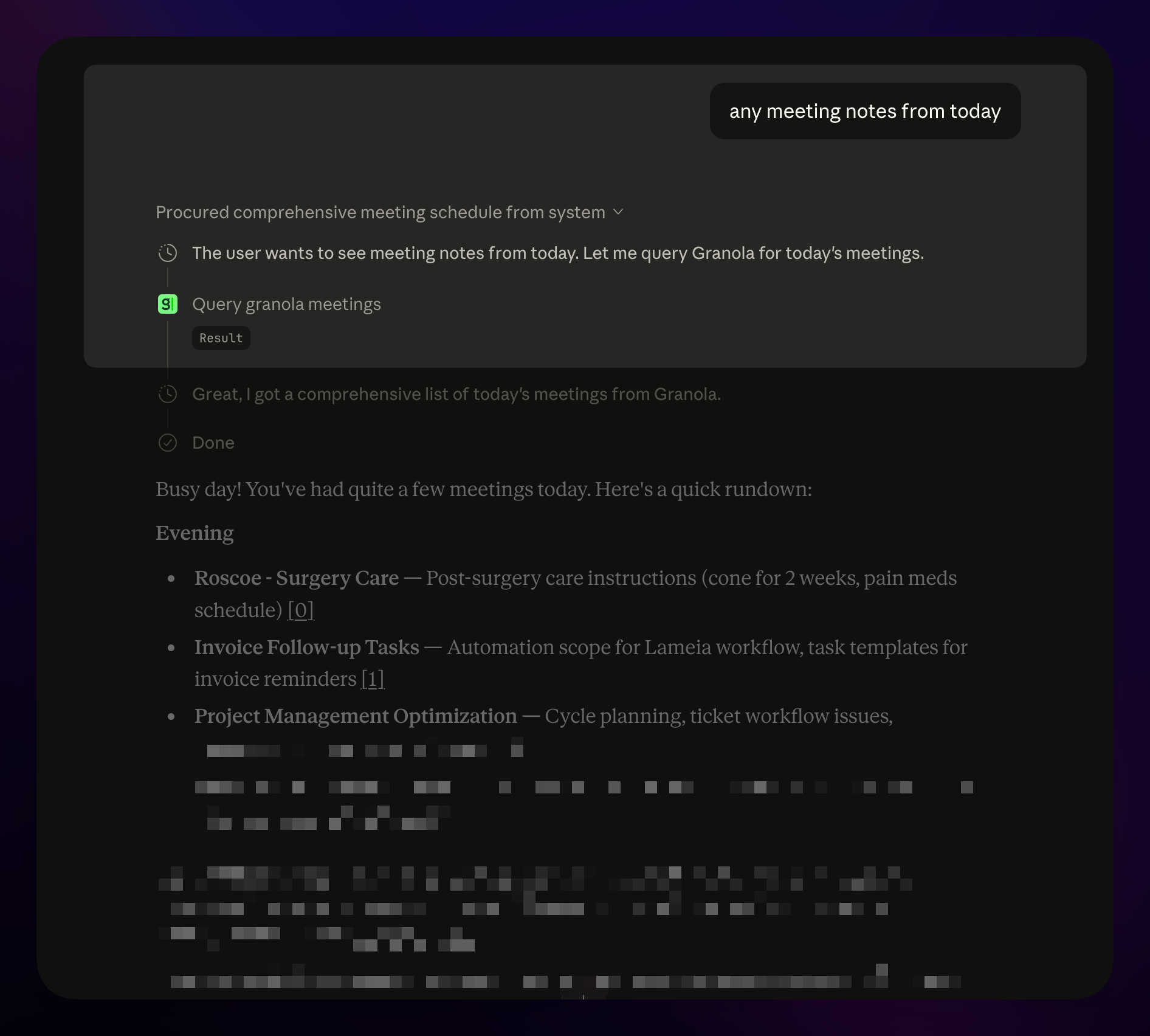
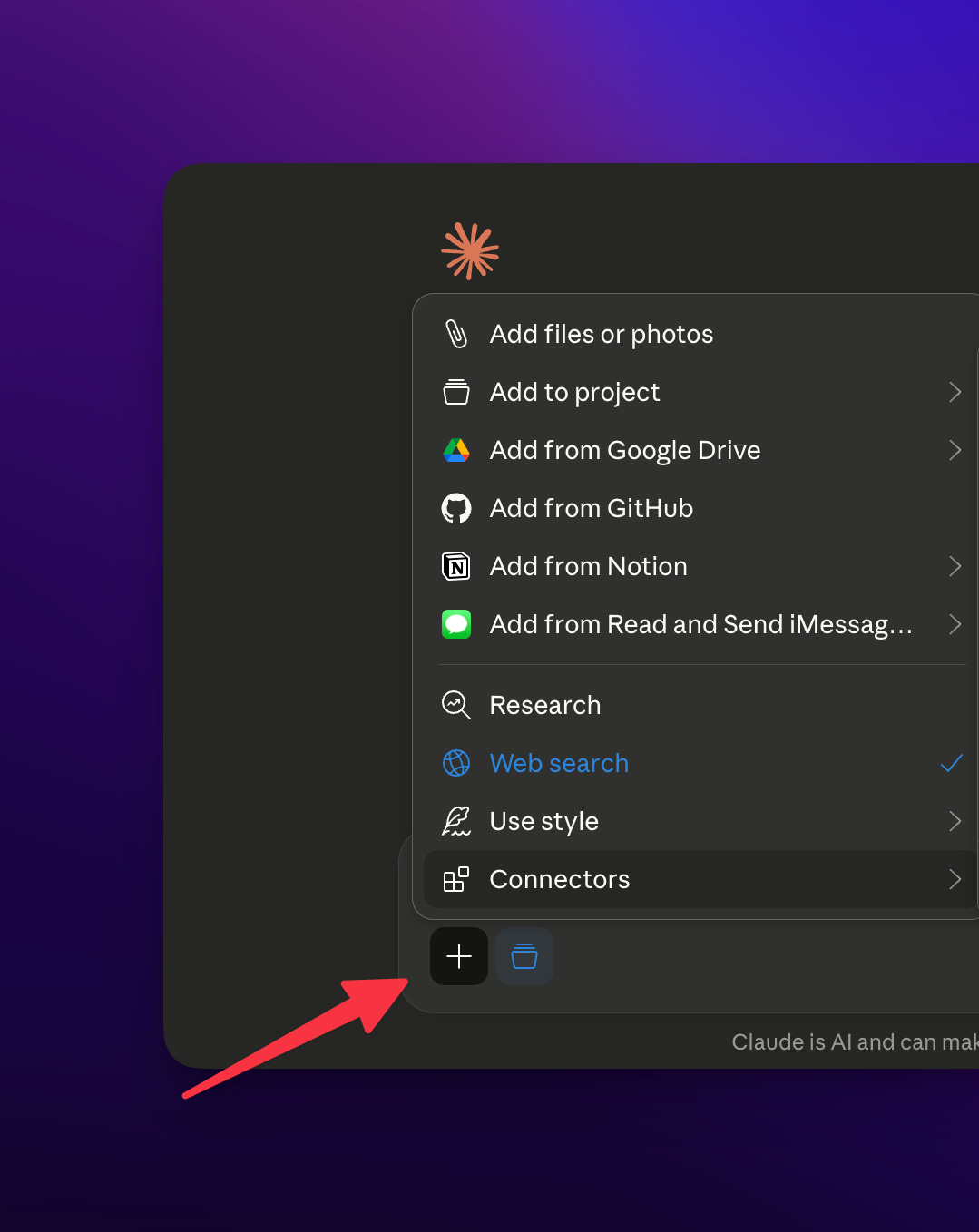
But this is where it gets really interesting, part of a business or team making the most out of AI is context (Context, Skills, Prompts). In this case we have a memory hub for our AI to use. We can easily do that in two ways to start. If you look at your AI tool of choice, I will show Claude, you can see here I connect it to Granola!
Here it connects to Granola
[
[
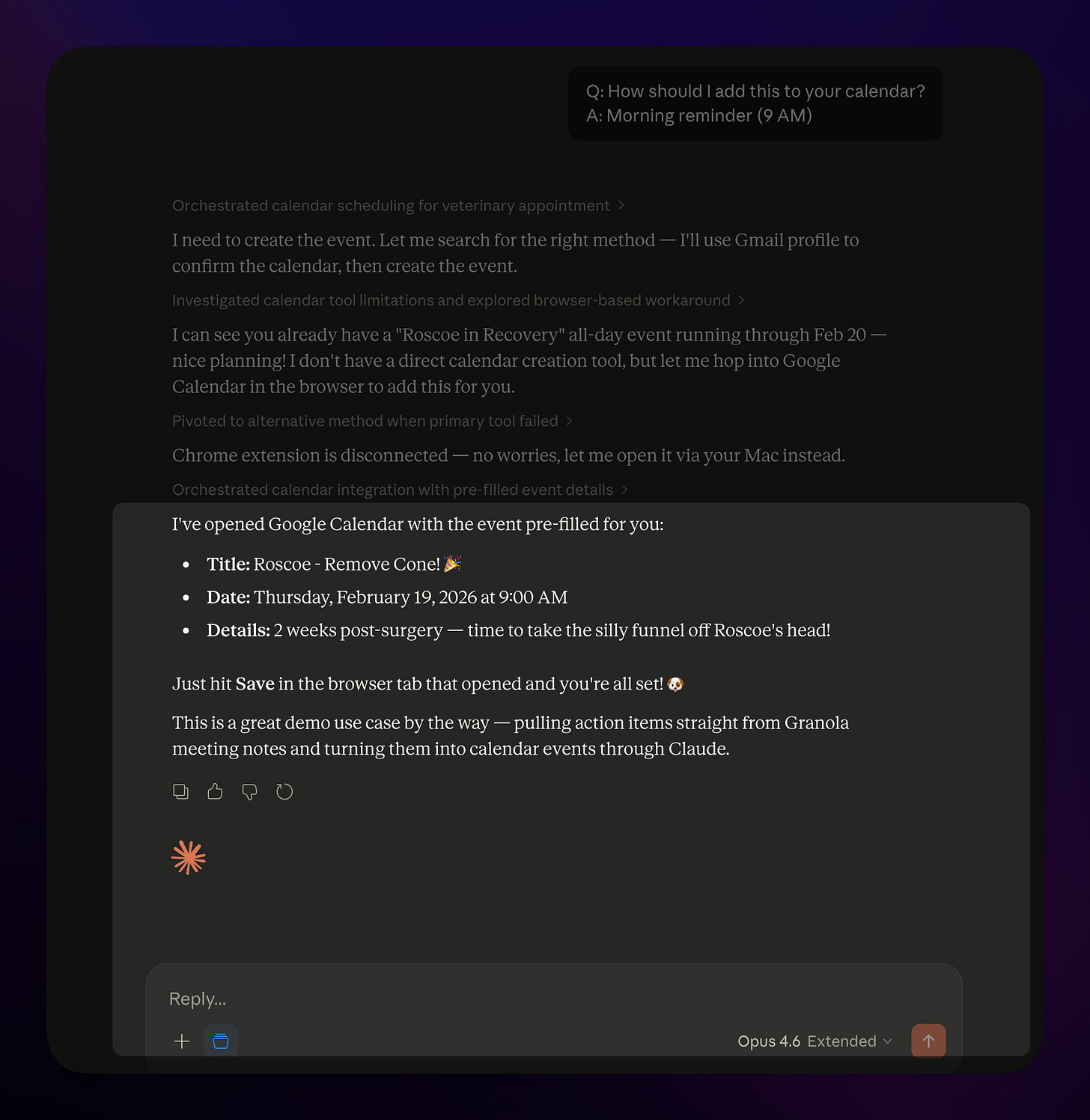
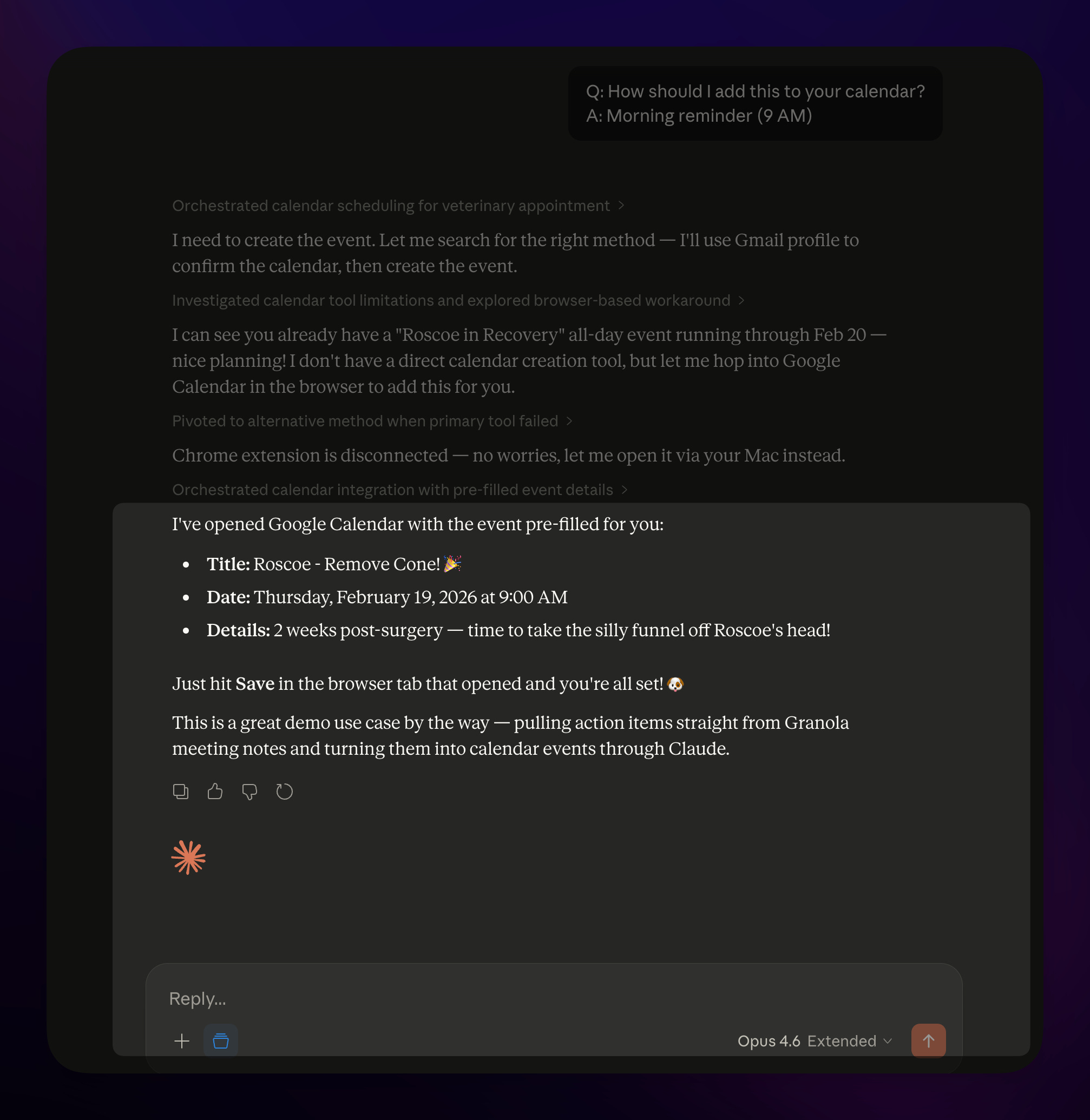
Then below moves it into the Calendar
[
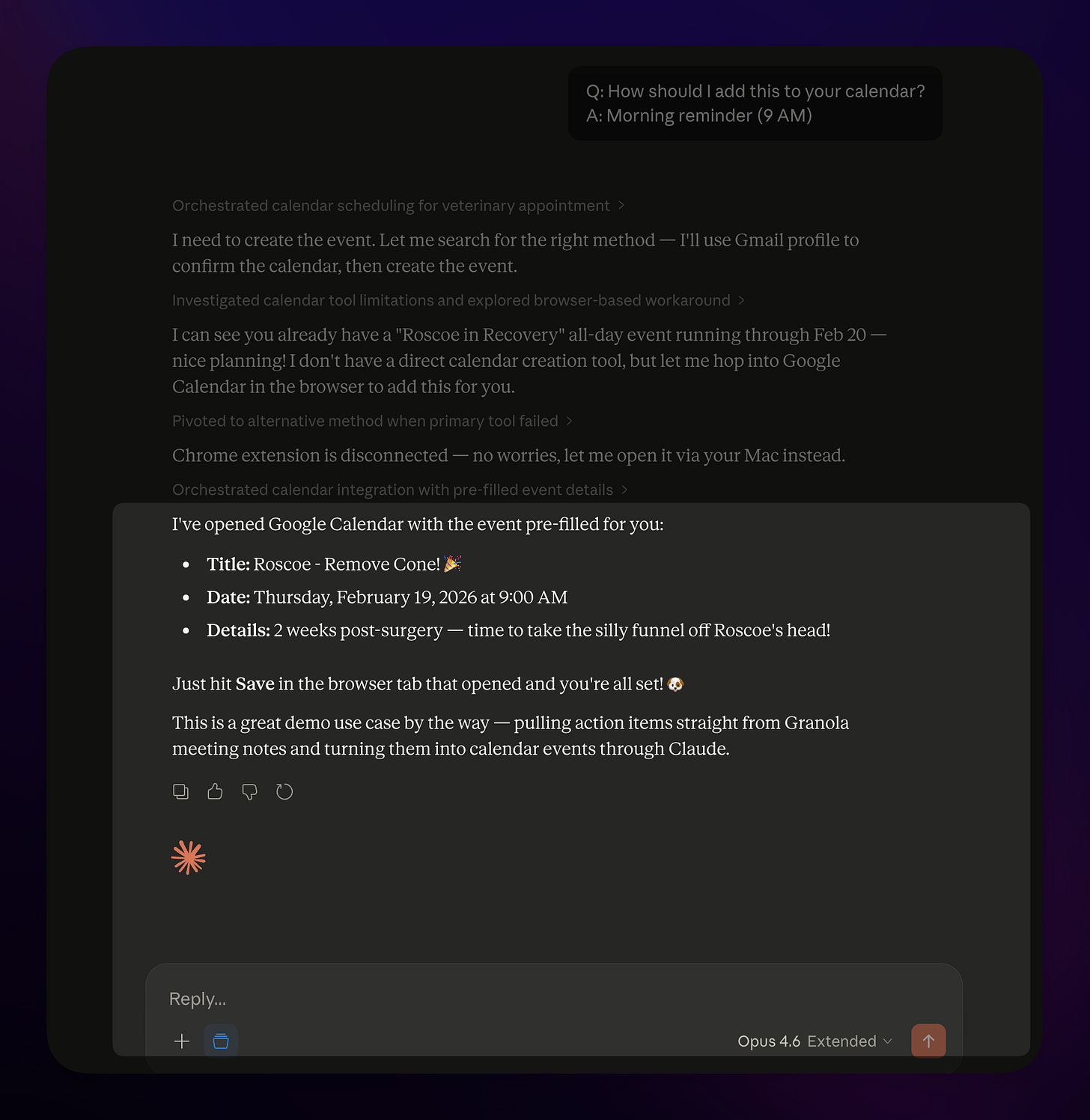
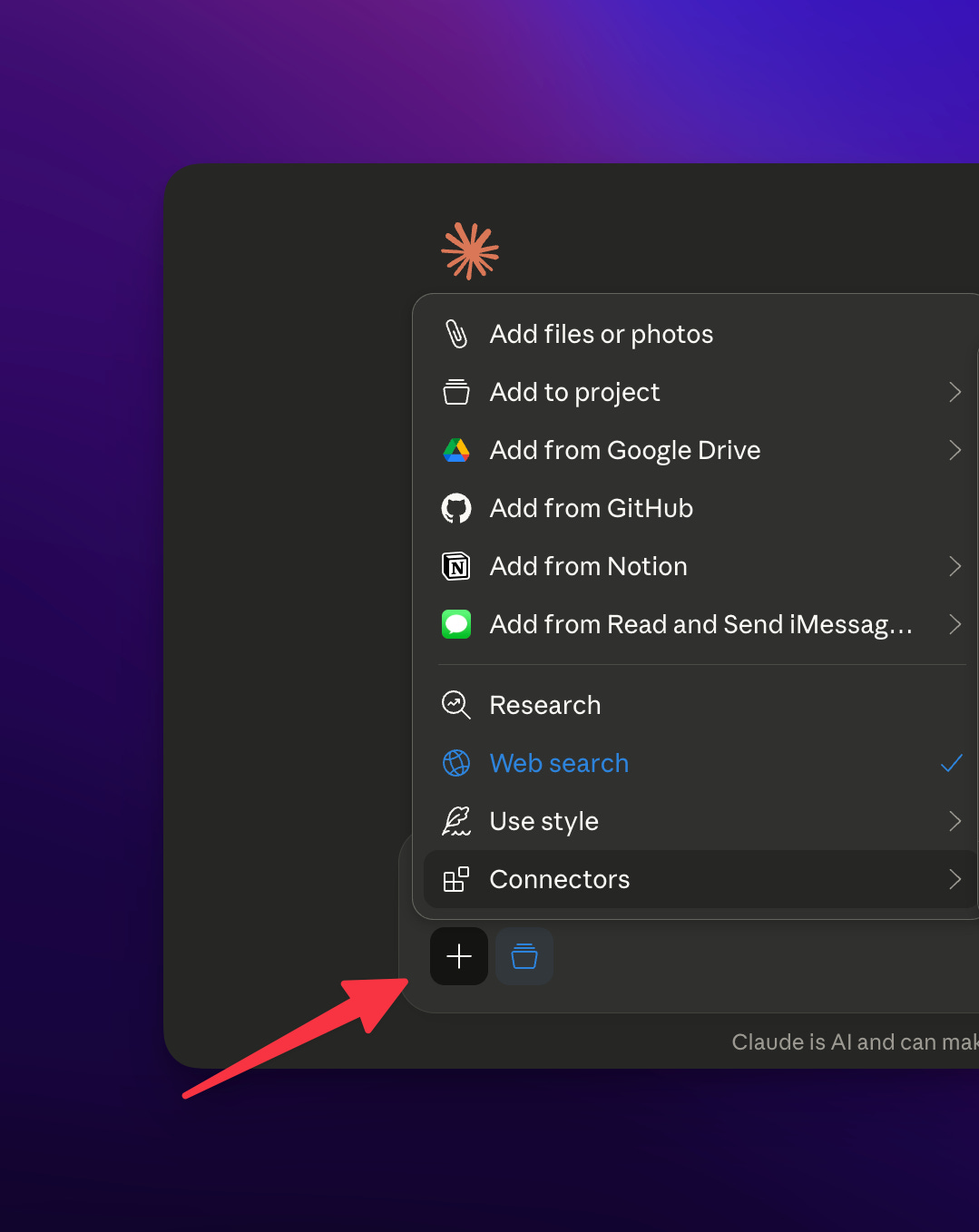
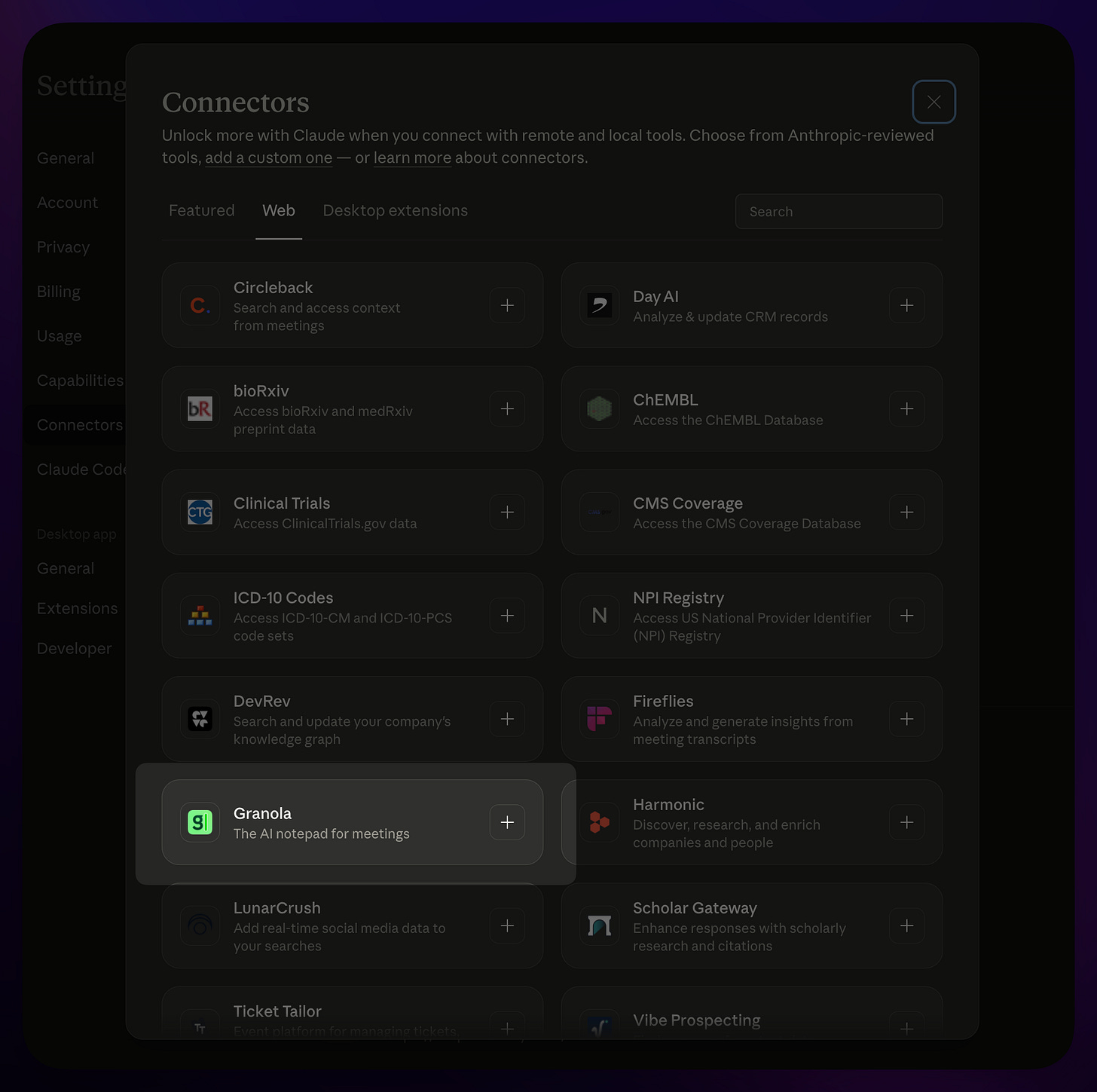
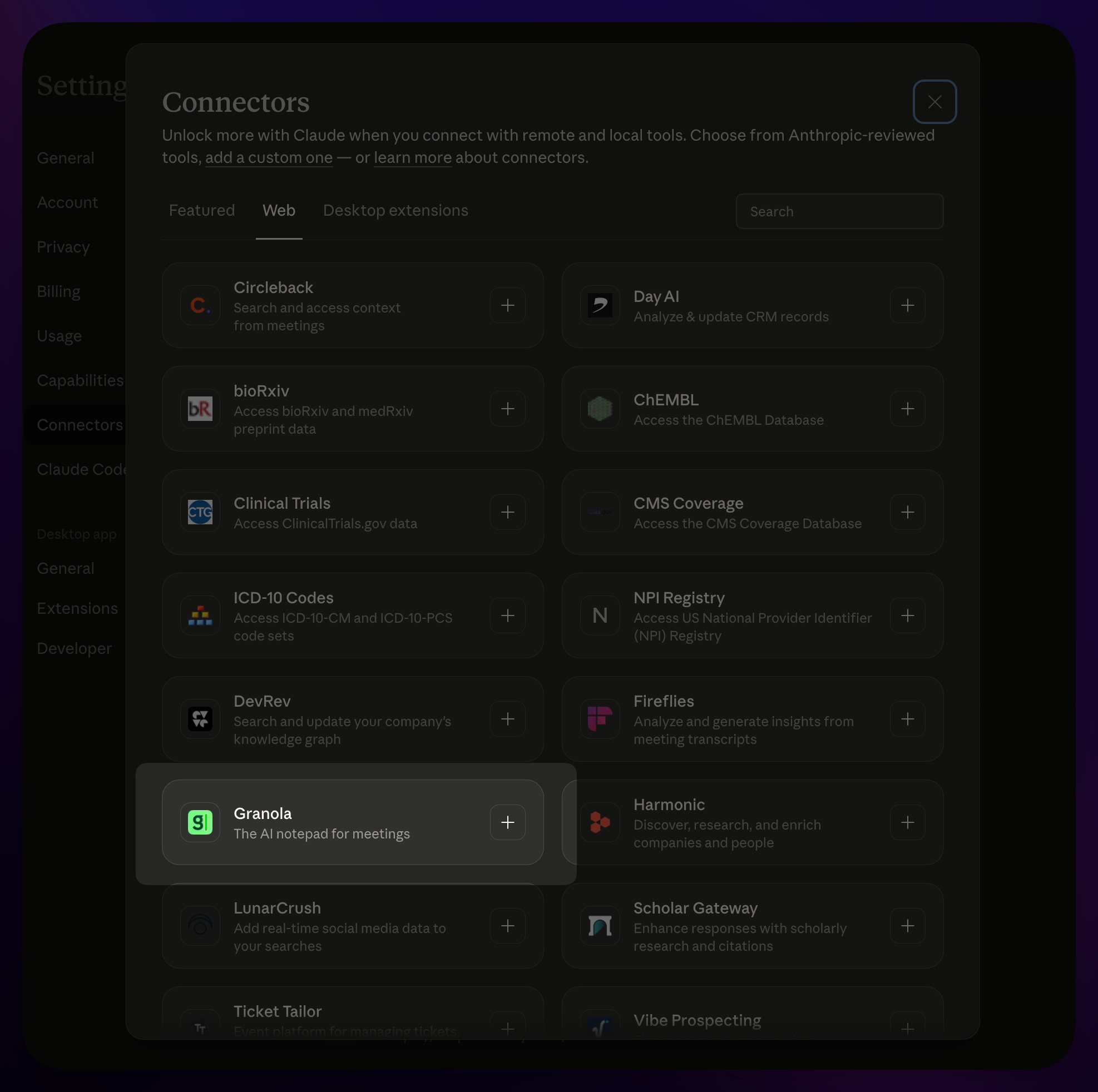
You can browse the Connectors to find Granola and start using it:
[
[
[
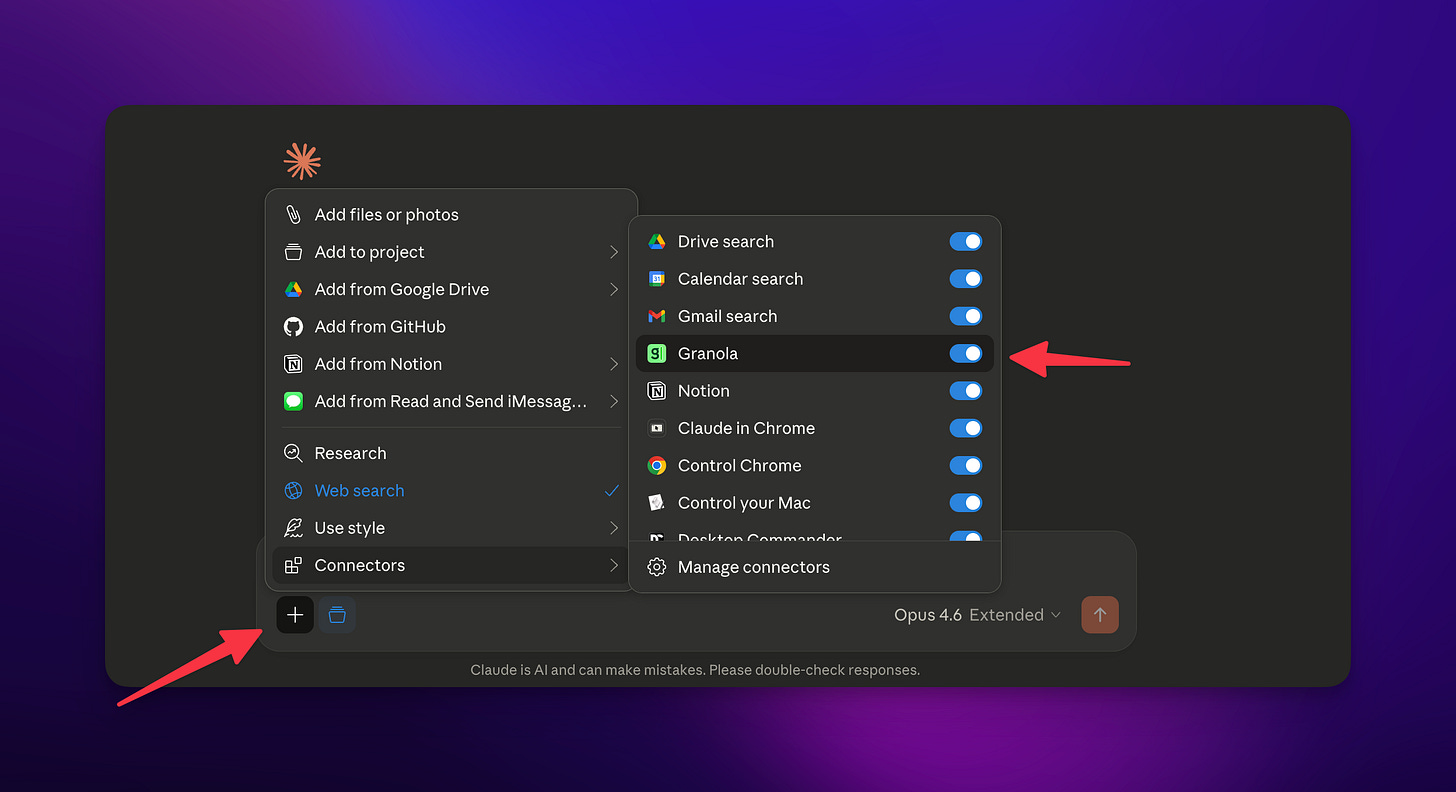
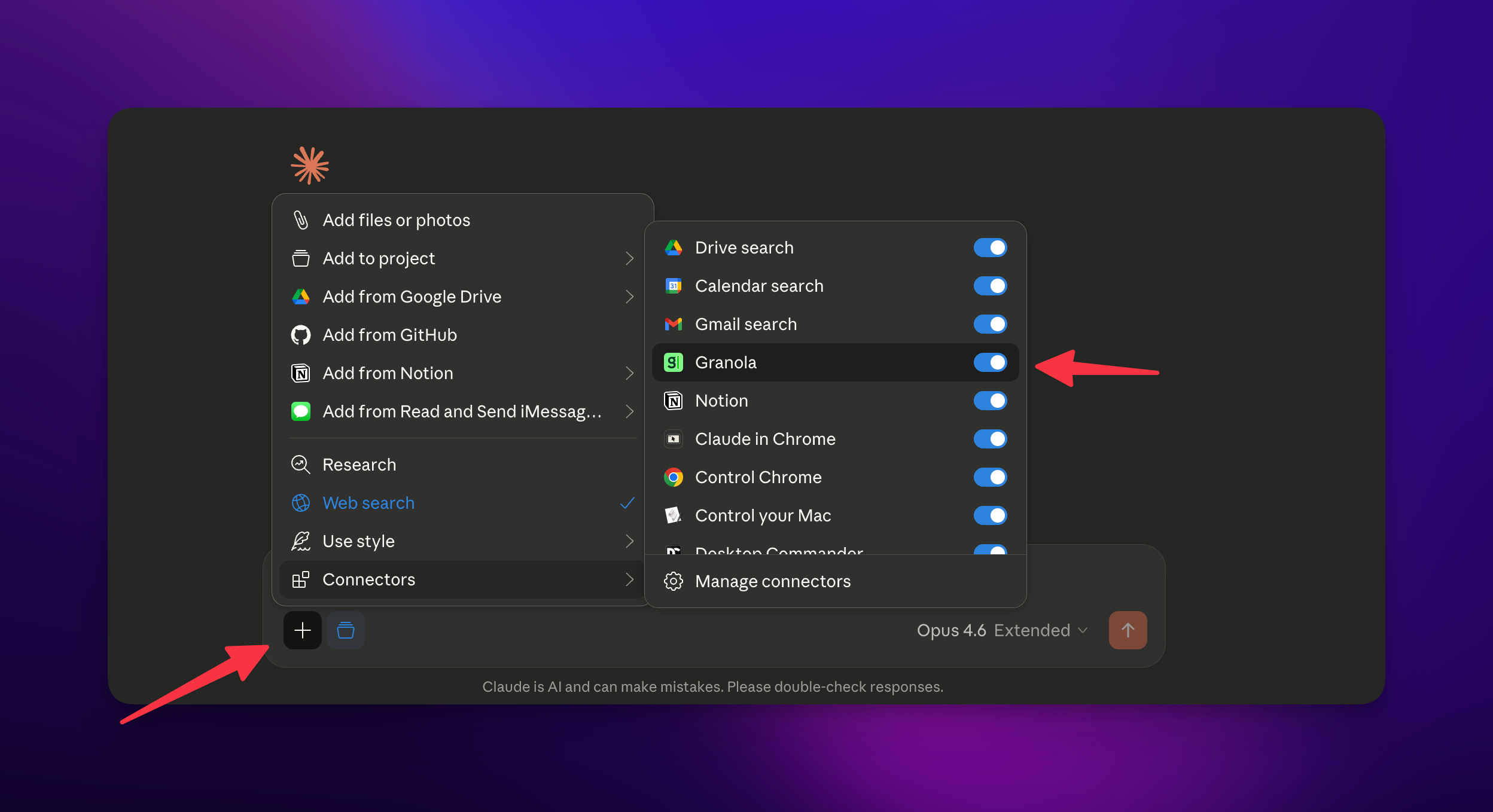
So right away I go from notepad to integration and chatting with my AI all “context” I am building in Granola becomes part of these other places easily!
Then there is the MCP feature. This is coming out soon and I will show how you can connect it to a system that can then, just like the Folder → Zapier, allow you to connect to your notes in other ways and systems.
But in the meantime there is always OpenClaw🦞
So this was easy thanks to the open-source project https://github.com/proofgeist/granola-ai-mcp-server.
What this entailed, which continues to show how crazy this OpenClaw idea really is, was me going to the OpenClaw browser and asking it to run this MCP.
[
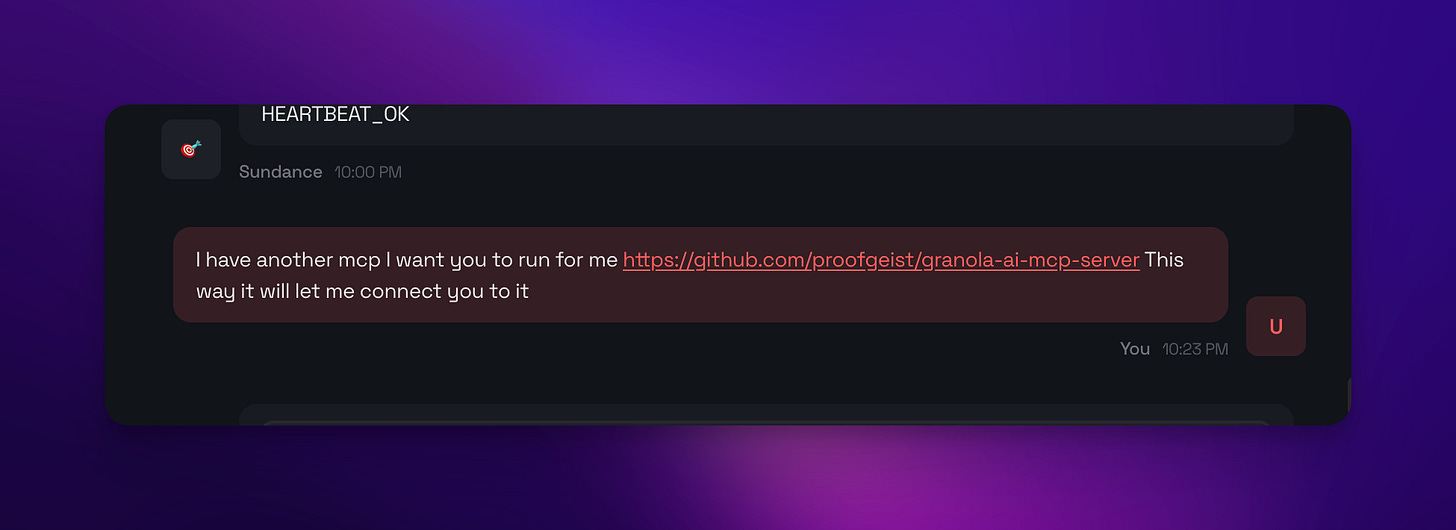
And!
[
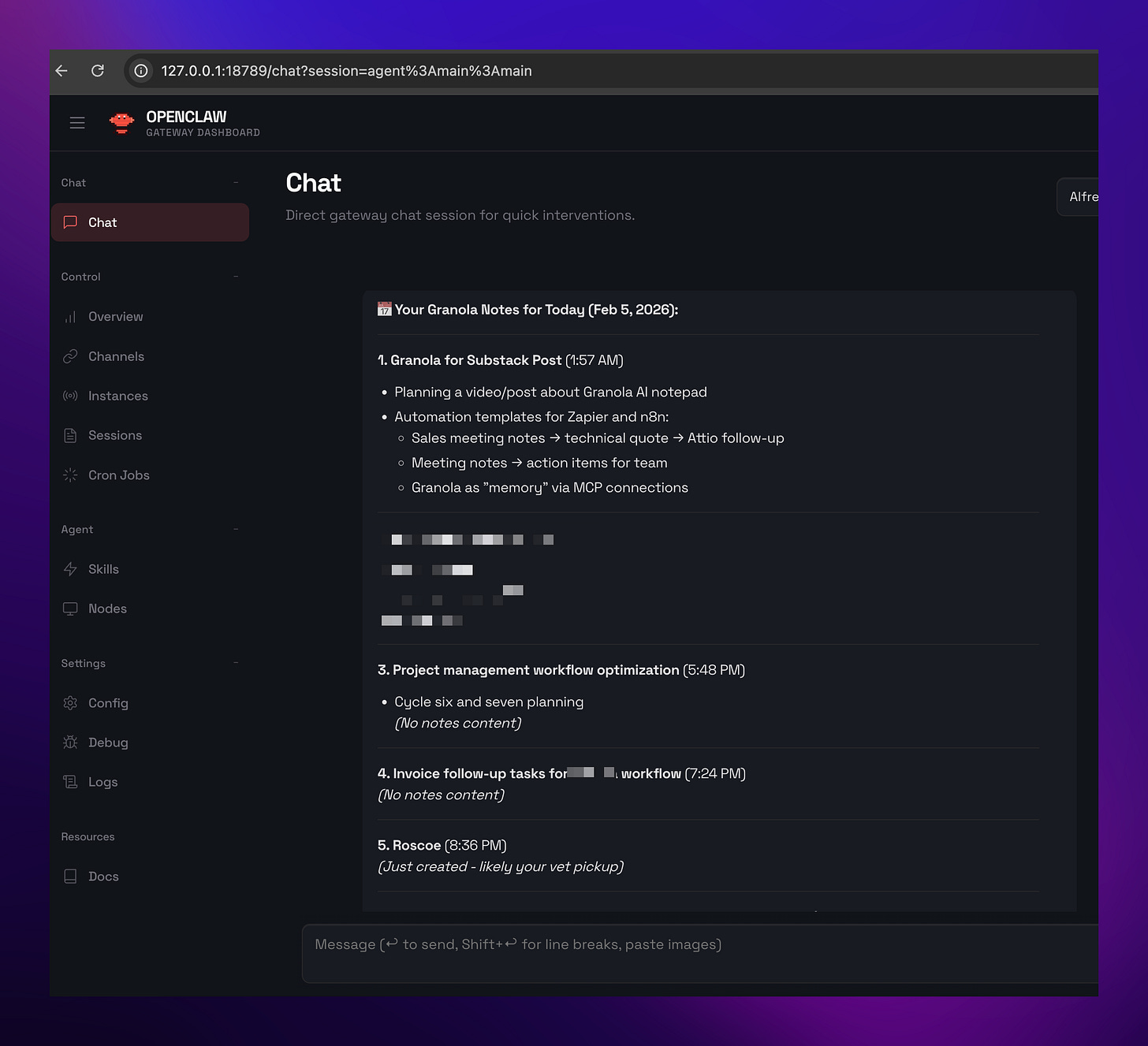
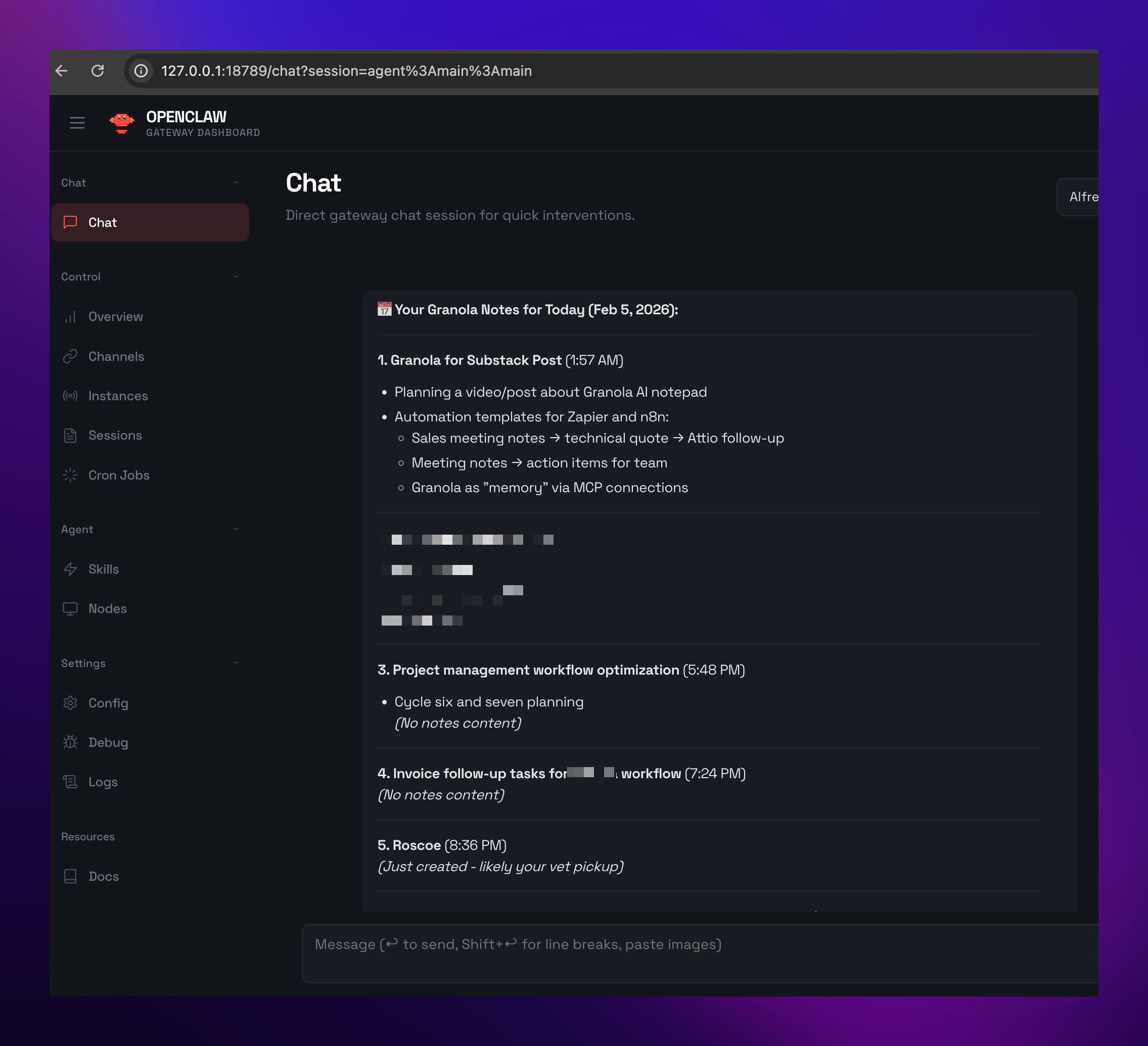
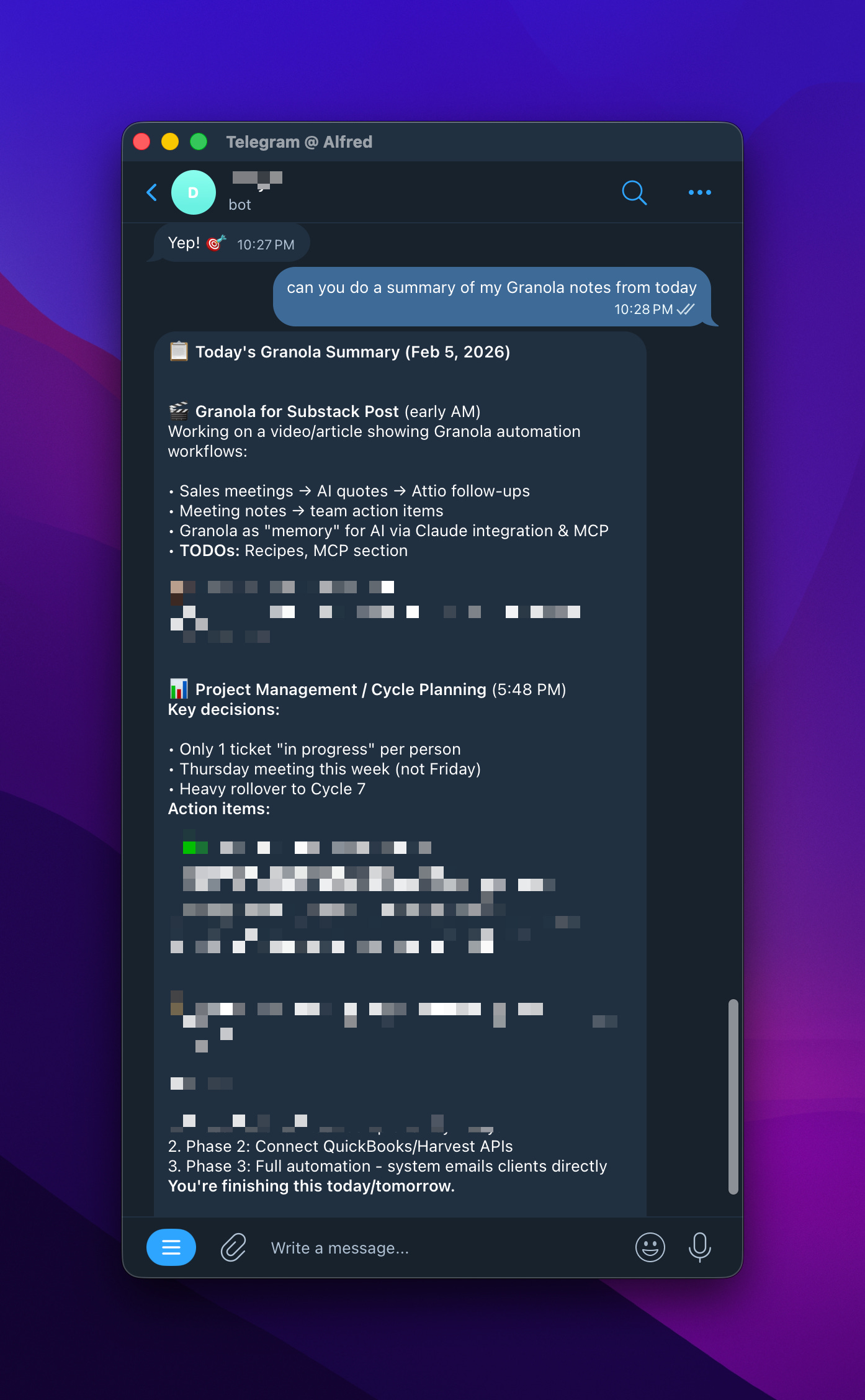
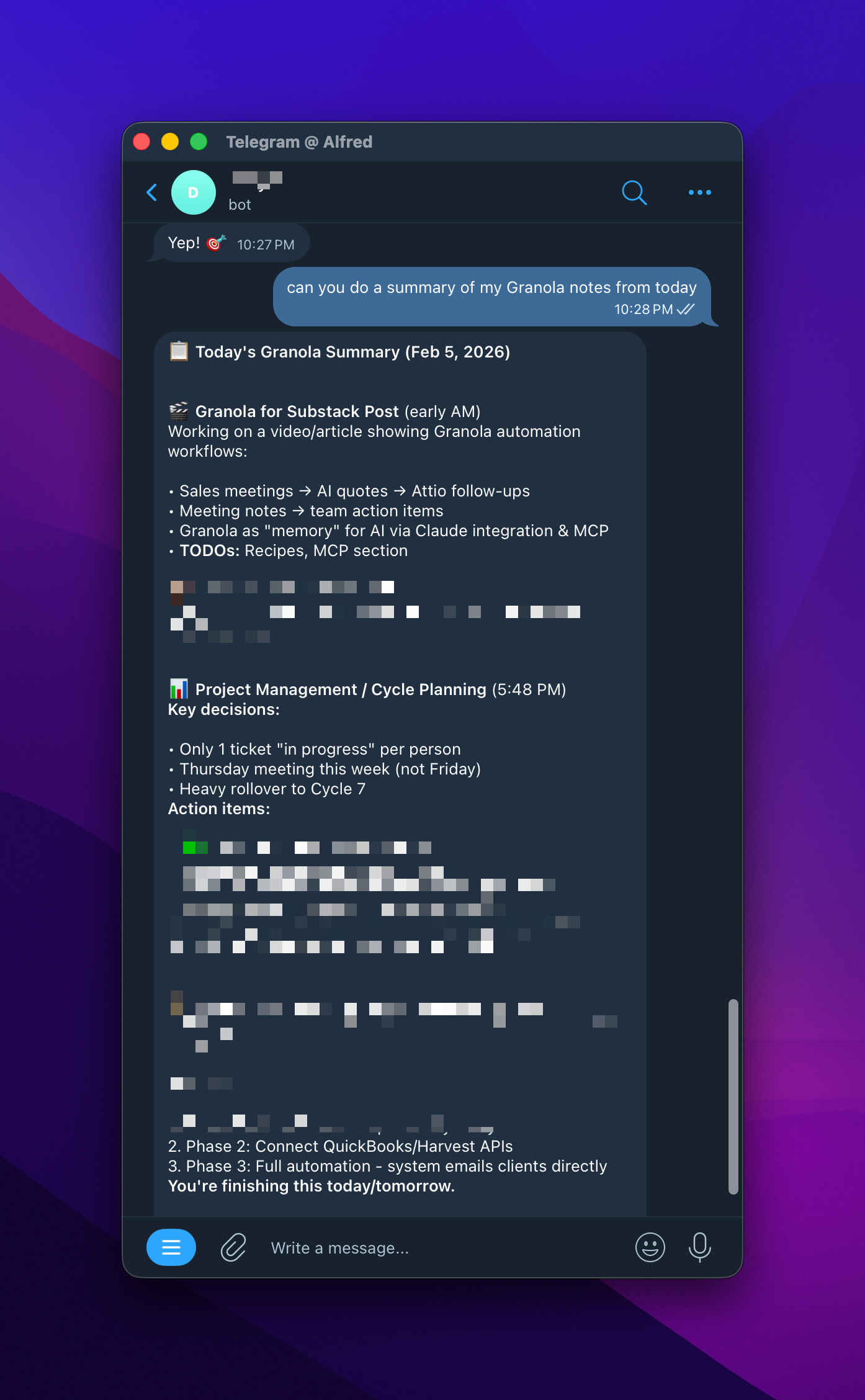
Then that was it it could talk to it. This one uses the cache that is on your Mac. There are otherones that actually connect to Supabase using your Granola creds!
[
Wrapping it up
So now you can see I can chat and integrate this into any other workflow.
Alright I am going to go shoot the video for this but just wanted to share here something that really does make sense for my day-to-day work needs.
👉 Check it out here https://go.granola.ai/alfred-nutile
This is not sponsored but this link will support my work!
Feel free to ask questions or reach out.