QA Automation with Browser-Use & N8N
In this post, I show how I use n8n, Browser-Use, and a simple Google Doc prompt to fully automate QA for UsWork.ai. From creating test
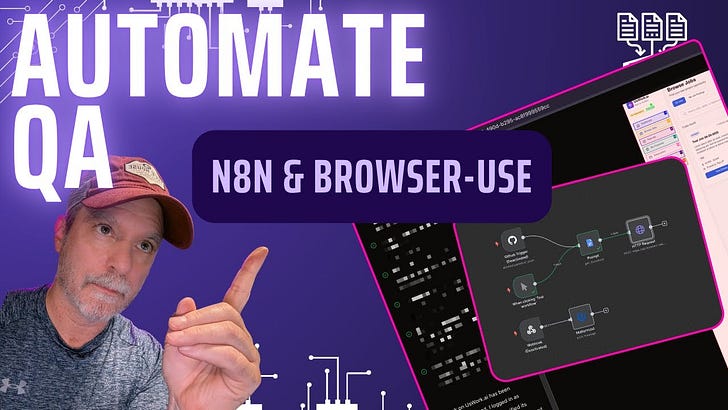
Just wanted to share a quick behind-the-scenes look at how I automate QA for UsWork.ai using n8n and a tool called Browser-Use. I’ve mentioned this setup before, but this time I wanted to show it in action.
Like most platforms, as we add new features or fix bugs, we need to test things—can users post jobs, see listings, submit proposals, etc. Doing that manually every time is painful and error-prone.
So here’s what I built:
We use Browser-Use because it has an API and accepts natural language prompts. That means I can describe the test in a Google Doc—things like:
Create a job
Log out
Log in as a user without a subscription
Try to respond to the job
And so on…
n8n triggers the test. That trigger could be anything: a code push to GitHub, a message in Mattermost, a daily schedule—whatever works best.
Once triggered, n8n grabs the test prompt from the Google Doc and sends it to the Browser-Use API. The test runs on our live site (I know, I still need to set up staging 😅), and at the bottom of the prompt I tell it to send a pass/fail message back to Mattermost.
If it fails, I get an alert. From there I can dig into the logs or rerun it manually.
📽️ I recorded a quick video walking through the full flow—you can watch it here.
It’s not flashy, but it’s real. This saves us hours of repetitive work and helps us deploy with confidence. And Browser-Use is reasonably priced when you factor in how much QA time it replaces.