Supabase Storage and N8N How To!
Learn how to set up a full Supabase Storage upload flow with n8n — from private & public buckets to signed URLs and binary file handling. Whether you’re working on a mobile app or a web interface, thi
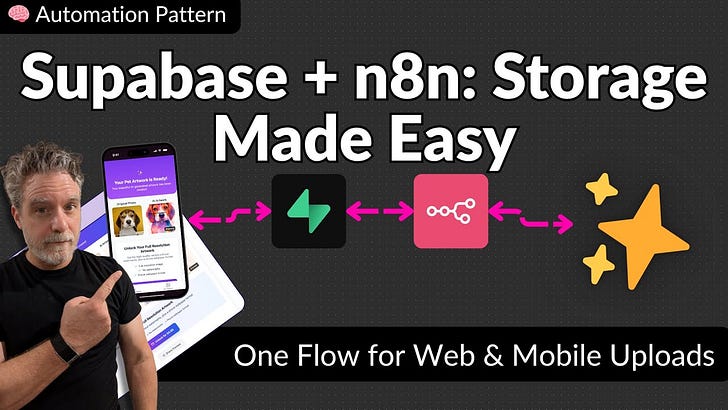
Below will be an overview of the video
🧠 Automation Pattern: Upload Files to Supabase with n8n
One Flow for Web & Mobile File Uploads — Plus Real-Time Triggers and Signed URLs
Uploading files (images, PDFs, etc.) to Supabase can get messy fast — especially if you’re juggling web and mobile apps, private vs public buckets, or need to share time-limited links.
In this automation pattern, I walk through how to use n8n’s HTTP node to send binary files to Supabase Storage the right way — with:
✅ File uploads to public and private buckets
✅ Handling binary data reliably
✅ Creating signed URLs for secure file sharing
✅ Listening for real-time events to kick off workflows
✅ A pattern that works for both mobile and web apps
Whether you’re building something simple or scaling a multi-device AI pipeline, this pattern gives you a solid, repeatable base.
👉 Watch the full video for a guided walkthrough
🎁 Paid Subscribers get access to the downloadable n8n JSON workflow to drop right into your own instance. See below
The Workflow is here.