OpenClaw and Git Backups
Just a quick tip on using Git to backup the folder
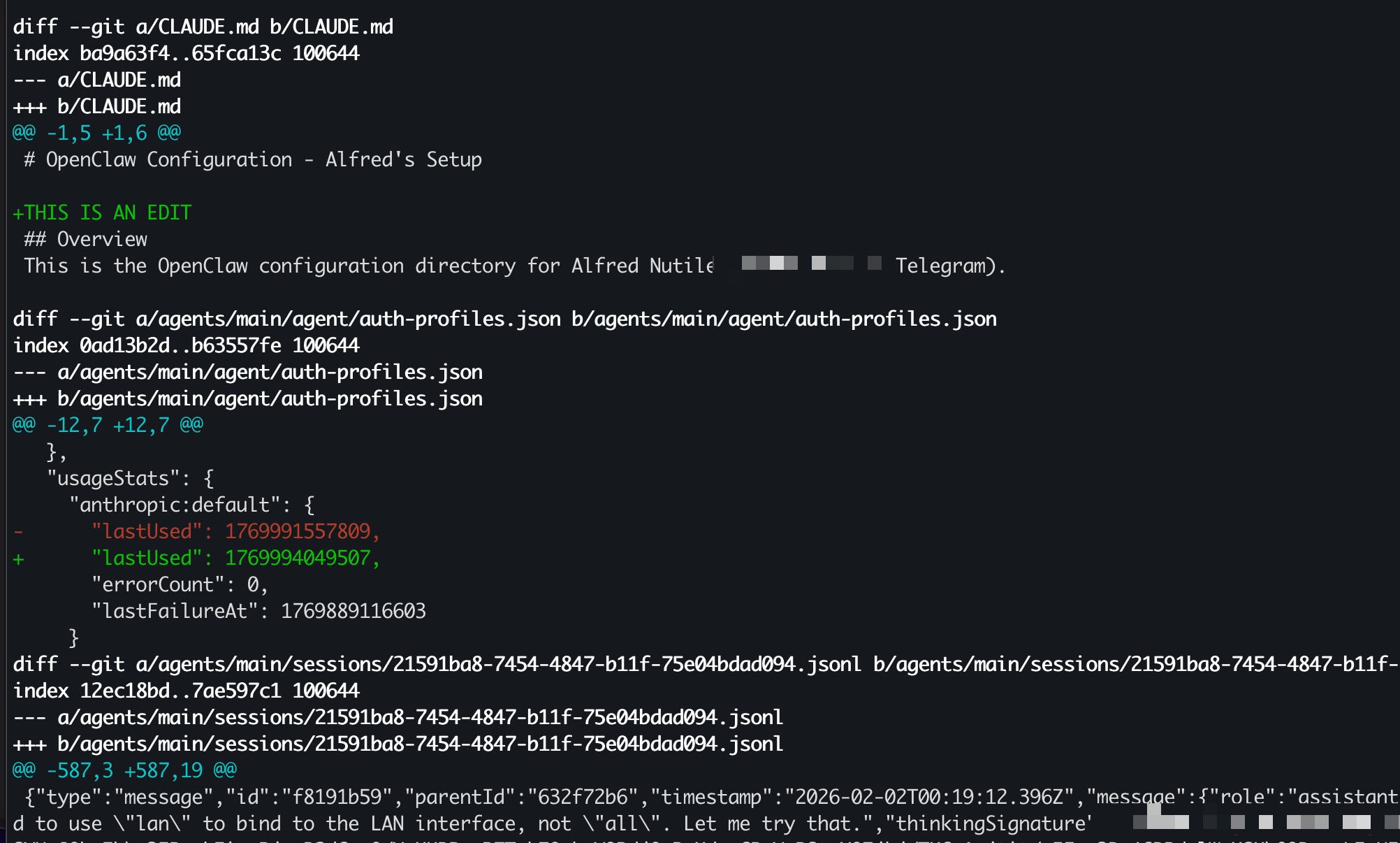
If you’re running OpenClaw (or Molt Bot) on your Mac, Linux, or Windows machine, here’s a quick tip that could save you a headache down the road.
When you install OpenClaw, it creates a hidden dot folder (.openclaw) on your system. This is where the agent stores its configuration, credentials, memory, workspace files, and more. The thing is — the agent is actively reading and writing to these files as it runs. Things change. And sometimes things break.
Put Git in the Folder
You don’t need to push anything to GitHub. Just initialize a local git repo inside the .openclaw folder:
bash
cd ~/.openclaw
git init
git add .
git commit -m "initial snapshot"
That’s it. Now you have a baseline.
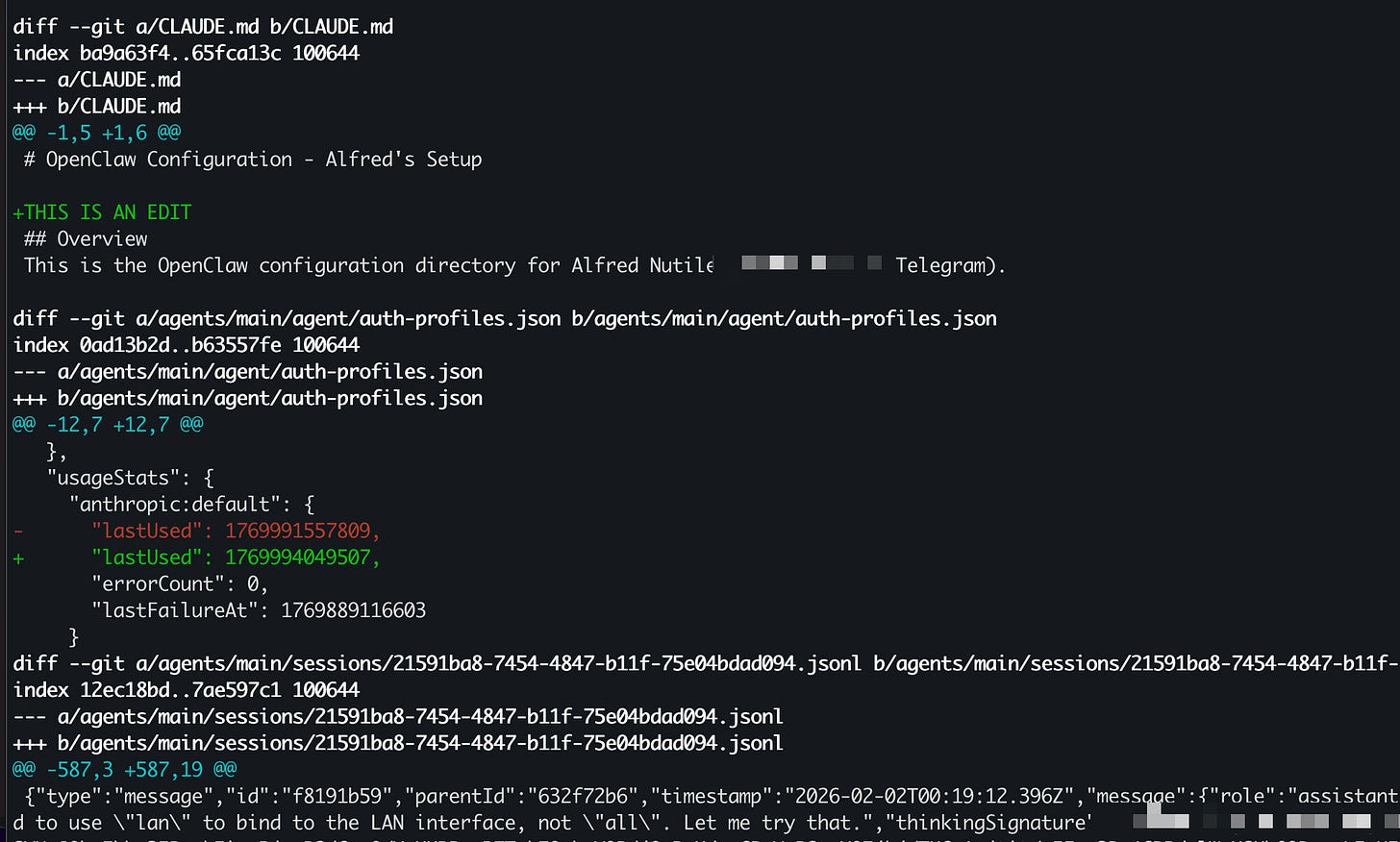
As the agent makes changes over time, you can run git diff to see exactly what files were modified and what changed inside them. If something goes wrong, you can roll back. It’s a simple safety net that costs you nothing.
A few commands that come in handy:
git diff — see what changed since your last commit
git add -A && git commit -m "snapshot" — save the current state
git log — see your timeline of snapshots
git stash — quick undo if something just went sideways
[
Finding the Hidden Folder on Mac
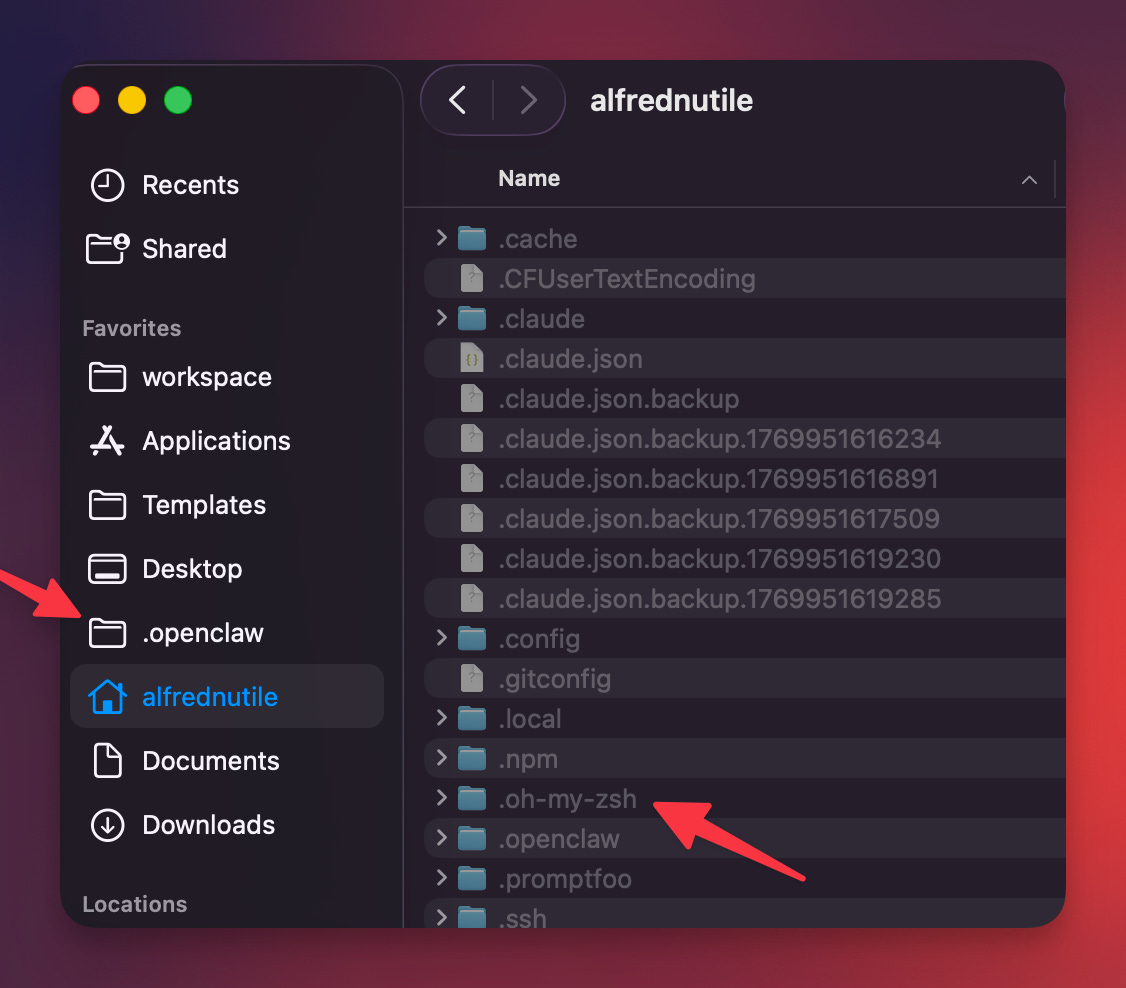
Since .openclaw is a dot folder, it won’t show up in Finder by default. Hit ⌘ Shift . (Command + Shift + Period) to toggle hidden files. From there, I like to drag the folder into my Finder sidebar so I can get to it quickly — I’ve found myself needing to poke around in there more than once.
[
Why Bother?
OpenClaw is doing a lot behind the scenes — updating configs, writing to its workspace, managing credentials. Having git in place means you can:
See what changed after an update or agent run
Roll back if a config gets corrupted or overwritten
Track the agent’s behavior over time by reviewing diffs
It’s not a replacement for proper backups, but it’s a lightweight layer of protection that takes 30 seconds to set up.
Have any questions? Share below!