Granola's AI Notepad Recipes
A 5-Minute Read That Can Save You Hours a Week
This is part of a sponsored series with Granola.
I’m dedicated to writing about tools that are making AI practical. Over the past three years, I keep seeing concepts come through our newsfeeds — context windows, skills, plugins, GPTs. They come and go. The only things that stick are what people can actually use to get their work done.
That’s why I want to point out Granola’s new feature called Recipes. It’s not a complicated concept you have to learn and figure out where to apply. It’s just a practical, quick way to automate the repetitive parts of your day. These quick automations add up - a little more efficient, a little less tedious, maybe even delivering more in less time.
And here’s what I think Granola gets that a lot of tools don’t: they built this for normal humans. Not developers. Not AI enthusiasts. People with deadlines, who have meetings all day and just need the follow-up work to not take hours. If you’re a sales rep, an office manager, a freelancer, a project coordinator this can easily help you. You don’t need to know how AI works to use it.
Granola is an AI notepad for meetings. No bot joins your call — it captures audio directly from your device, so it works across Zoom, Google Meet, Teams, whatever you’re already using. The notes it produces are solid. But Recipes are where it really you can start saving time.
So I want to show you how Recipes work, because it’s simple, it’s quick, and just knowing it’s there will start to get you thinking about ways to apply it to your day-to-day.
Why Recipes
Repetition is the most obvious place in your day-to-day work to automate. That “small” task not only adds up over time but takes away a bit of your momentum every time you have to do it.
What companies like Granola are doing — and doing well — is making it possible for people to use AI without becoming “AI experts.” Or even knowing they’re using AI. That is what inspires me the most.
For me it’s meetings of two kinds: sales meetings where I give technical guidance, and project meetings where I’m part of the planning process. Both eat up time in my day.
This Recipe will help with sales meetings. But honestly, this is really about showing you how easy it can be to turn a tedious chore into something that just happens for you.
Create a Recipe
Underneath a recorded meeting you will have a chat with option:
[
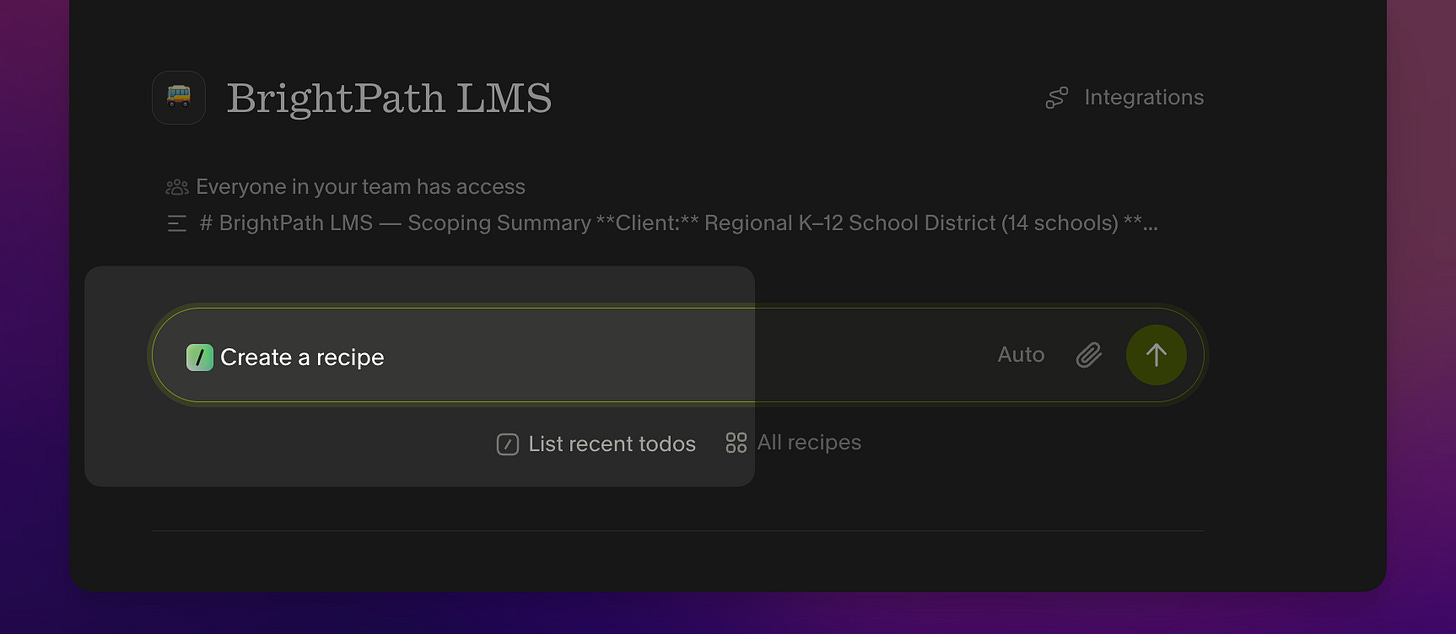
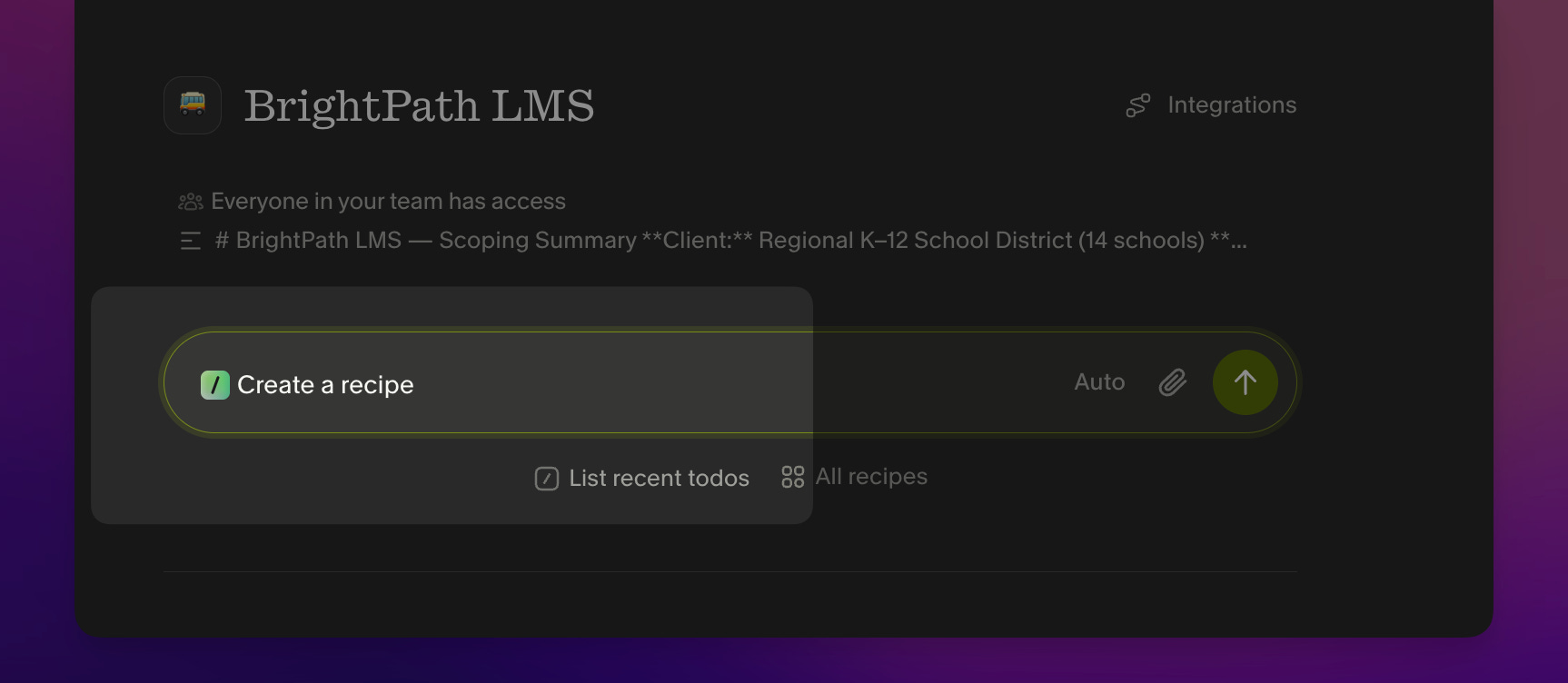
This option will even suggest recipes for you — which right away shows you how much this tool is about you. You’re not going down to the level of the tool; the tool is coming up to meet you.
[
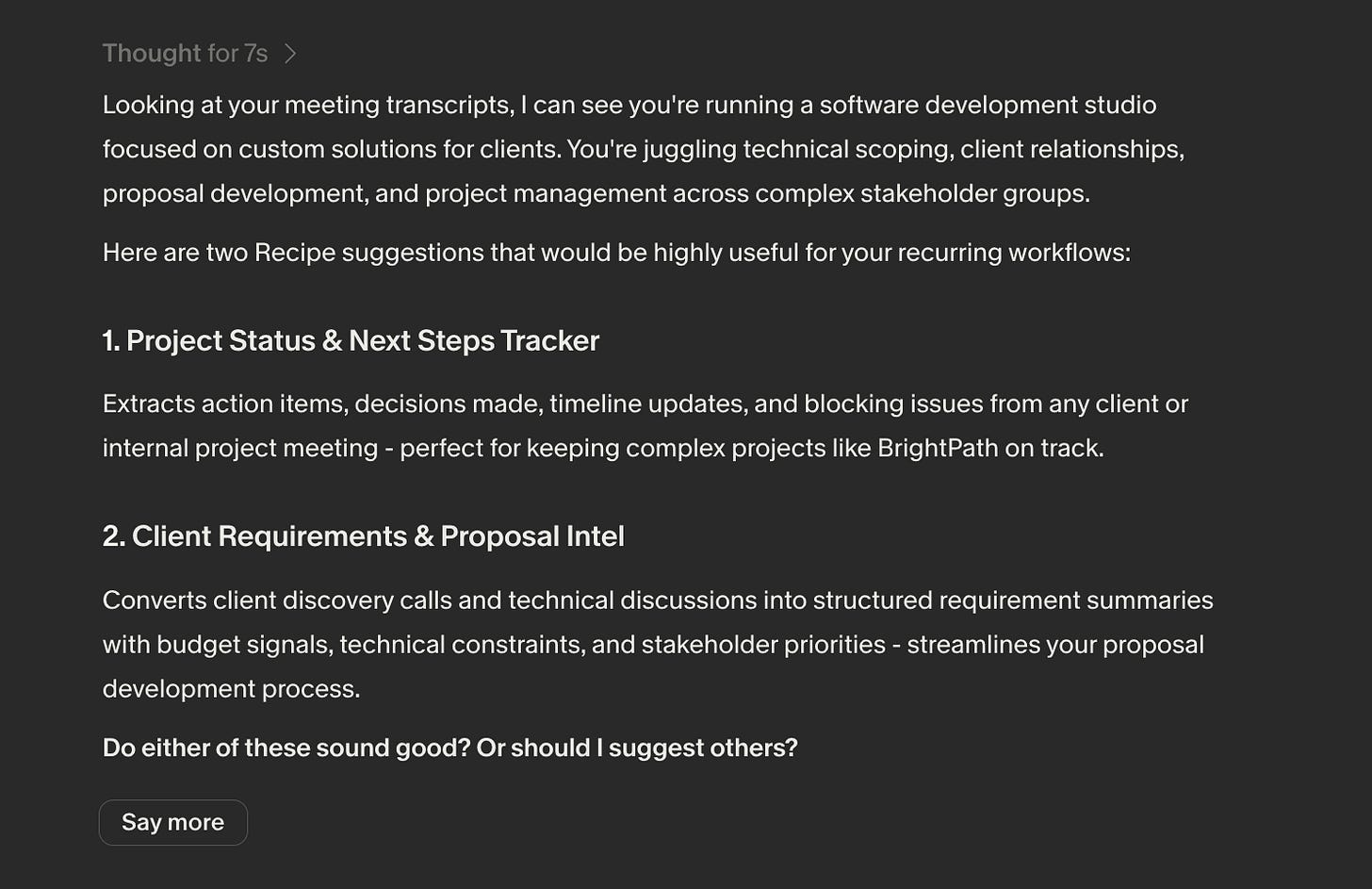
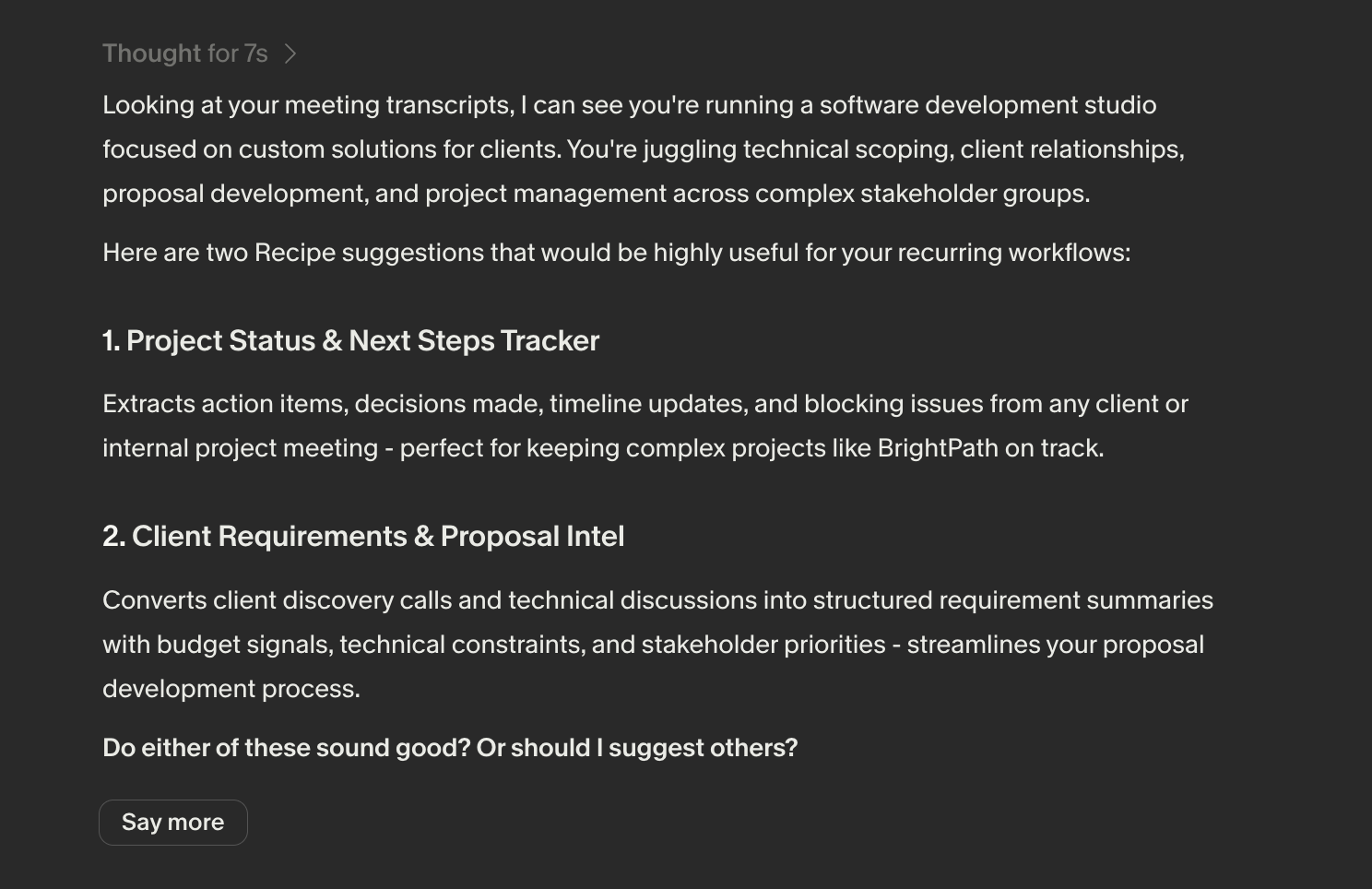
I’m going to choose item #2 since we have sales calls a couple times a day and the follow-up work is real. But you can see how easily you could make a few Recipes for you and your team!
[
And then it gives me the Recipe, ready to copy:
[
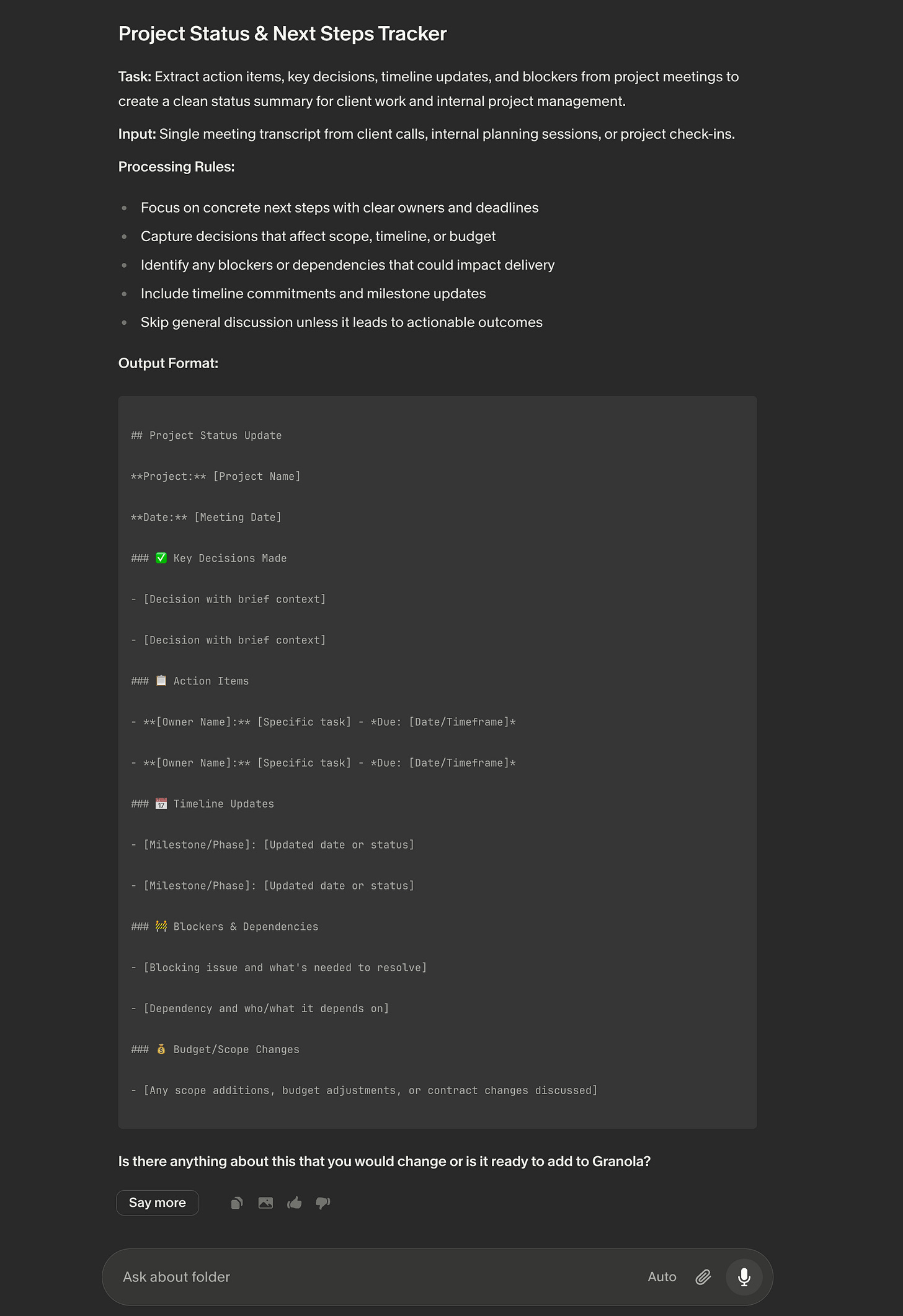
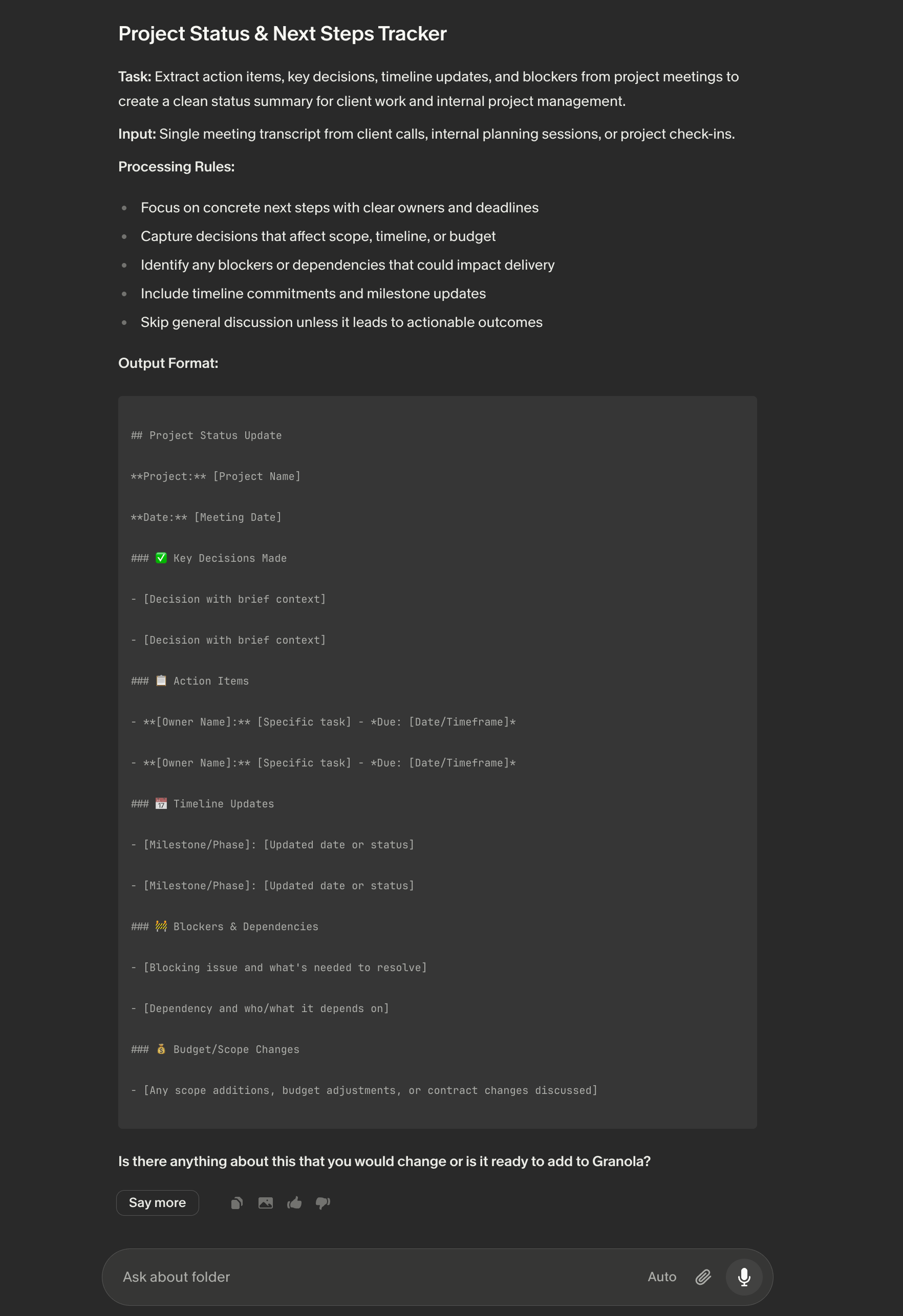
Knowing what you want to automate is hard at first, but it gets easier as you learn what’s possible. Having the interface guide you like this is so key.
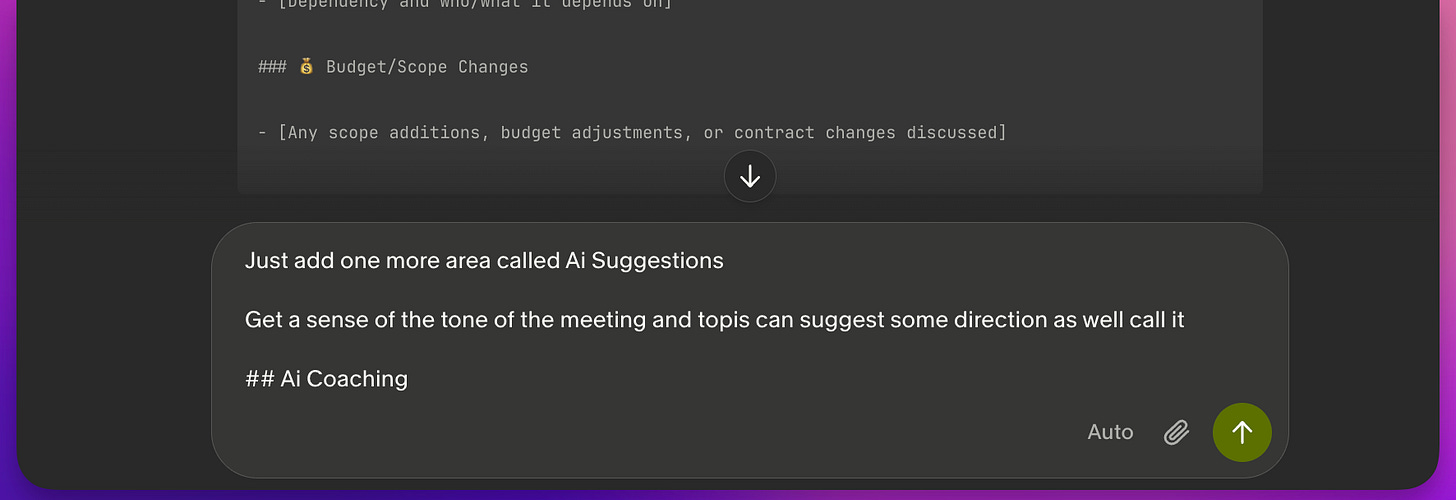
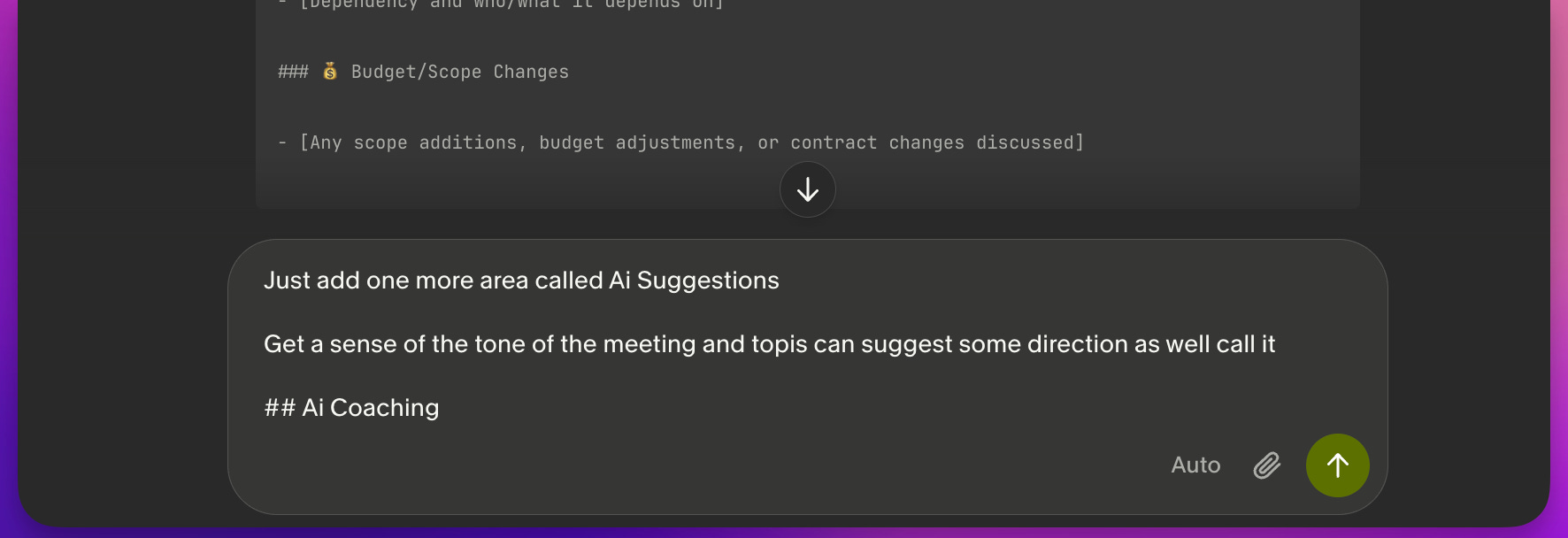
Here I’m going to push it a bit more just to see what it can do — many of your best automations will come from these moments. In this case I want to see if I can make an “AI Coach” that surfaces insights from the meeting.
[
Adding the Recipe
When ready, I click the “Copy” icon to grab the formatted text:
[
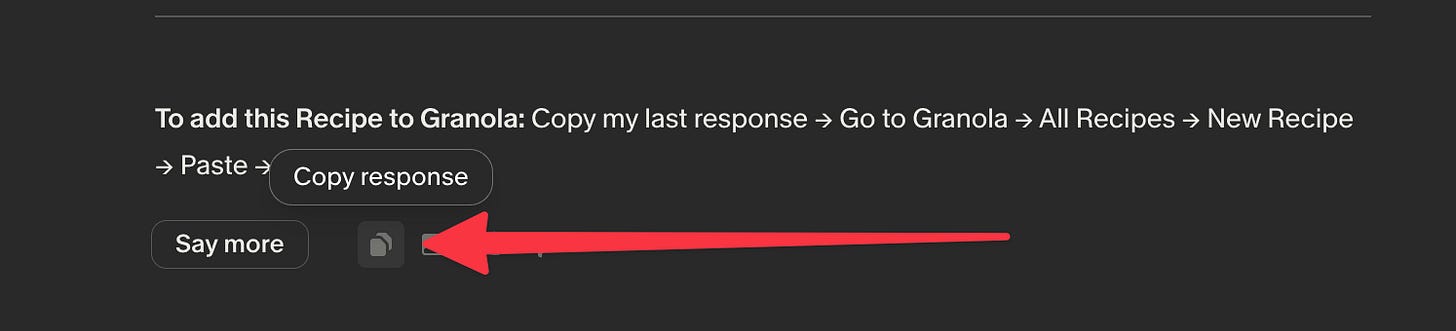
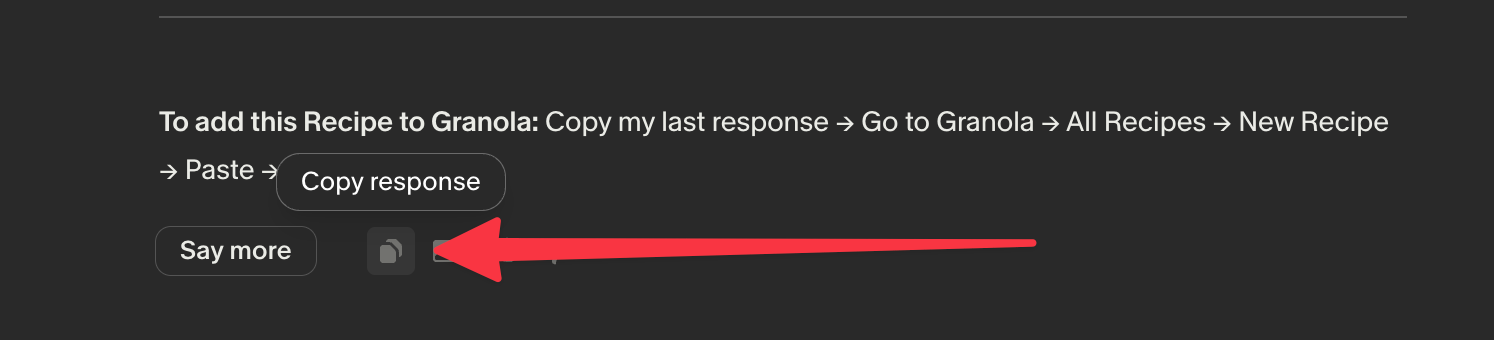
Then click the create button on the next screen:
[
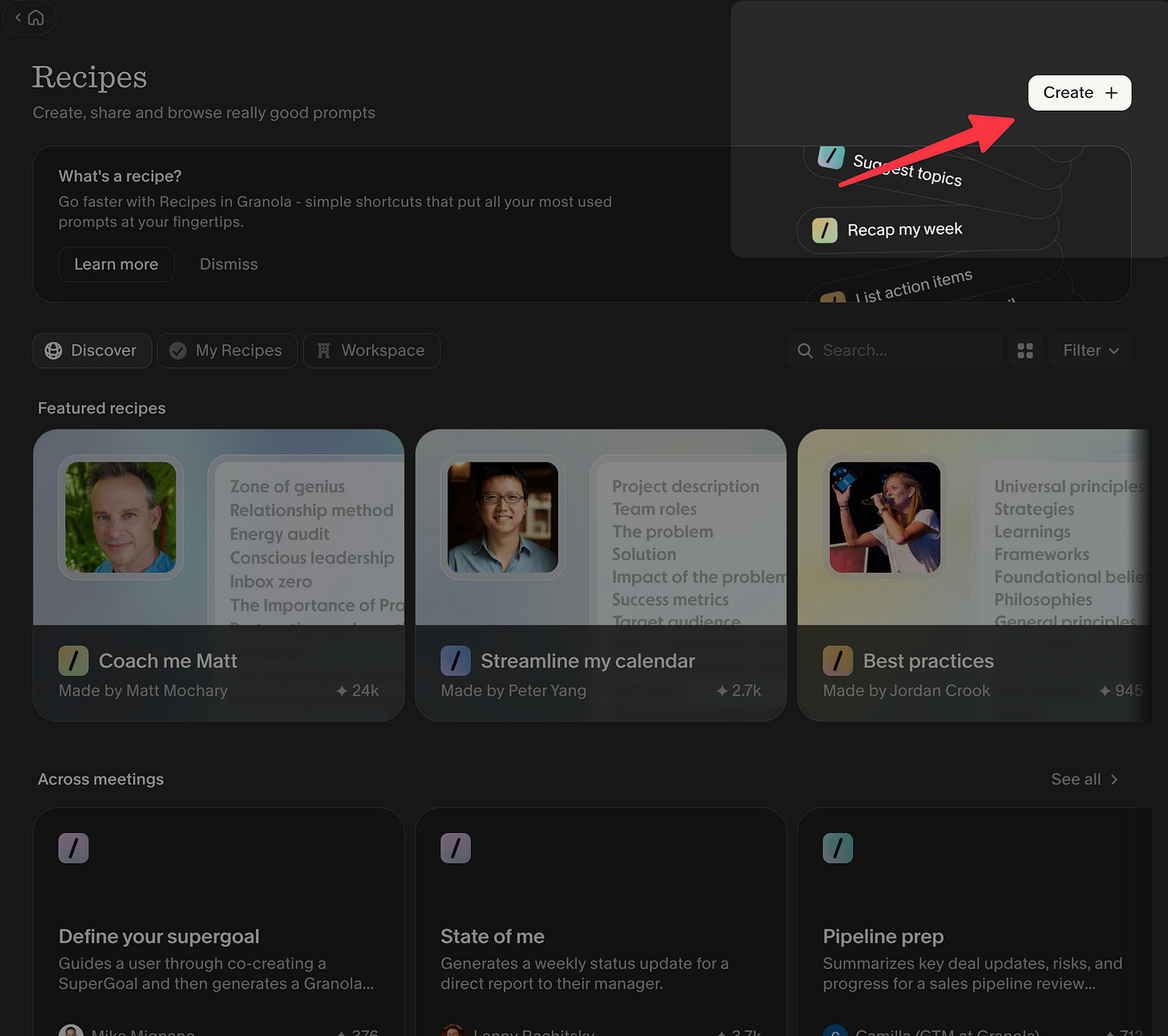
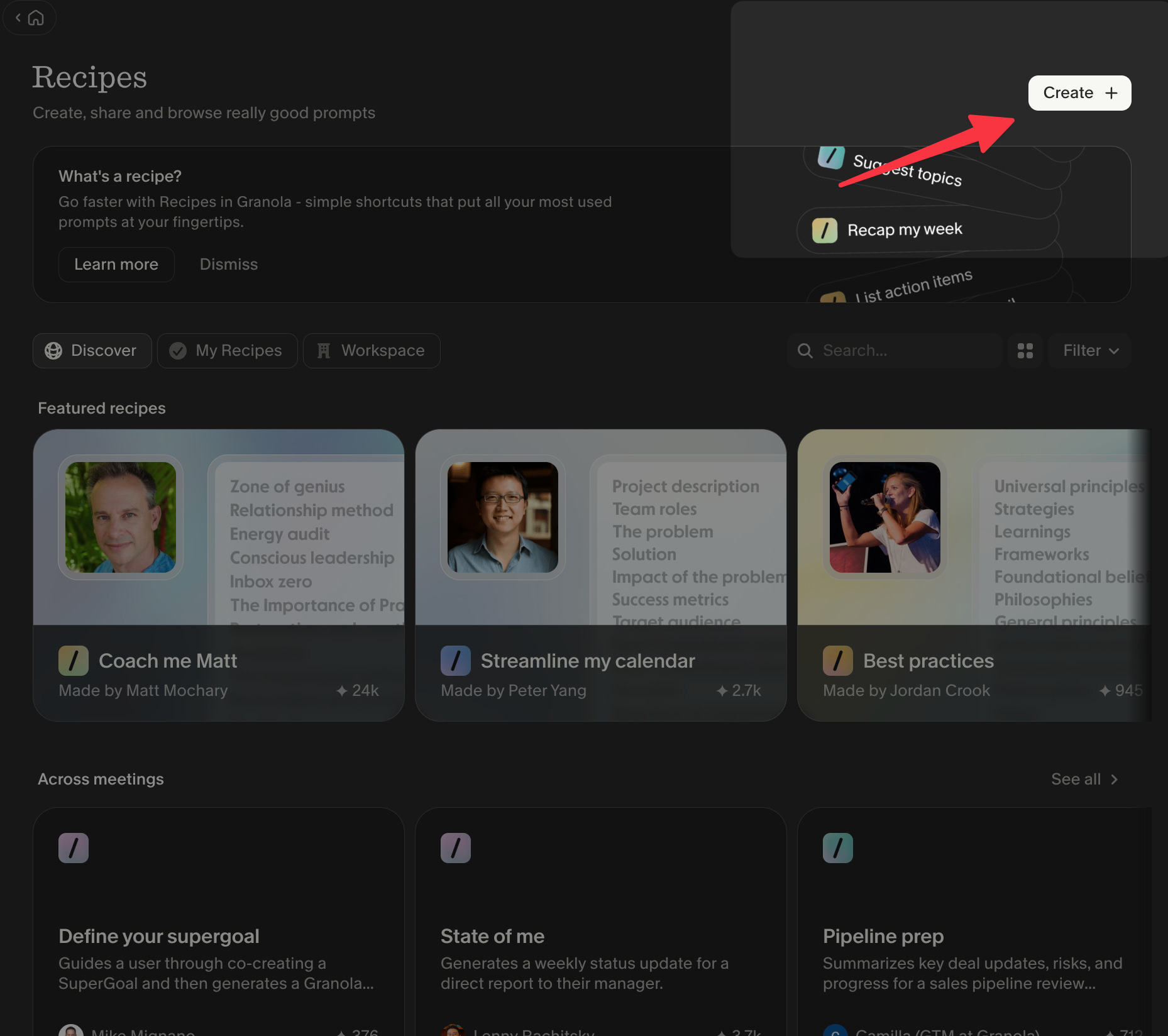
And paste the Recipe:
[
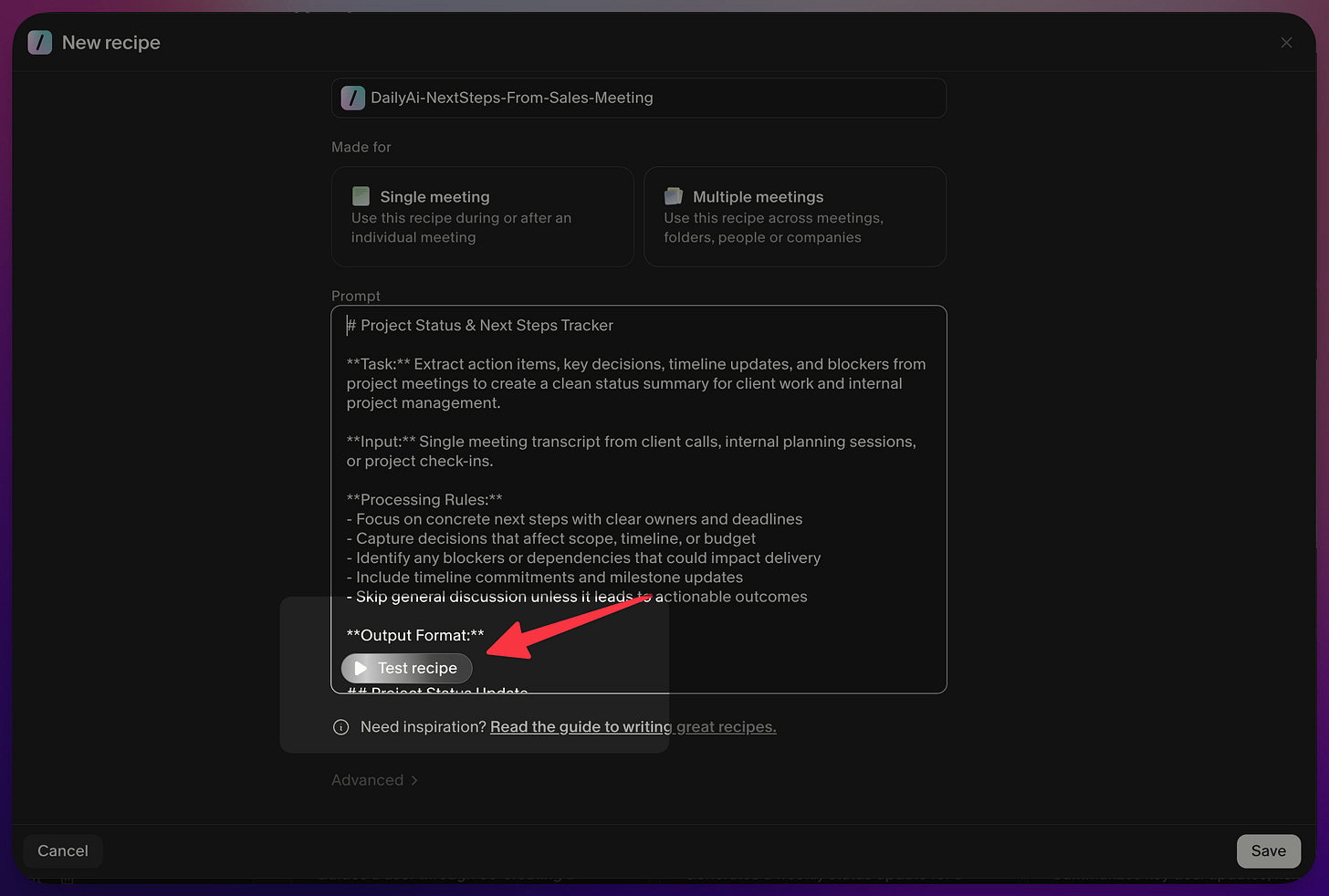
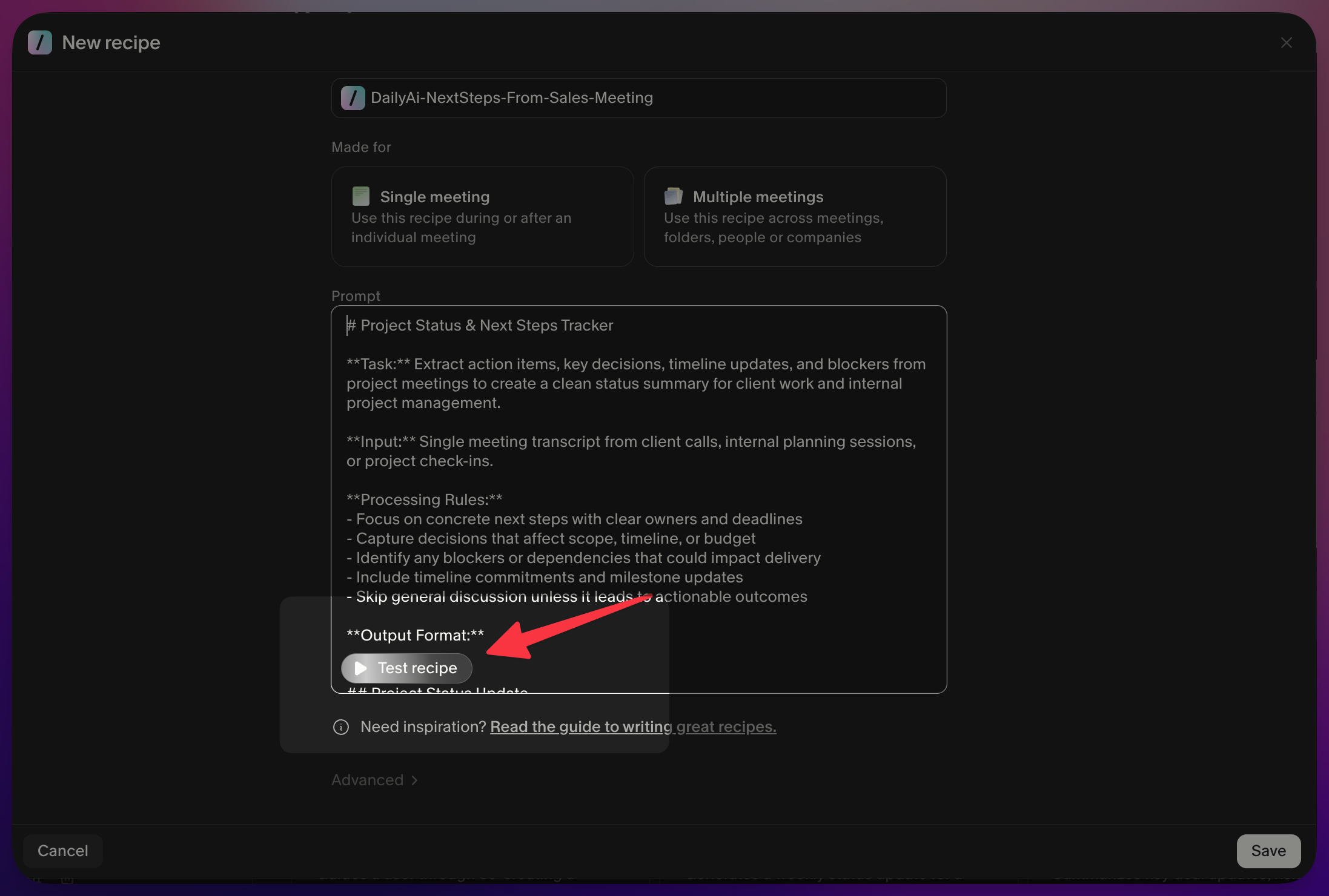
And once again — such a nice user experience. You can test the results of your Recipe right here!
[
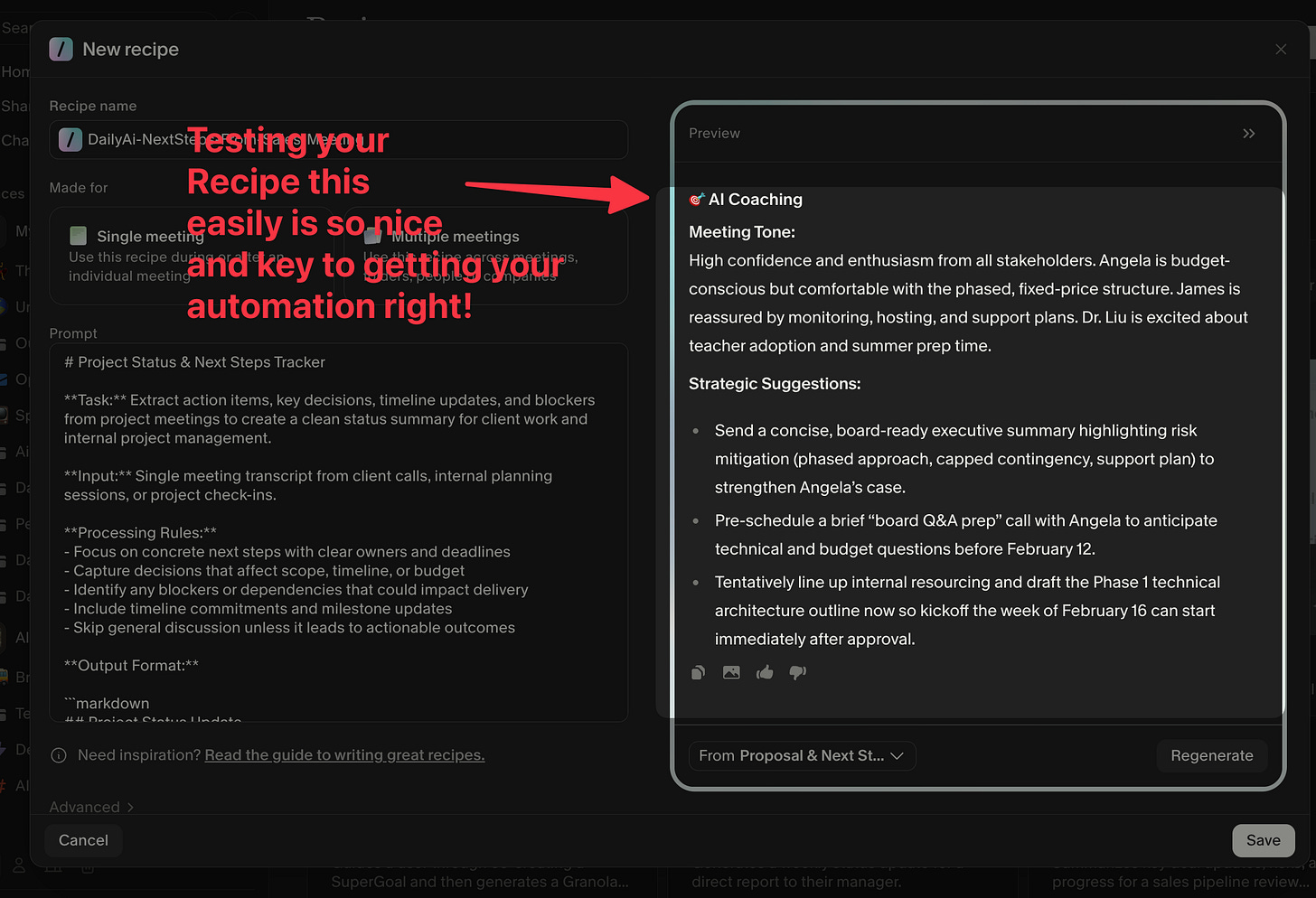
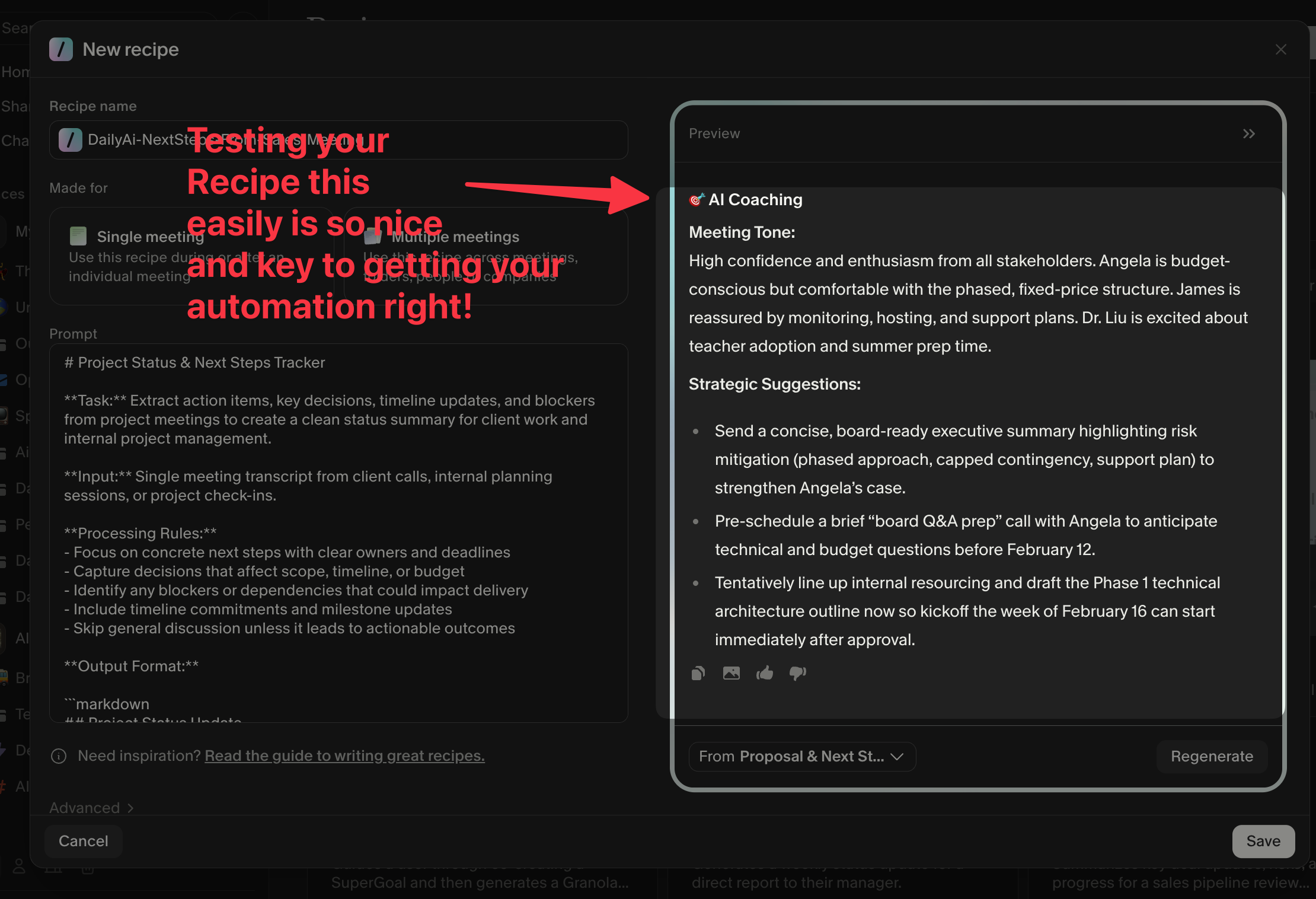
And now you have your Recipe.
[
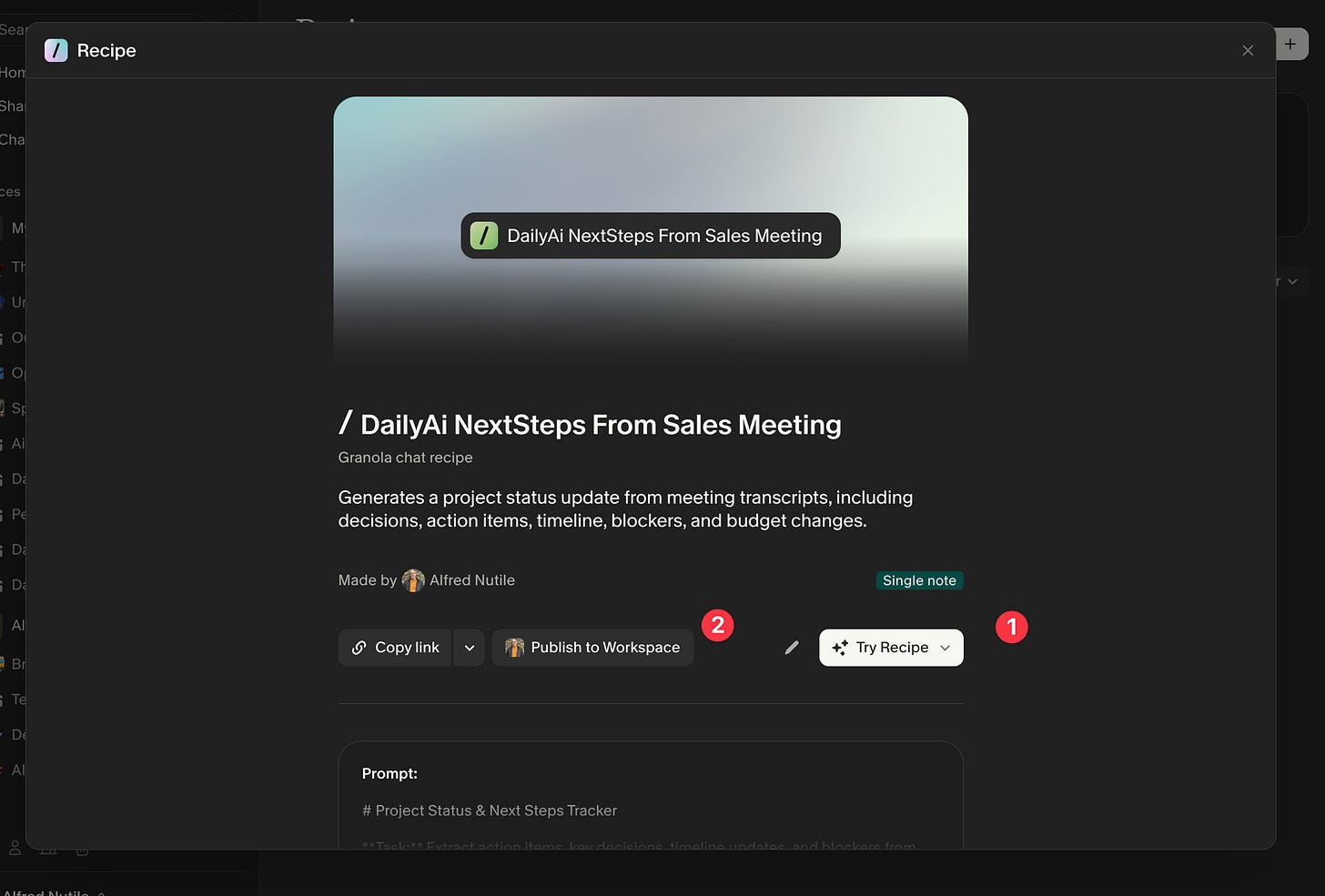
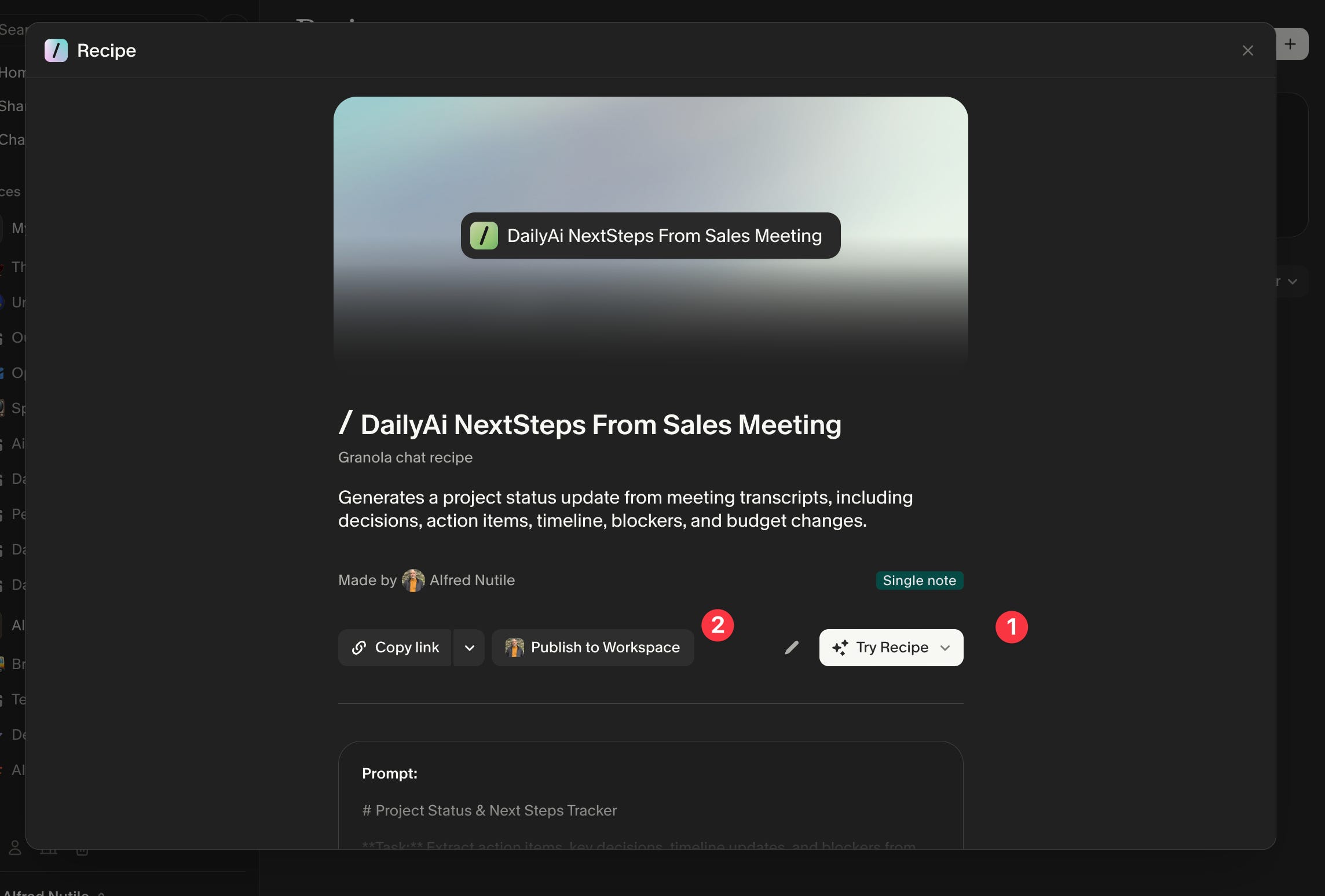
Remember — at this point you can not only use your Recipe but share it with your team, even if that’s just one other person in the office. Sharing automations and workflows is really key to getting ahead of the workload.
[
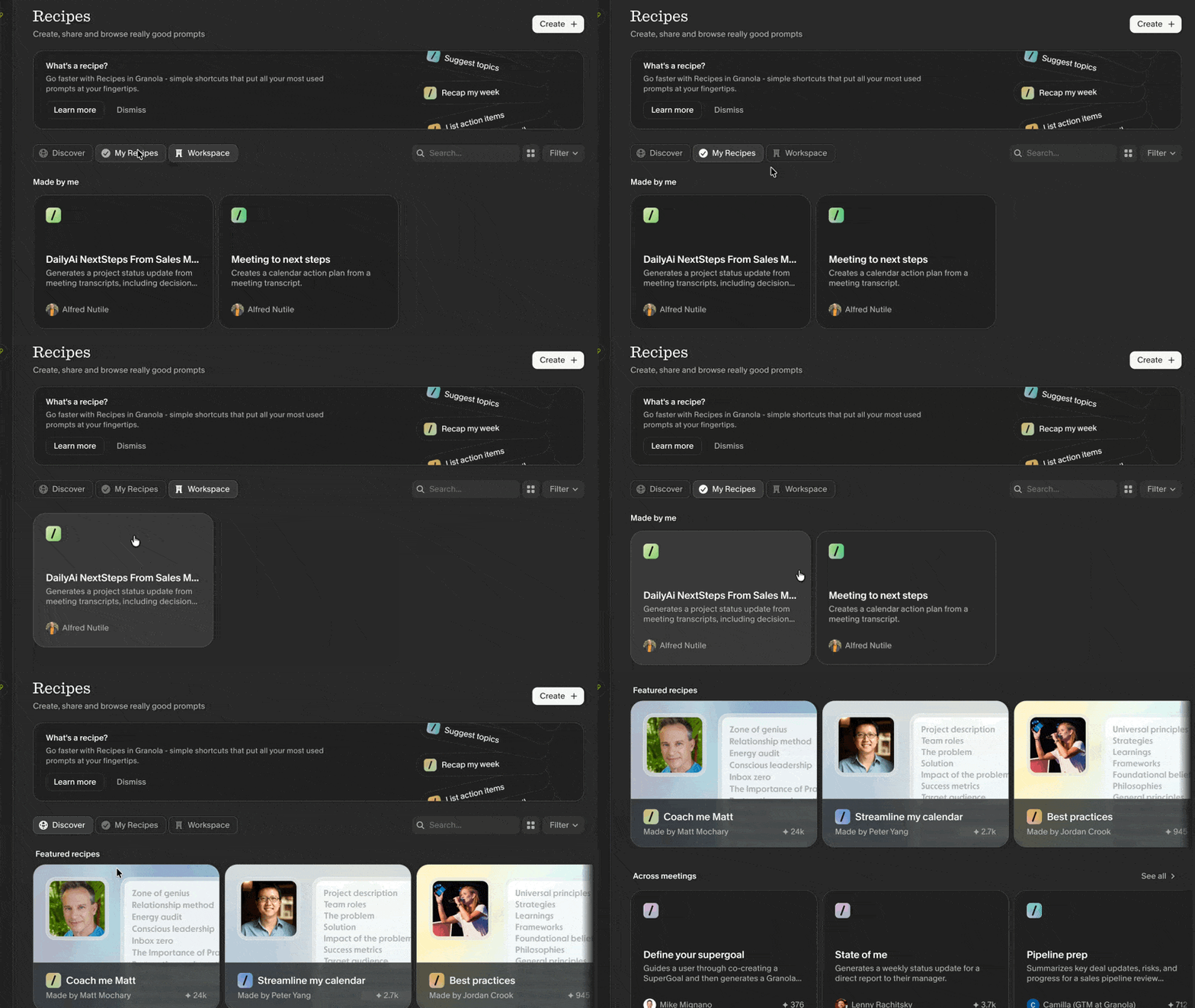
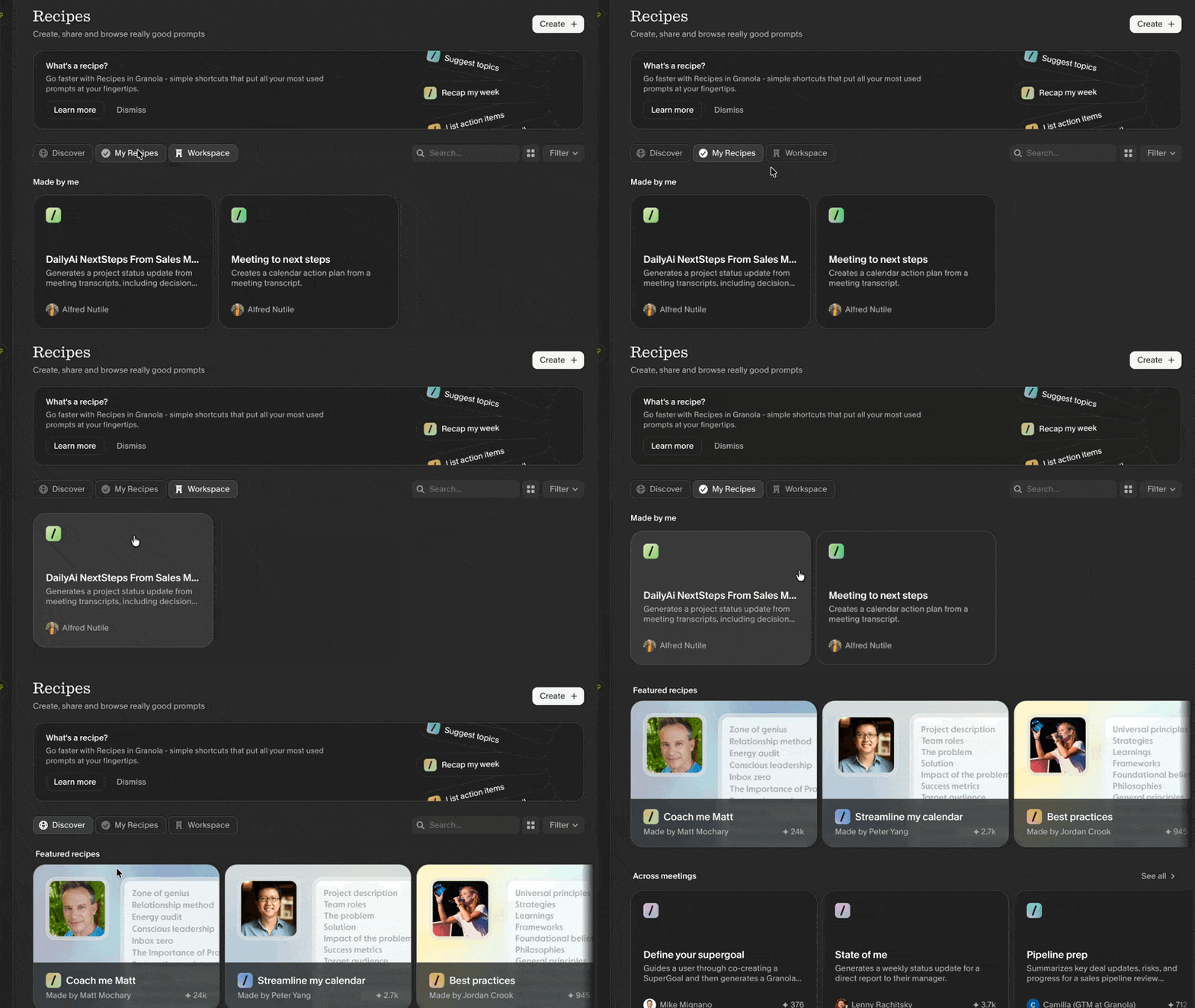
I hope you can see how easy Granola has made it to use AI without the intimidation that usually comes with it. They bring the right questions and features to the interface so you can get value from AI without needing to understand how it works. This one feature alone can easily save you hours a week.
Follow up Links
👉 Support more articles like this https://go.granola.ai/alfred-nutile
👀 See a Granola blog post here https://www.granola.ai/blog/say-hello-to-recipes