Deep Dive Set Node in n8n
This is one of a few YouTube videos that I will do to dig into key nodes for building in n8n
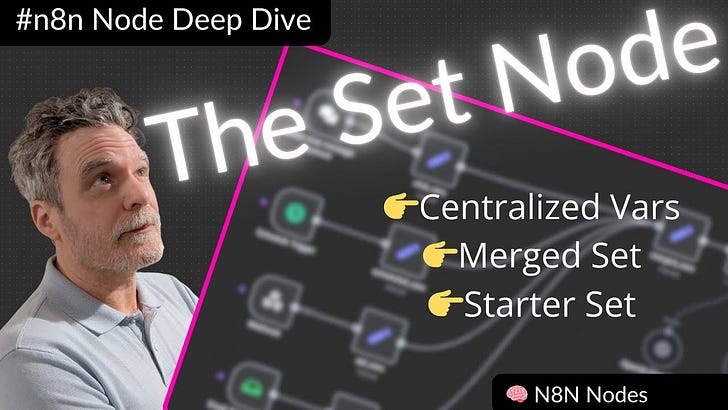
The Set Node is one of the most powerful yet often overlooked parts of n8n. I like to call it the “vars node” because it essentially acts as your variable hub — letting you store values, centralize configuration, and make your workflows much more flexible.
In this post, I’ll give you a taste of how I use the Set Node in my automations, and why mastering it can completely level up your n8n game. If you want the full deep dive (with a live demo), check out my YouTube video here: 👉 Watch the full tutorial
Key Takeaways:
Centralize your workflow values Stop hardcoding values everywhere! Use the Set Node to keep things like board IDs or environment-specific variables in one place. That way, switching between staging and production is painless.
Prepare data for LLMs Before sending data into a large language model, you can use the Set Node alongside the Aggregate Node to control which fields get passed. This avoids wasting tokens and keeps the AI focused on the right context.
Reuse logic with Merged Sets My favorite trick! Using merged sets allows you to unify variables across multiple triggers (API, email, scheduled, Telegram, etc.). It means you can maintain one “brain” for your automation without rewriting the same logic.
Why This Matters:
If you’re building advanced workflows, small details like centralizing variables or managing token usage can save massive amounts of time (and headaches). The Set Node isn’t just another block in n8n — it’s a foundation to scale your automations.
Next Steps:
🎥 Watch the full video tutorial here:
📂 **Get my example workflows **here
Closing line:
If you found this breakdown valuable, subscribe for more automation tips — I’ll be covering more individual nodes and advanced patterns in the coming weeks!