Softr AI Co-Builder - Turn Your Spreadsheet into a More Helpful Project Management System
This new AI Co-Builder from Softr really does make it possible for companies to build their own internal tools.
👉 Try Softr’s AI Co-Builder and get 200 free AI credit
#ad
This is another one of my articles sharing real-world examples of when people were able to take the next step thanks to a tool like Softr. **This is sponsored by them (#ad) **but these are real examples, real recreations of struggles that customers actually have.
In this case, the person started out using spreadsheets to manage their business, which makes sense. For whatever reason, over the years spreadsheets have been the technical limit that people are willing to use to get their work done a little more efficiently. But they tend to fall short after you get to a certain point with them. In this case, they were trying to manage all their projects in a spreadsheet, which had some real complexity, different tasks in different orders, assignments, due dates. They had to track all of that, and many times it led to copying and pasting information back and forth from Slack. Basically, managing the spreadsheet became more of their job than it really needed to be.
If you rather watch the video 👉 here
[


So in this post, I’m going to show you how with Softr’s AI Co-Builder, we can build on top of a foundation that is proven. Softr has a foundation of permissions, a database, and UI elements already built in. So when we ask the AI to build something, it’s not 3D printing a bunch of Legos from scratch. It’s using all the existing Softr building blocks to put this together for us, which is a big advantage, honestly.
What we’re going to do is take the spreadsheet and ask it to rebuild it for us, and then show it working with different permission levels. When we’re done, we’re going to have an interface that manages projects with their tasks, deadlines, assignments, and everything else. One place where you can see how the project is going, who’s on what, and all the assets related to that project, which is a big deal, helping you stay more organized. This really did save them a lot of time as it centralized all this information and eliminated a lot of the copy-paste they were doing to keep everybody up to date in Slack.
All right, let’s dive in. The most intimidating step of all is just getting started.
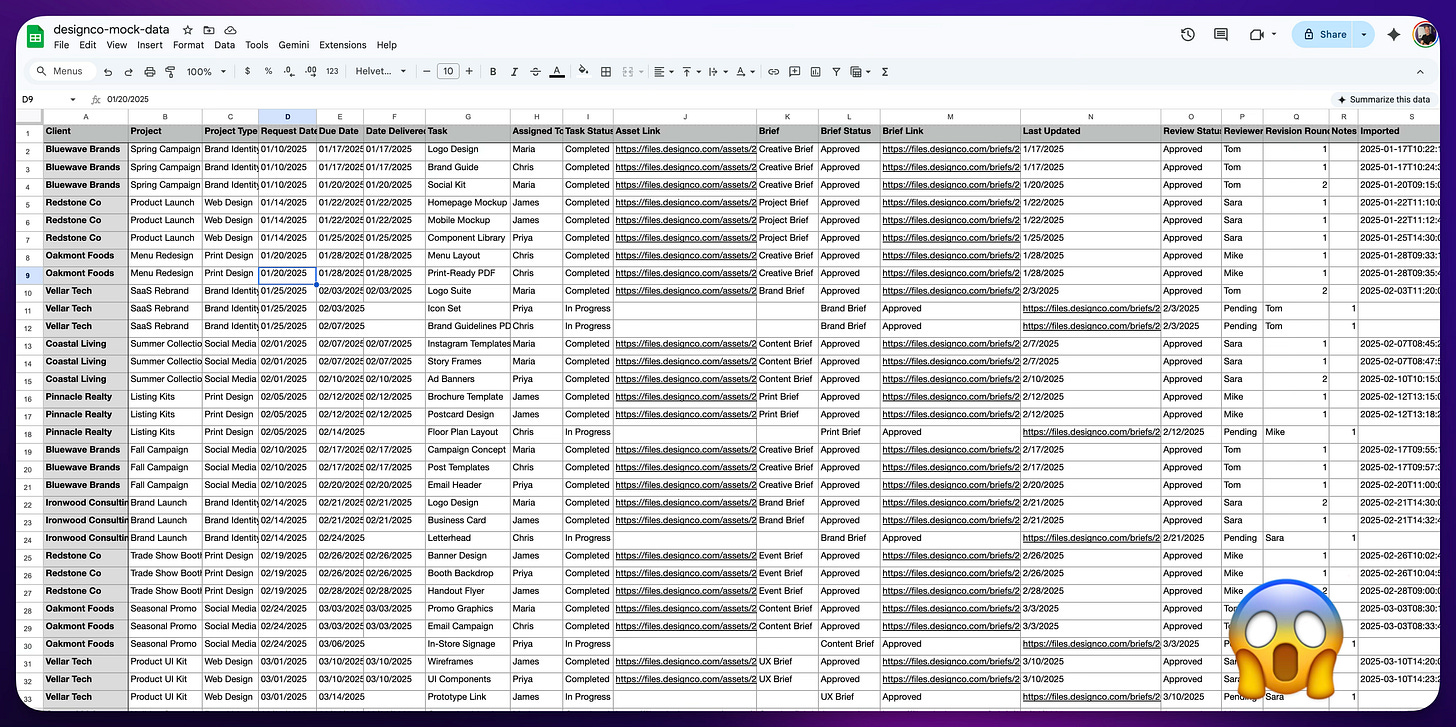
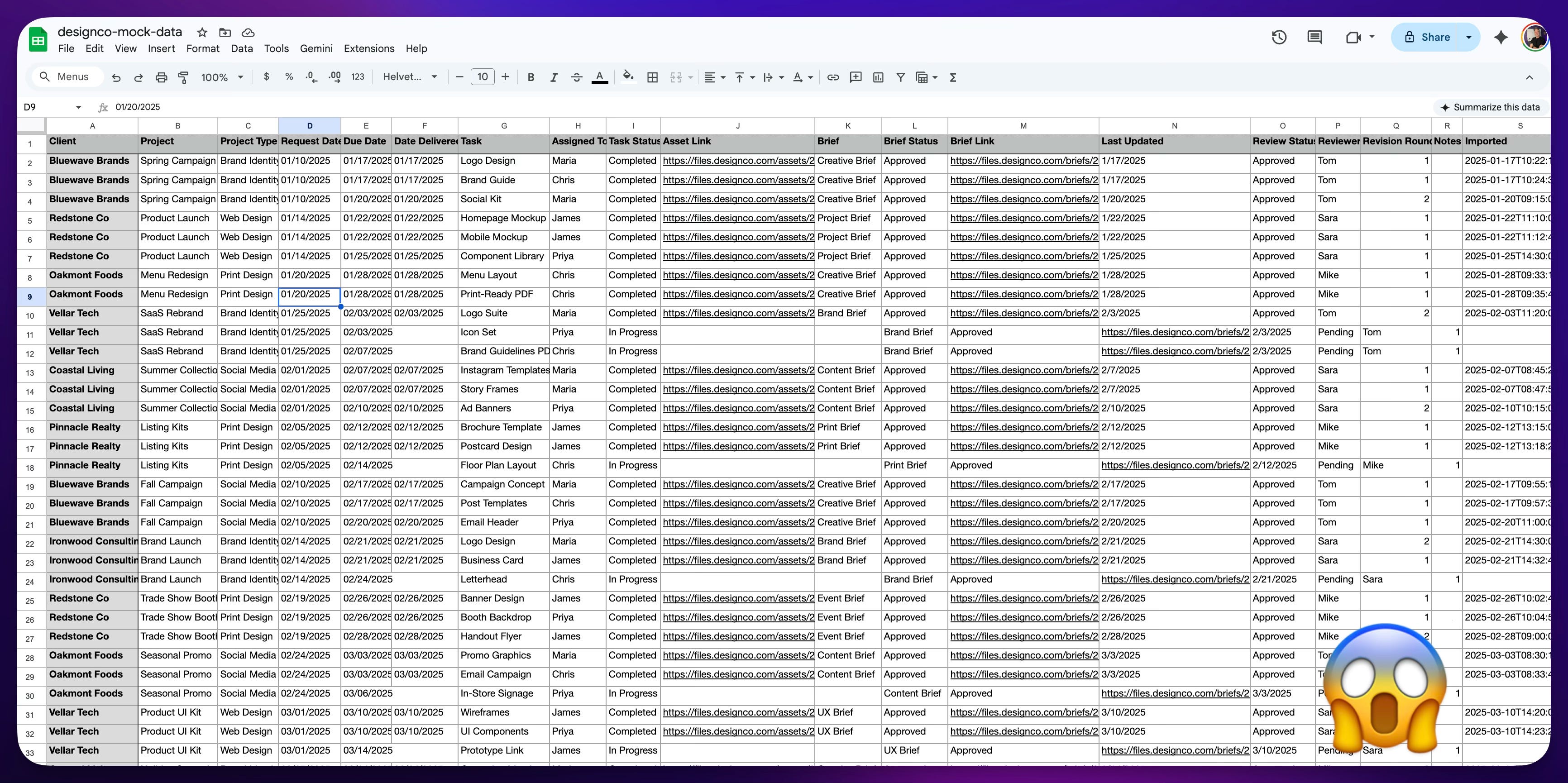
So let’s take a look at the spreadsheet we’re going to replace. It has many lines of projects, and each project can belong to one client. So a client could have many projects. A classic situation, at any point in time when you get a call from a client, you need to know where things stand. Now, we have to pull this data out, but we don’t want to think about how to prompt and how to build the database ourselves. We really want Softr’s AI to do it. So what I’m going to do is take a screenshot of the spreadsheet and give it to Claude. I’ll just say what I’m trying to do and let it use the spreadsheet as a way of knowing how to build the prompt for me for the Softr chat. You could work this out directly in Softr’s chat, but I really like to approach the AI with a good prompt so I can get going. All right, let’s do that.
[
We go into Softr.io and
[
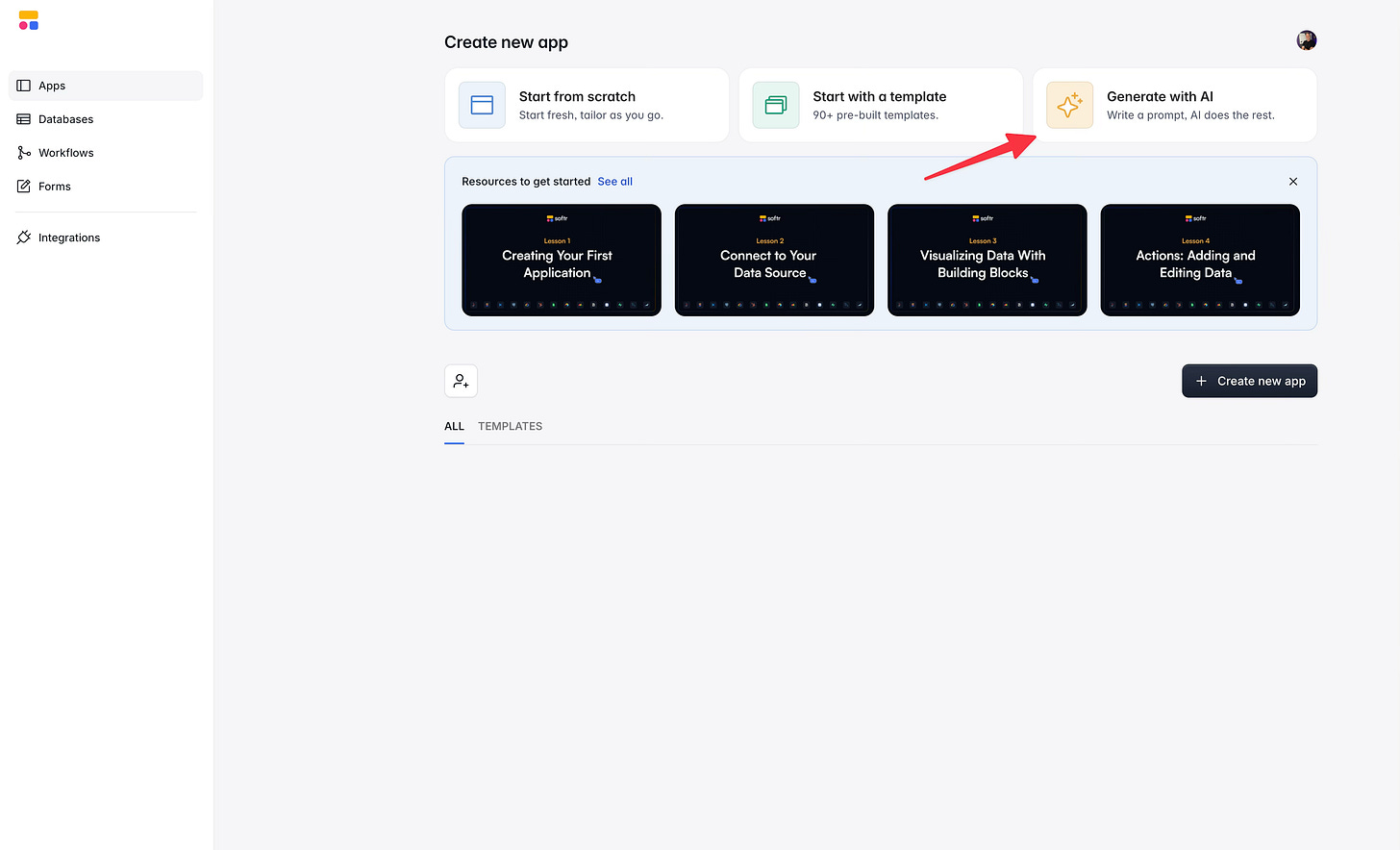
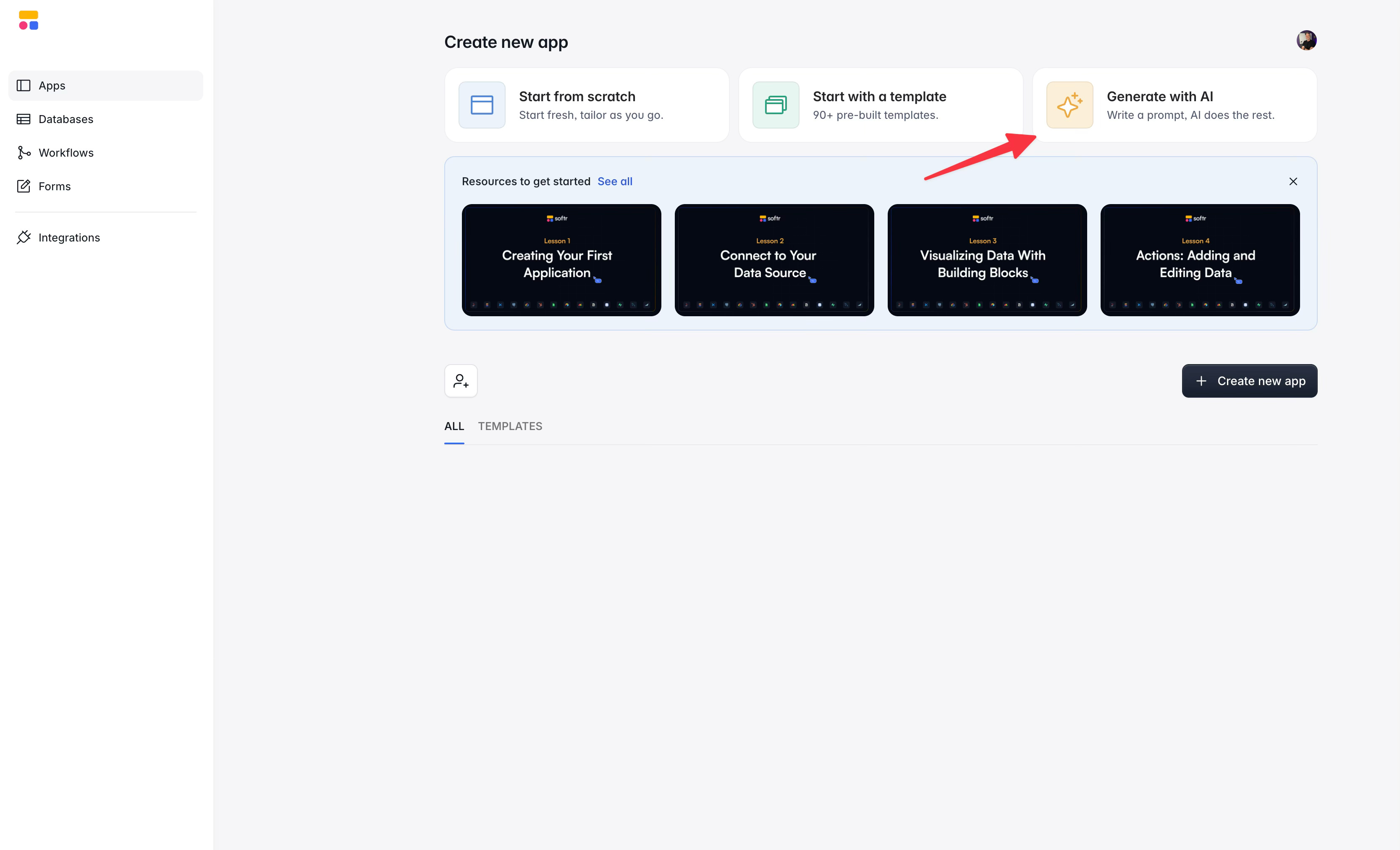
Then we paste that prompt we made into the builder:
No matter what, never give up on the first prompt with any AI system. I go to it, explain the business goal at hand, and have it make the prompt for me. “Help me create a prompt for this other AI system to build …. Do not tell it how to build it, just clearly explain the business goals.”
Here is the prompt by the way:
I need a project tracking system for a design agency that manages creative work for repeat clients. Here's what I need to track: Clients can have multiple projects. Each project has a name, a project type (Brand Identity, Web Design, Print Design, Social Media, Presentation), a request date, a due date, and a date delivered. Each project has multiple tasks. Each task has a name, is assigned to a team member, has a status (Completed or In Progress), and produces a deliverable asset, stored as a file link. Each project also has a Brief, a document that scopes the work. The brief has its own status (In Review or Approved) and its own file link. Each task goes through a review step. The review has a status (Approved or Pending), is assigned to a specific reviewer, and tracks which revision round it is. There is a last updated date at the project level so managers can quickly see what has moved recently. Team members should only see the tasks assigned to them. Managers and account leads should see everything, all clients, all projects, all tasks, all statuses. Build me the tables, relationships, and a portal where staff can log in and see their own work, and managers can see the full picture.
All right, so now you’re going to see something unique here. Because the AI we are using is tuned by Softr, it knows how Softr works and knows how to put these blocks together. It takes your prompt and starts asking you questions. They’re very simple and just help make sure it builds the right thing.
[
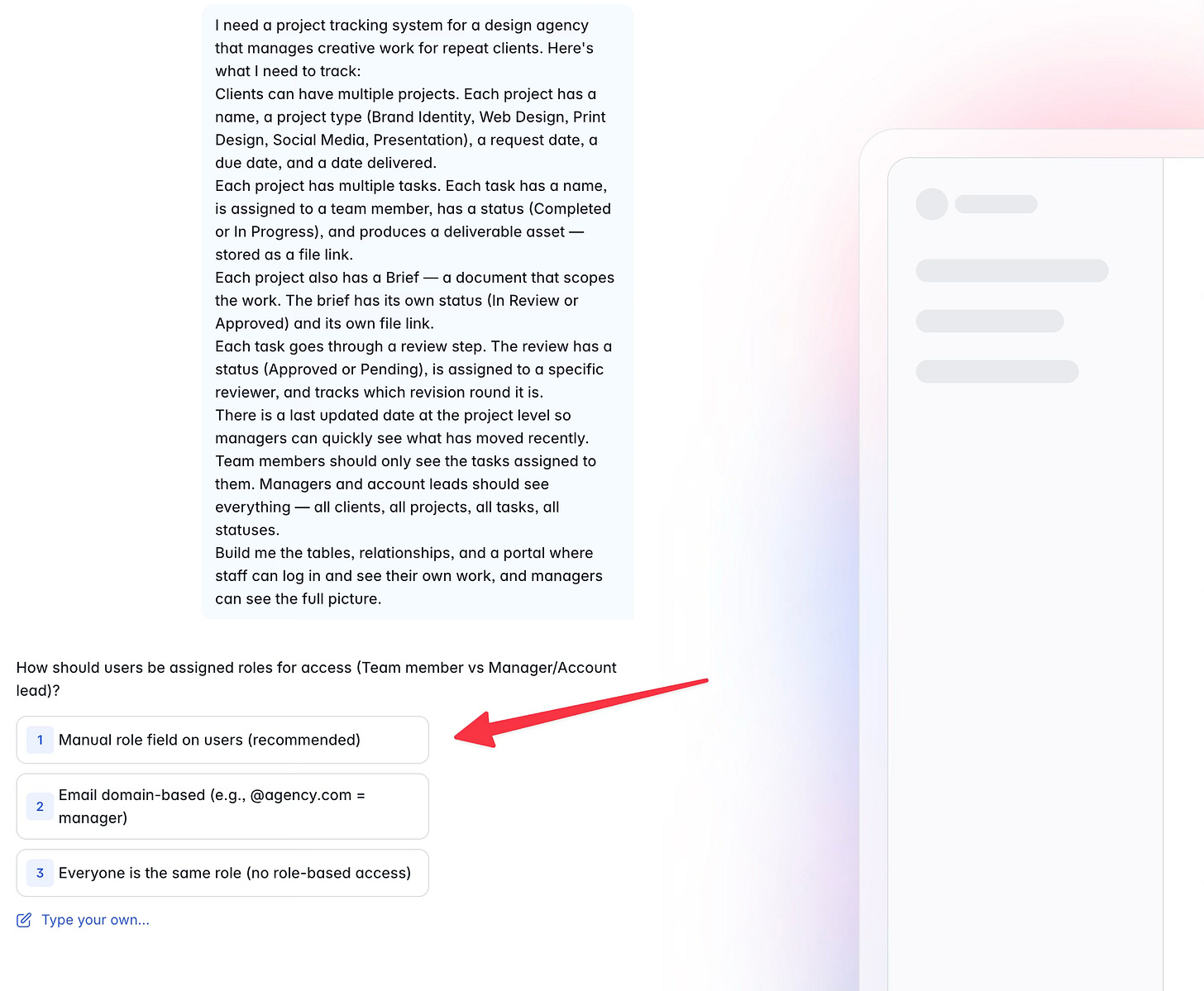
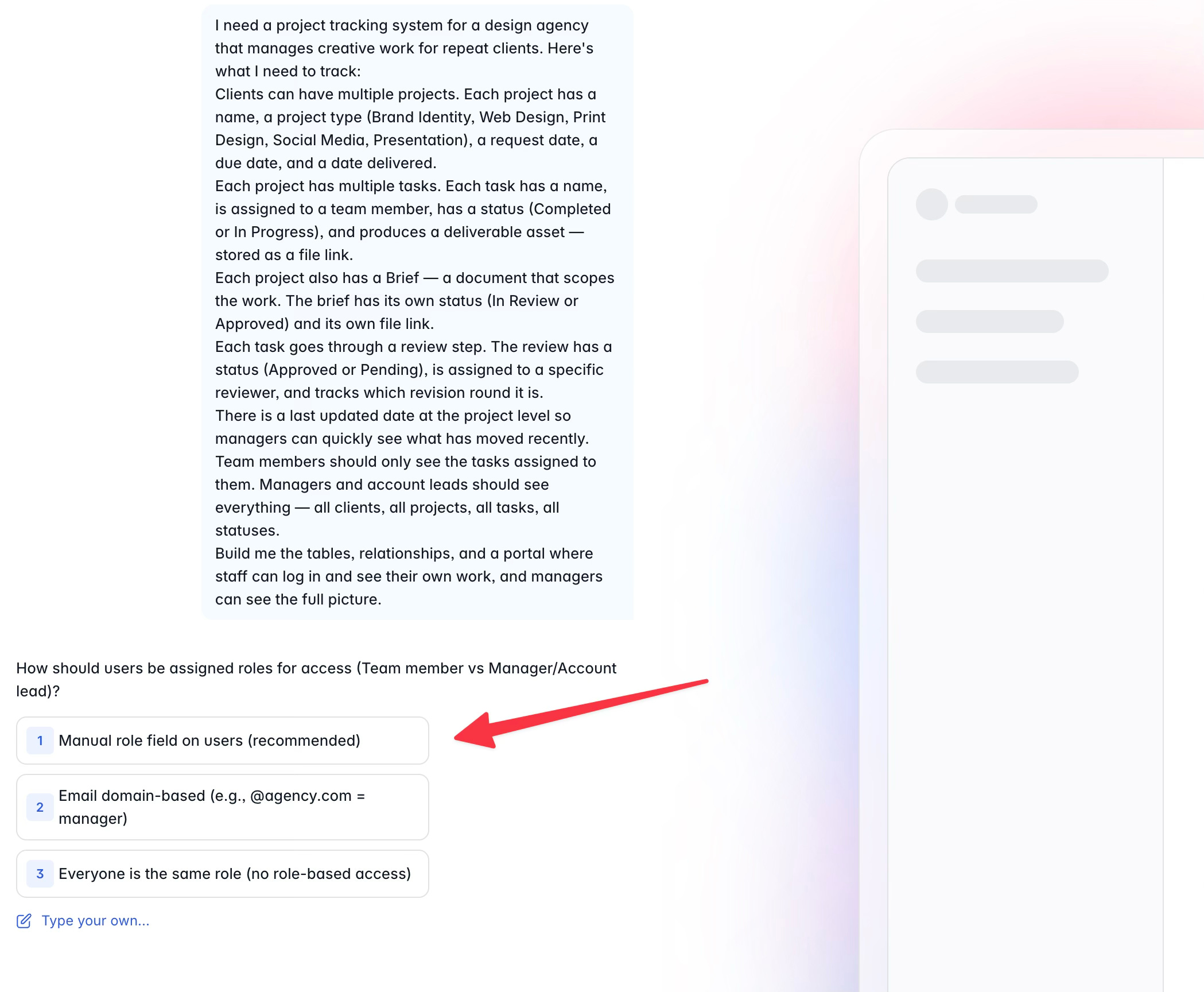
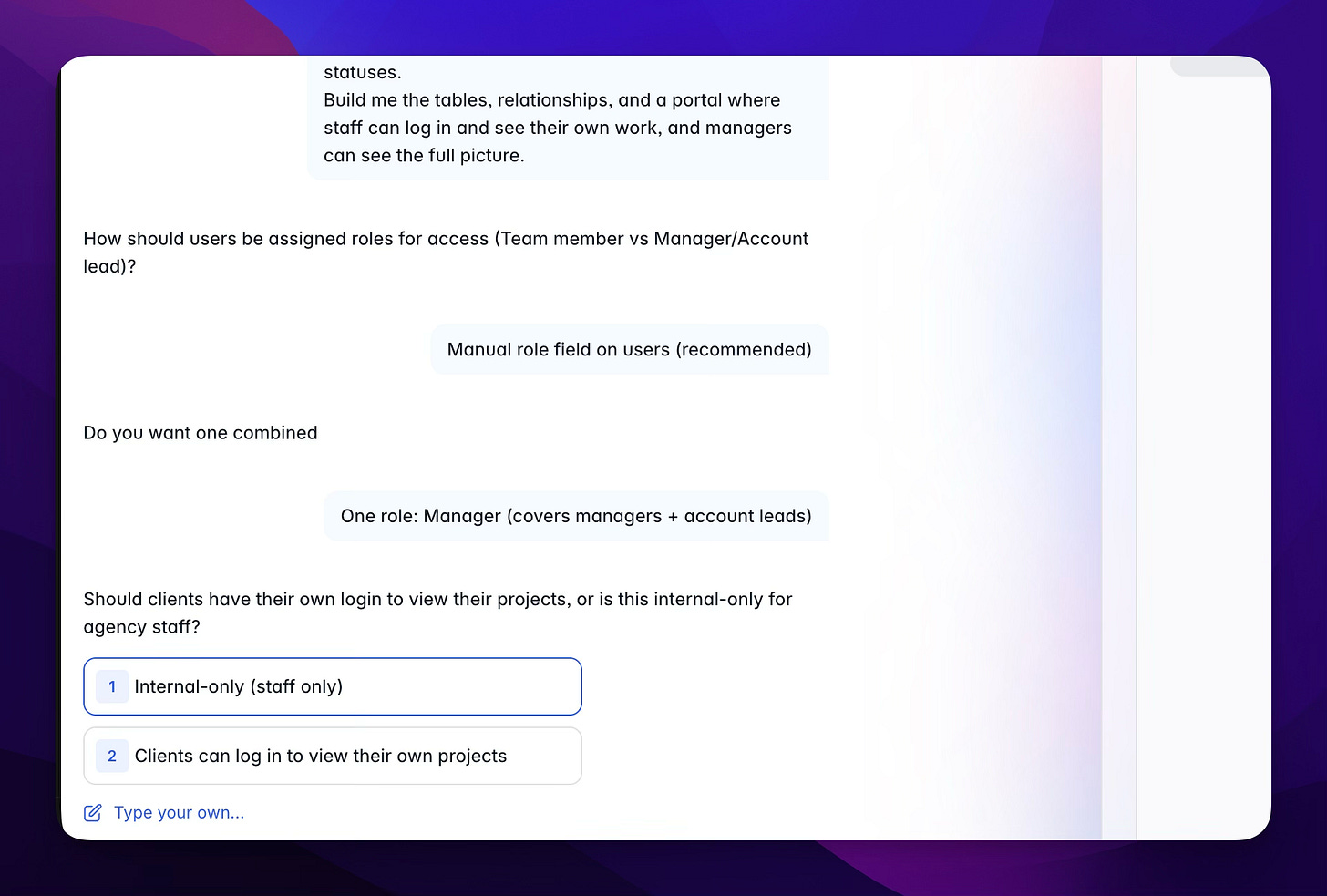
Manually manage roles is how I want to manage users as I invite them to the app
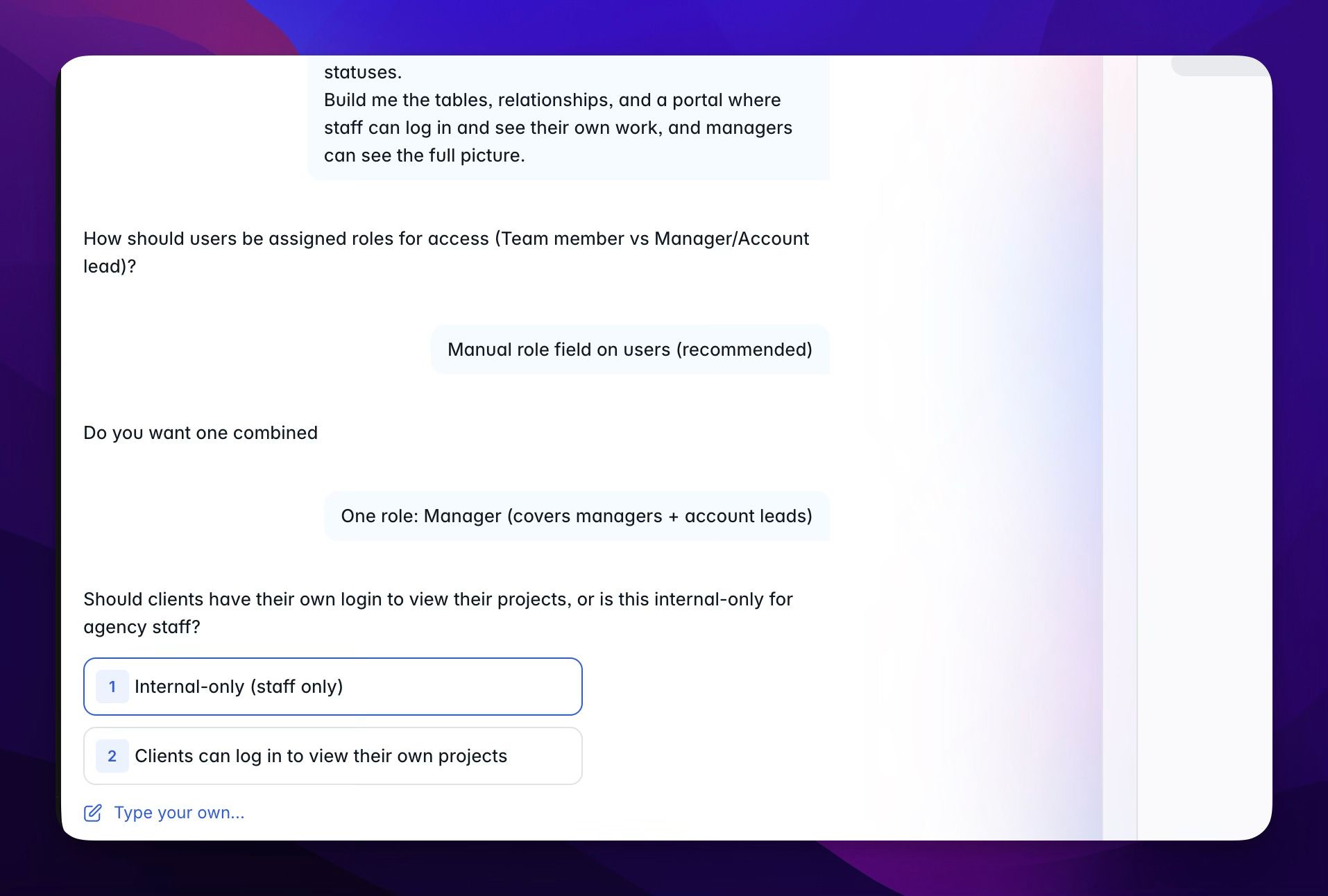
We even see in the next question how it’s thinking of options for us. Is this an internal site, or do we want clients logging in? Very good. Sometimes we might not even realize we want something or what’s possible, and here it is showing us what’s possible.
[
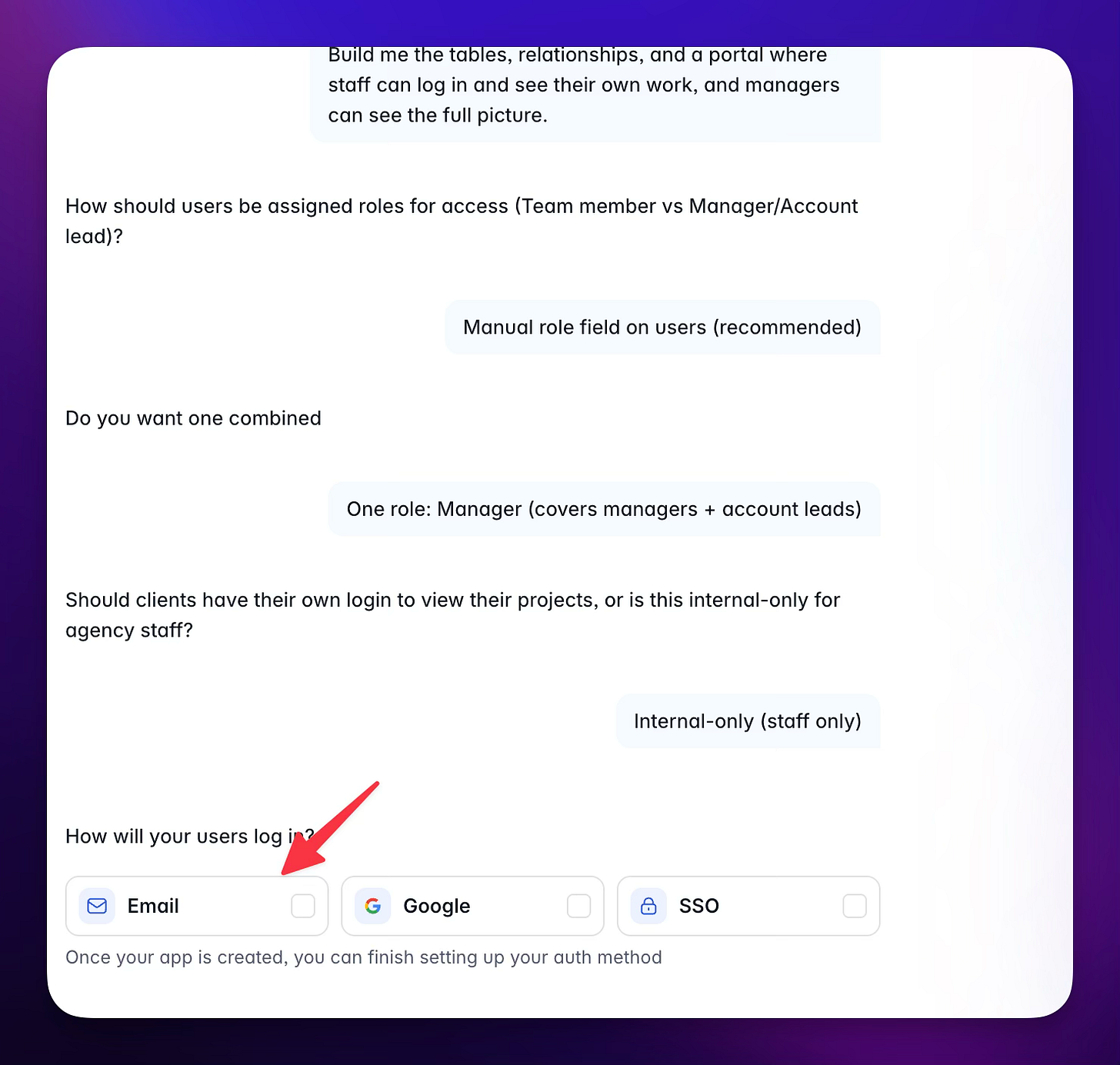
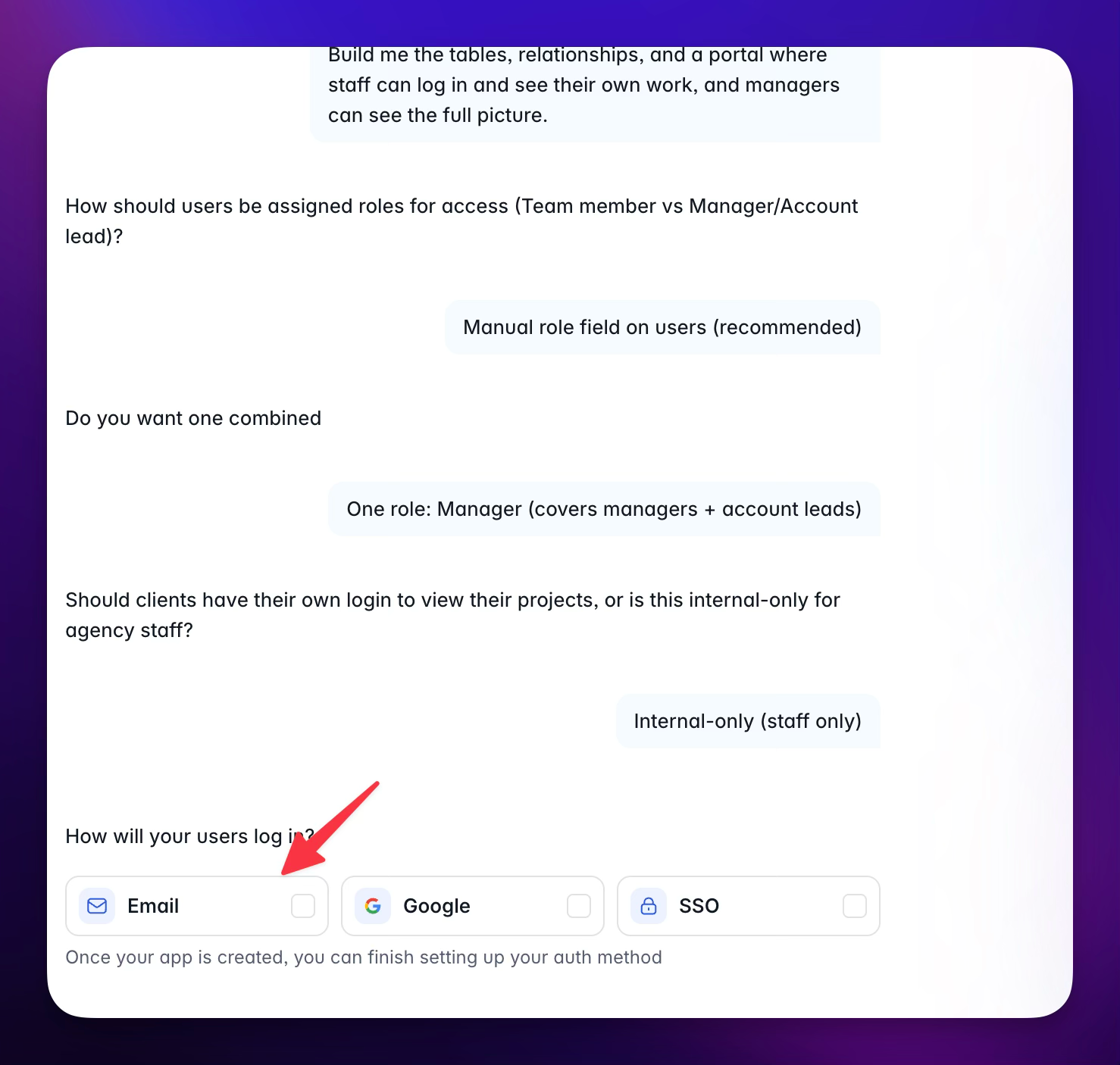
On this next question, it’s basically asking how these users will log in. You’re typically going to default to email, and when you do that, you can either have them use passwords or get a login token. That’s really nice because then your users don’t have to remember passwords.
[
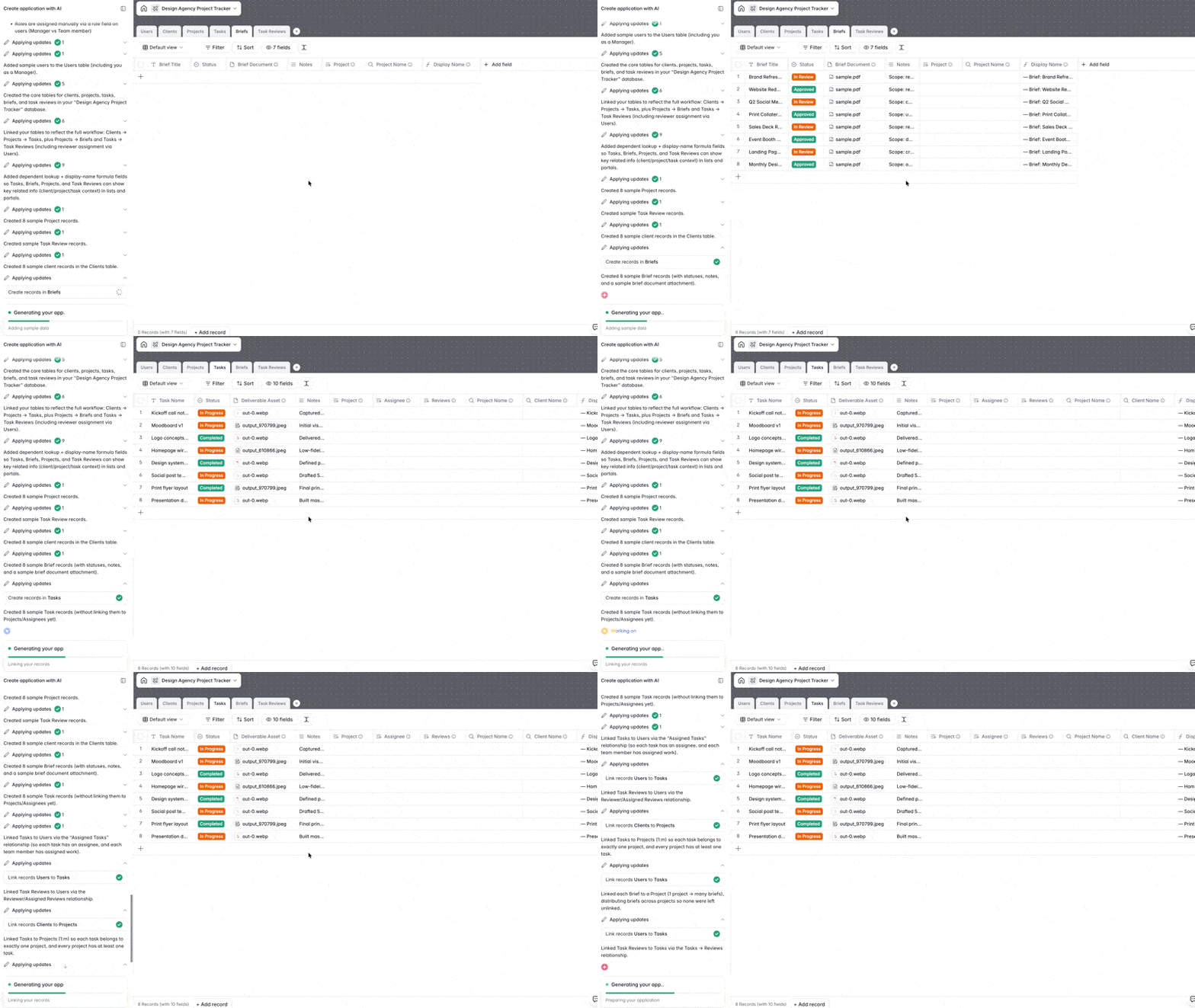
Okay, now we just wait a few minutes. It’s really not that long, I mean, obviously compared to how this used to be done, it’s nothing. You’ll also see progress as you go, including checkboxes, which is really nice.
[

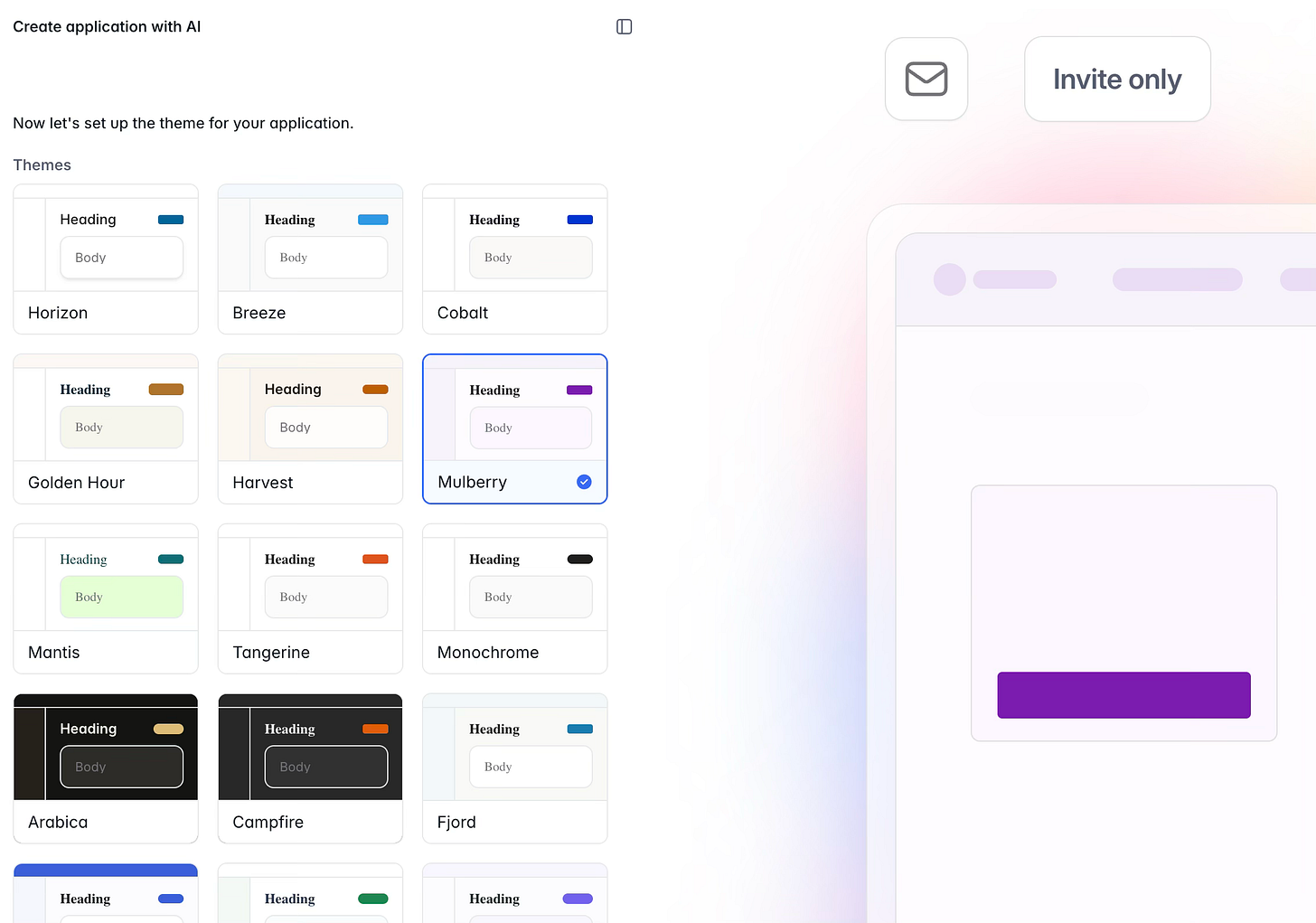
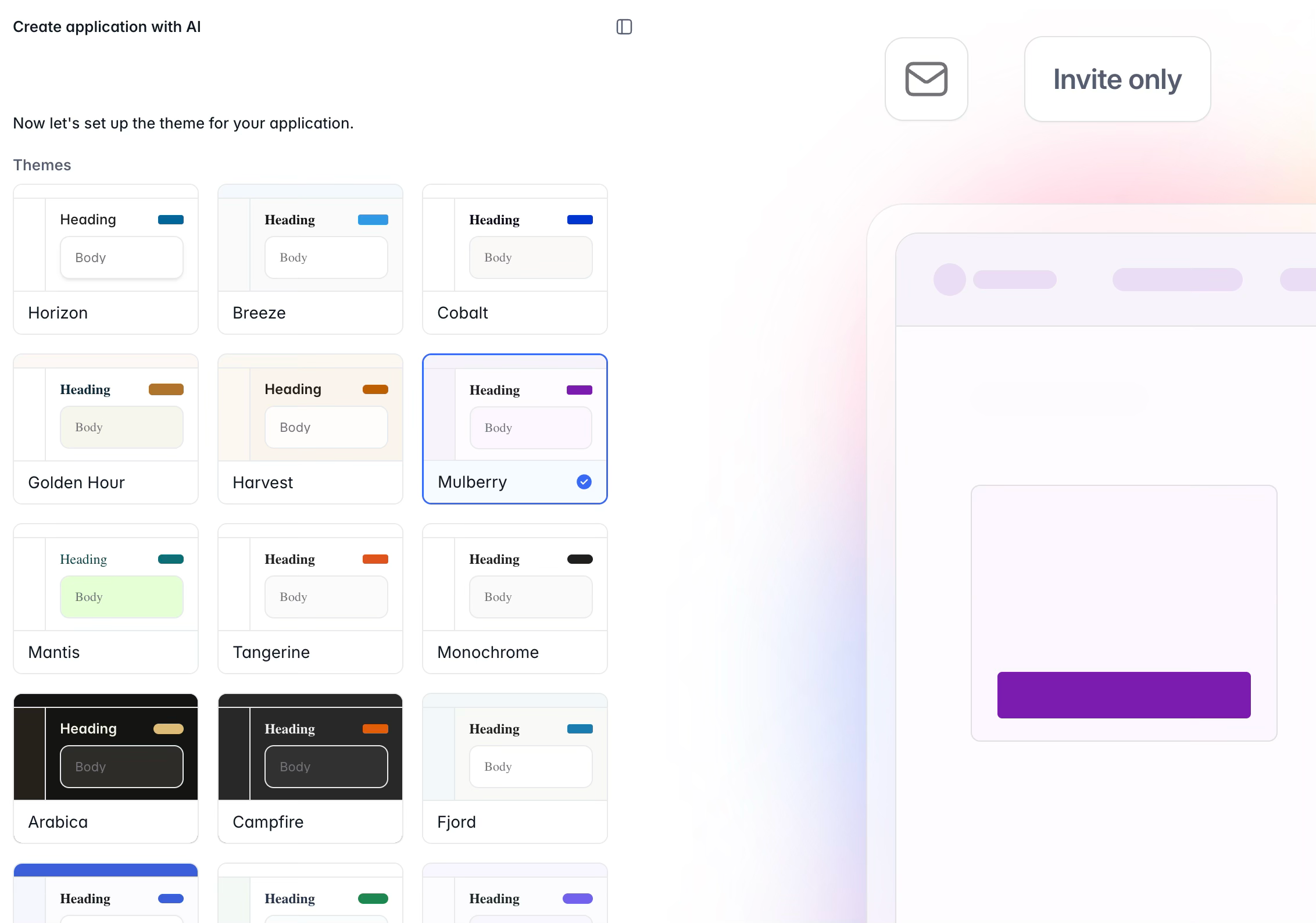
Here we get to choose some highlights of our site, the theme or the color palette. Since we’re really focusing on making an intranet-style application, it’s going to be consistent and practical. I like to go with the lighter color instead of dark. It just seems like most users, surprisingly, prefer light mode.
[
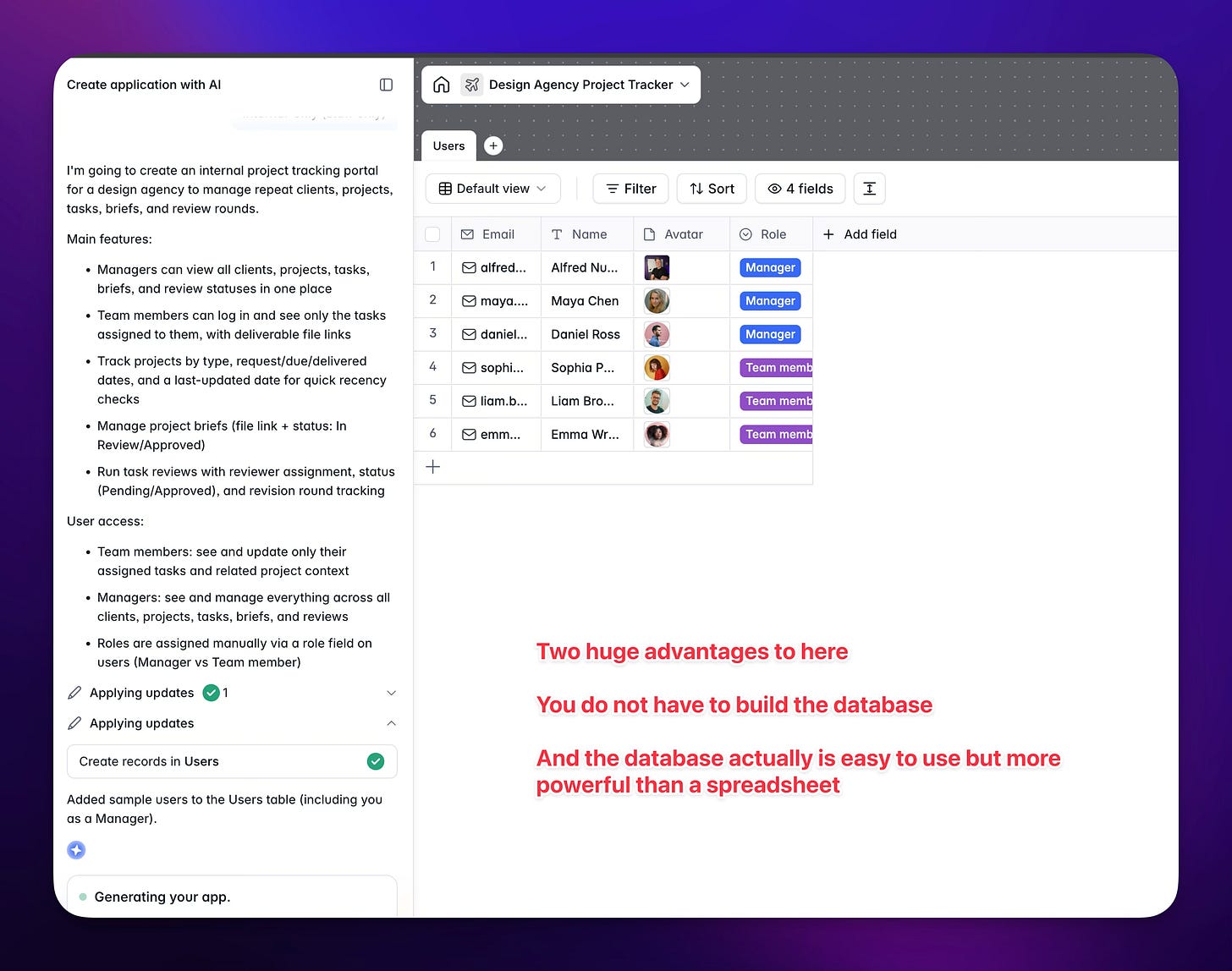
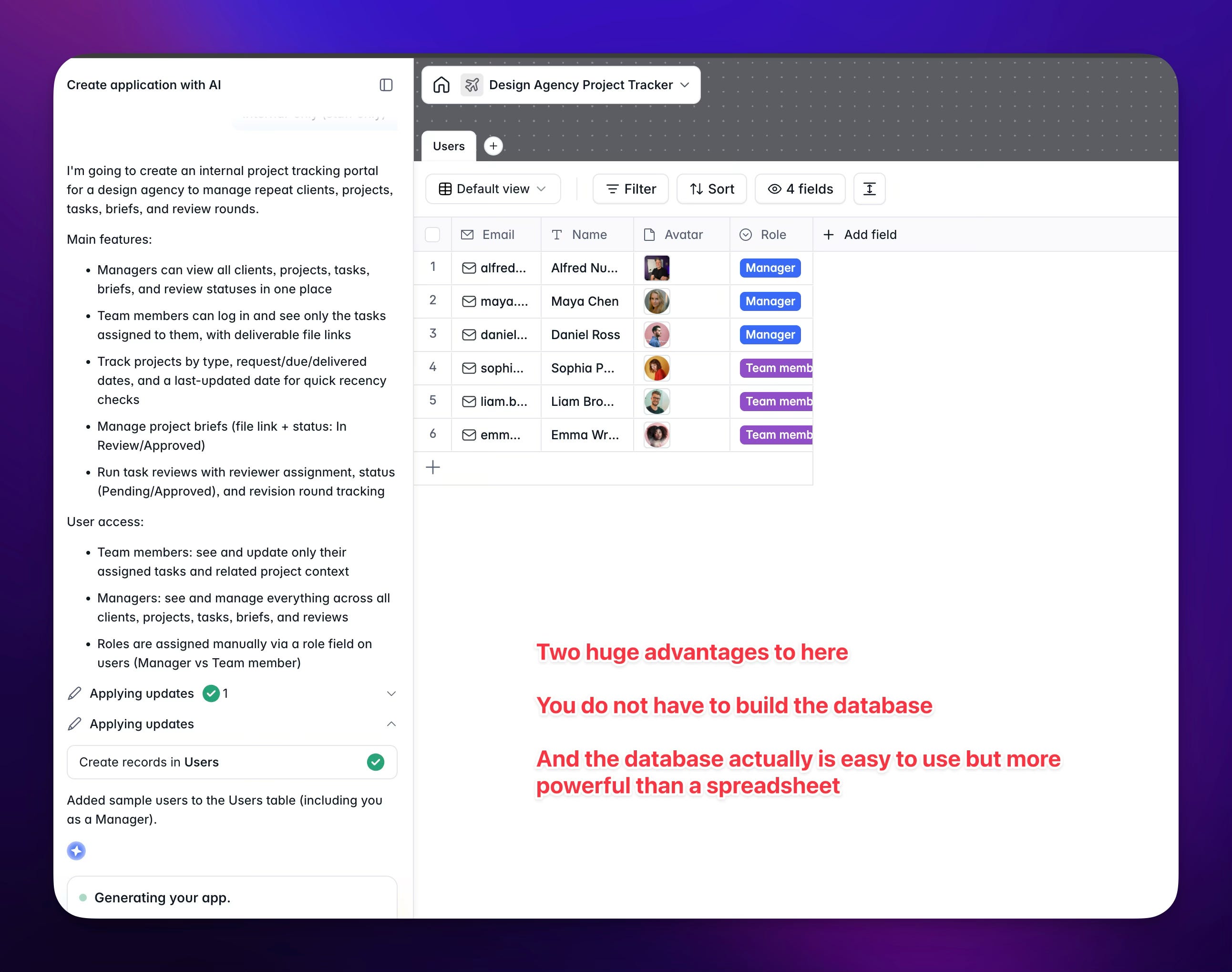
Again, we get to watch progress happen right in front of our eyes. This is the database, and unlike most databases, it’s user-friendly. You can get in there as the manager and start adding columns or even adding AI to it if you want. Basically, you can really get in there and do what you need to do to get at the data. You could use this if you’re more comfortable with the UI for quick management. It gives you that spreadsheet feel without the spreadsheet limitations, honestly. Proper relationships, lookups, there’s a lot of capability there, and they have great documentation on it. It’s really not that hard to use if you need to.
[
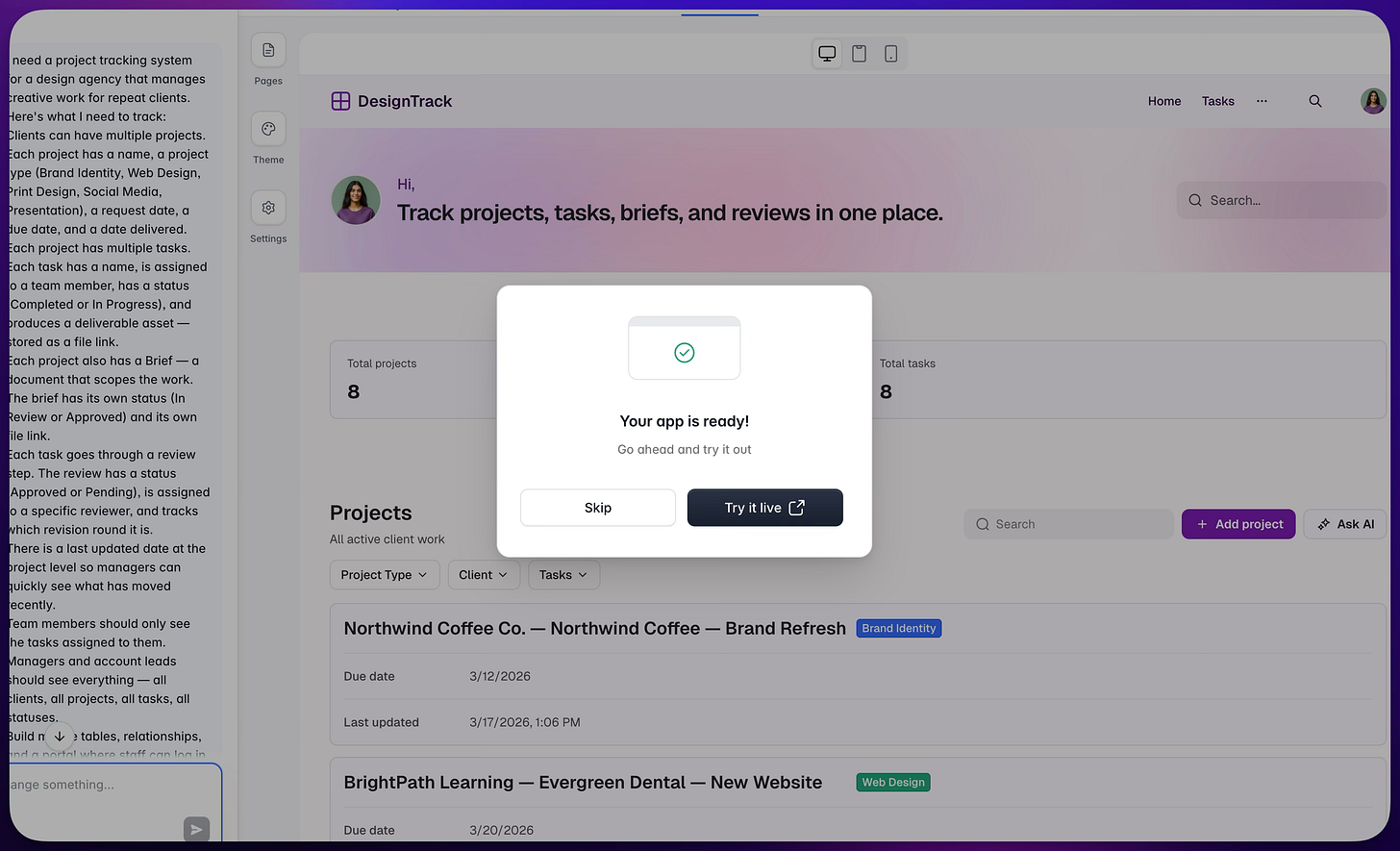
And that’s it, your new project management system is ready to try out!
[
Let’s Check Out What It Built!
[
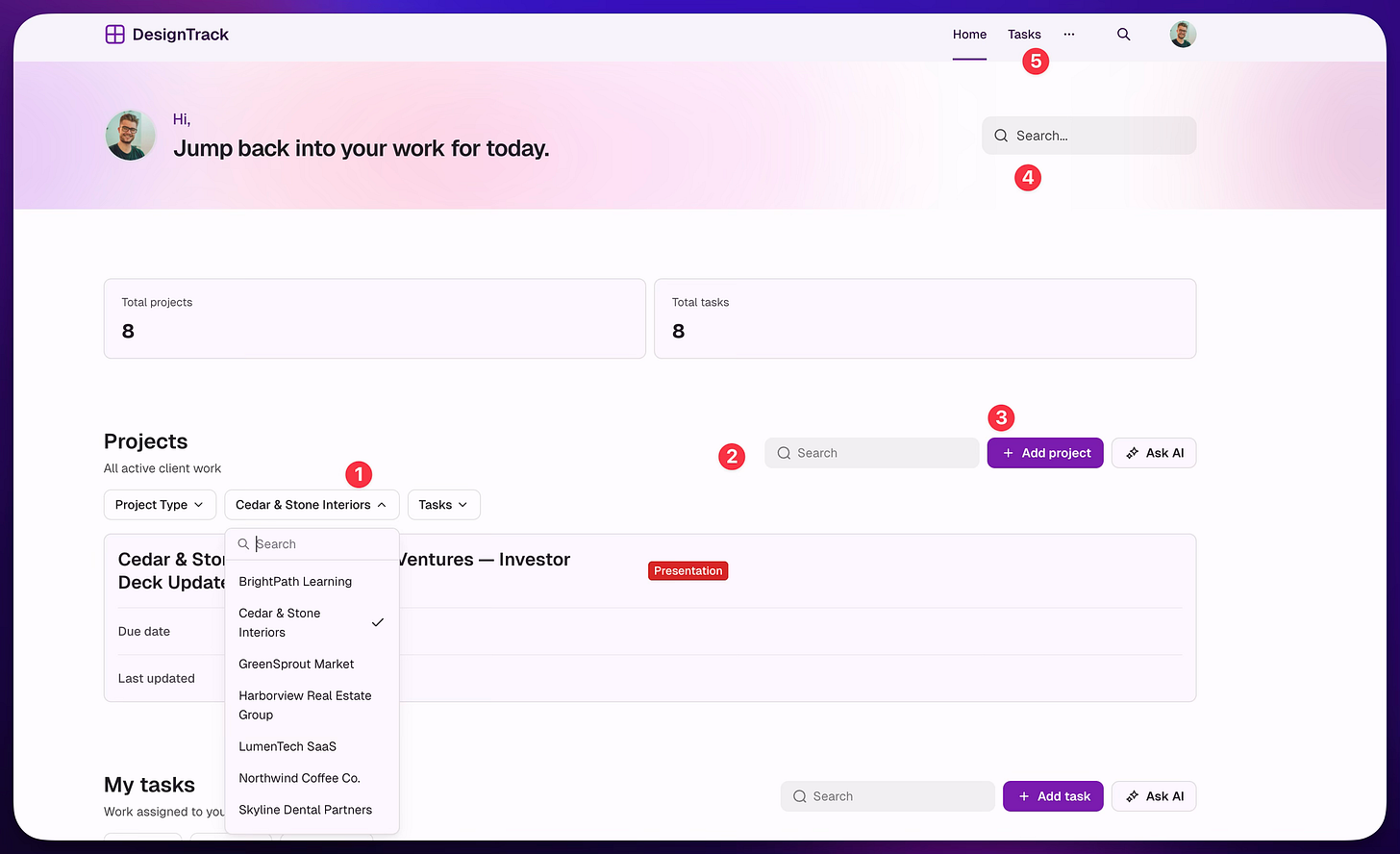
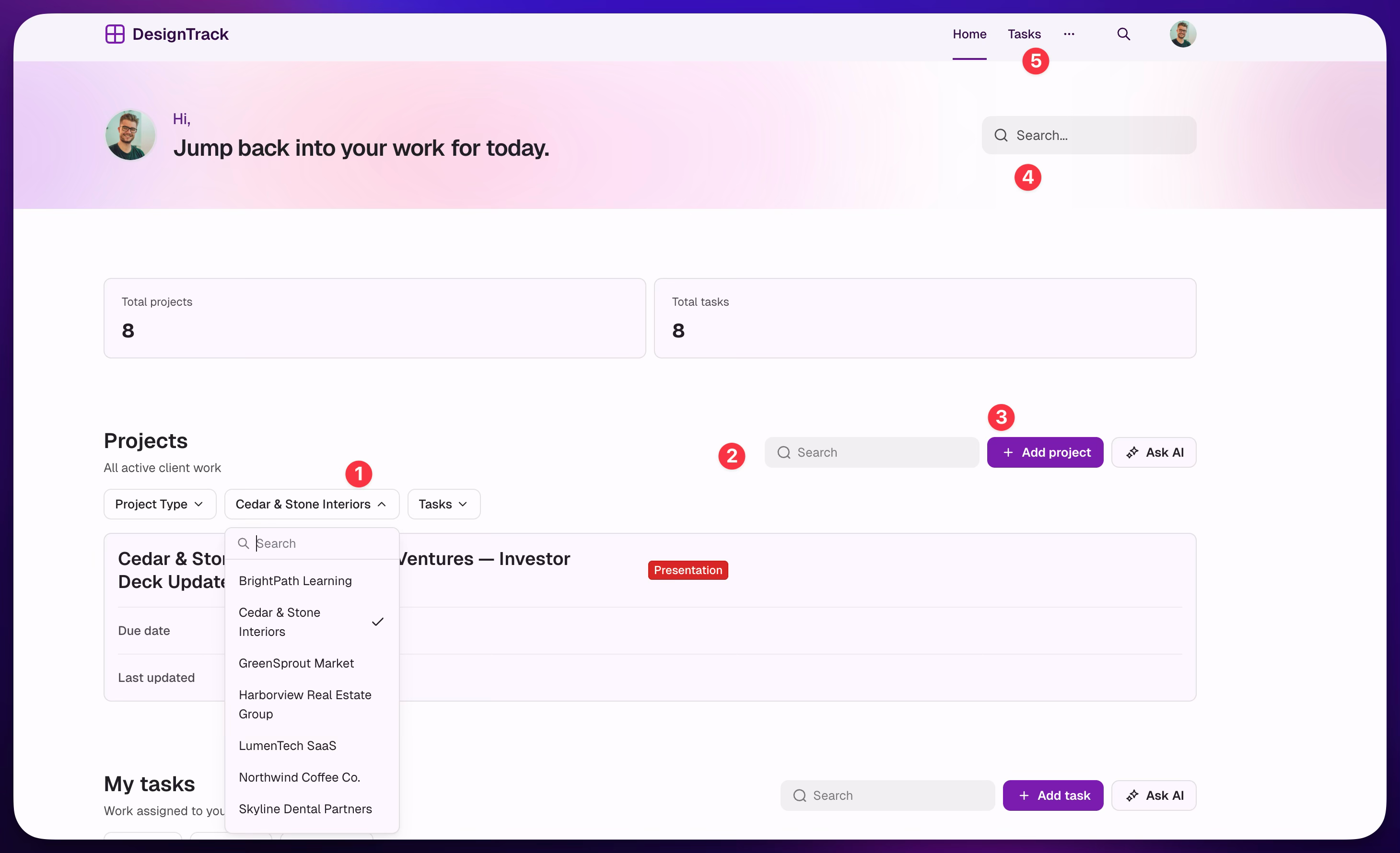
All right, here we are. We’re previewing the site and we actually see quite a bit. As you can see in the screenshot, we have a filter area so we can quickly find our projects. We have a search. We have an “Add Project” button that opens up a screen for us to add a new project, which I’ll show in a moment. We have a task area for all the tasks and we have a global search. This is great. It’s the perfect amount of detail, not an overwhelming user interface, and it helps you get in and get working to manage these projects.
[
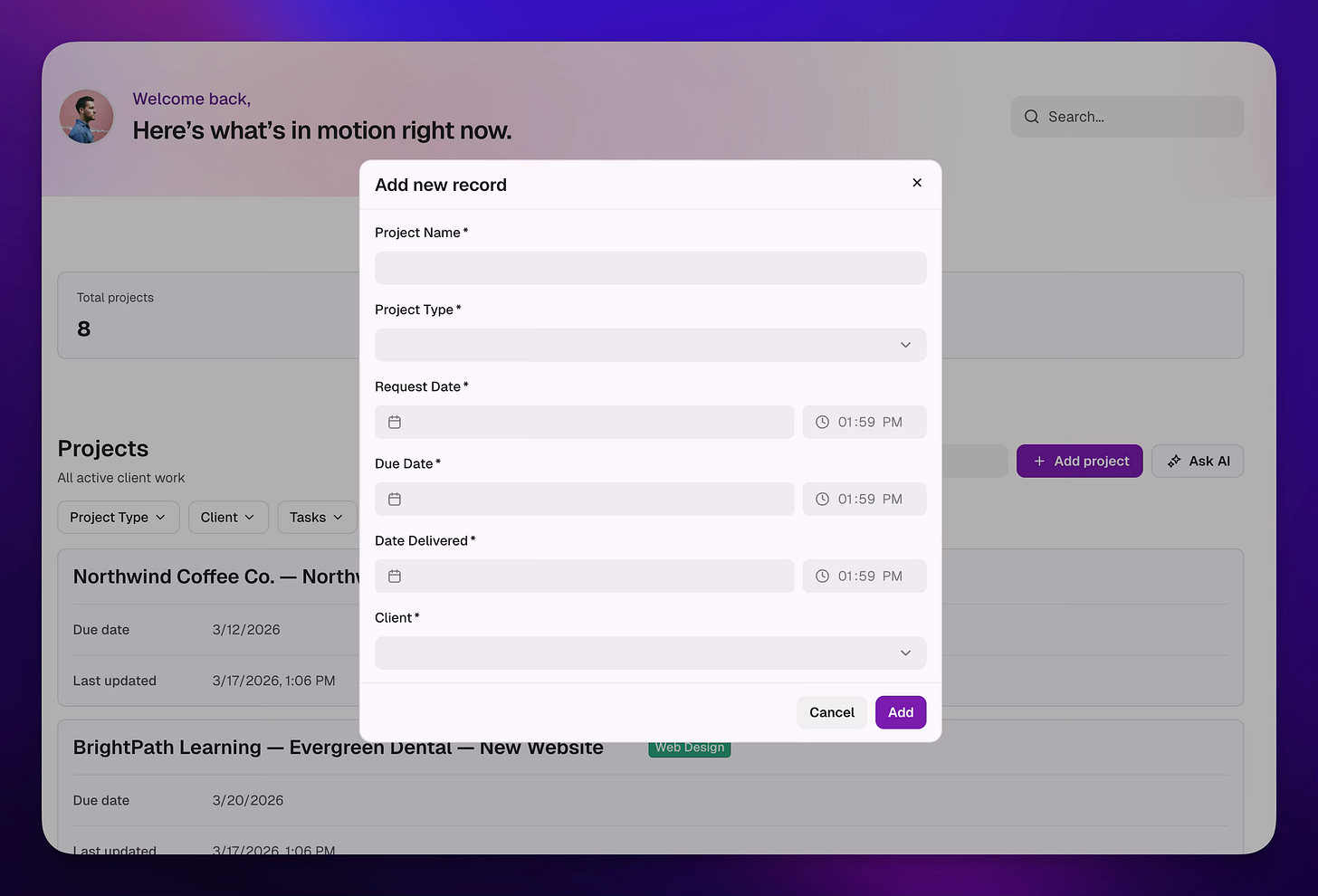
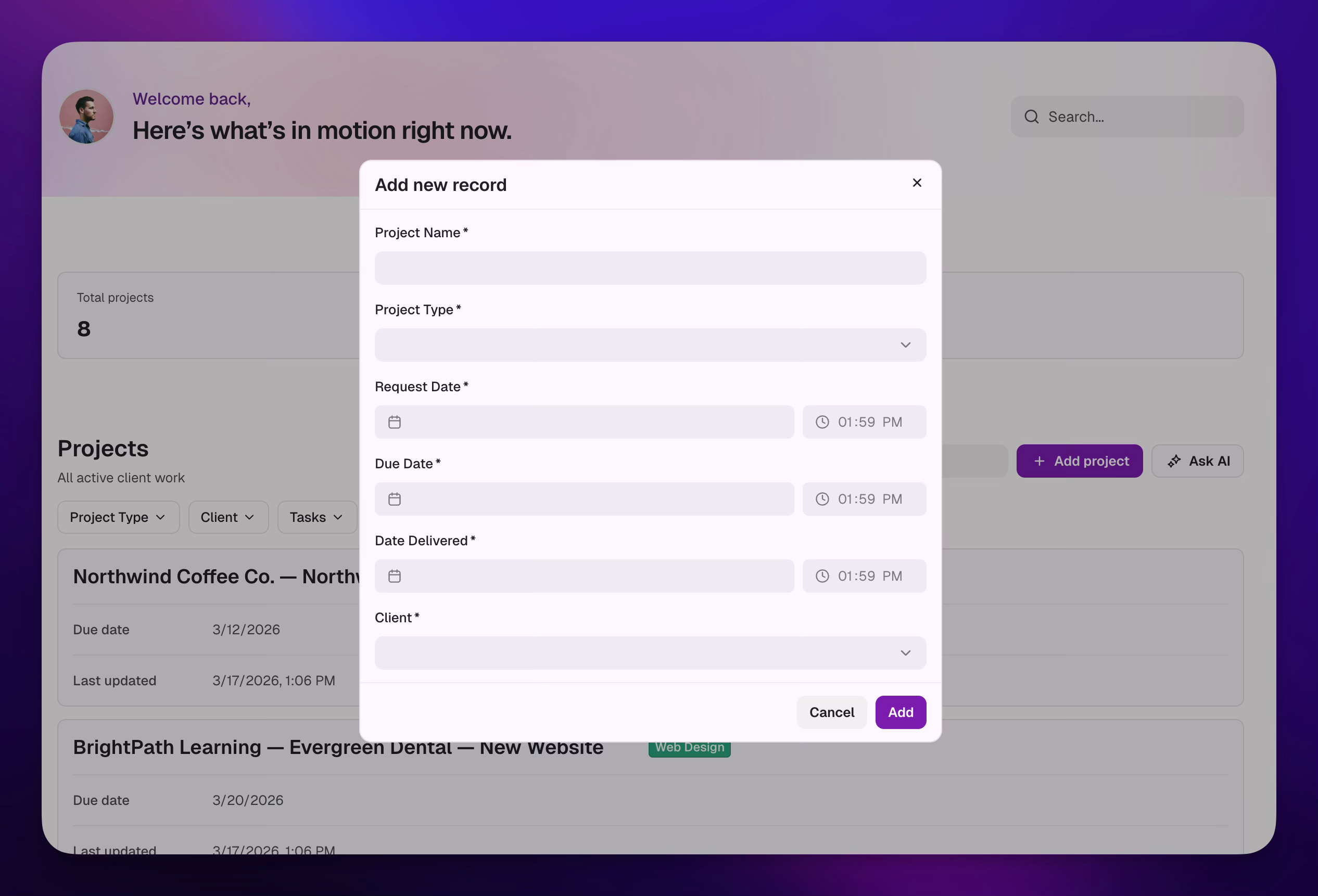
And we see that we have the “Add Project” modal that lets us easily add projects. You’ll see too in the next screenshot how we start to see the power of a database here, I can actually choose a related client instead of typing them in. I can connect this to a client so we can look at all the projects for a client, all the tasks for a client. This is really important and really nice, we don’t have to think about setting all that up.
[
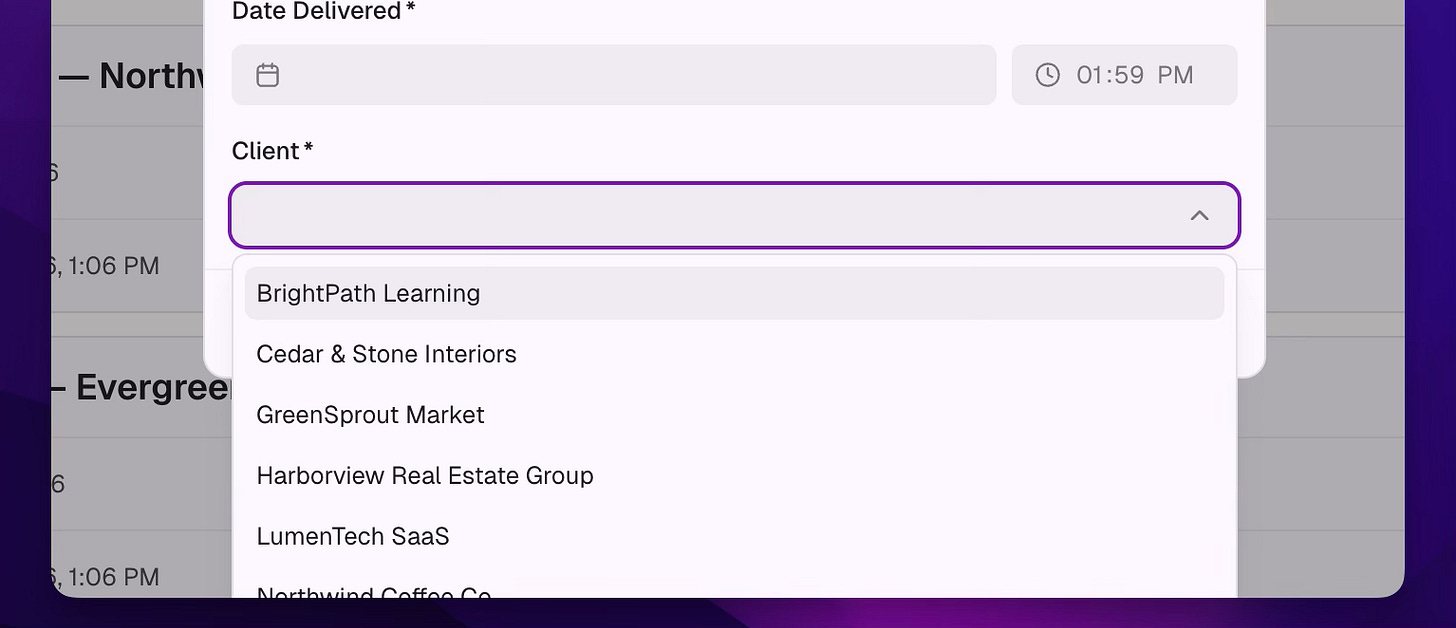
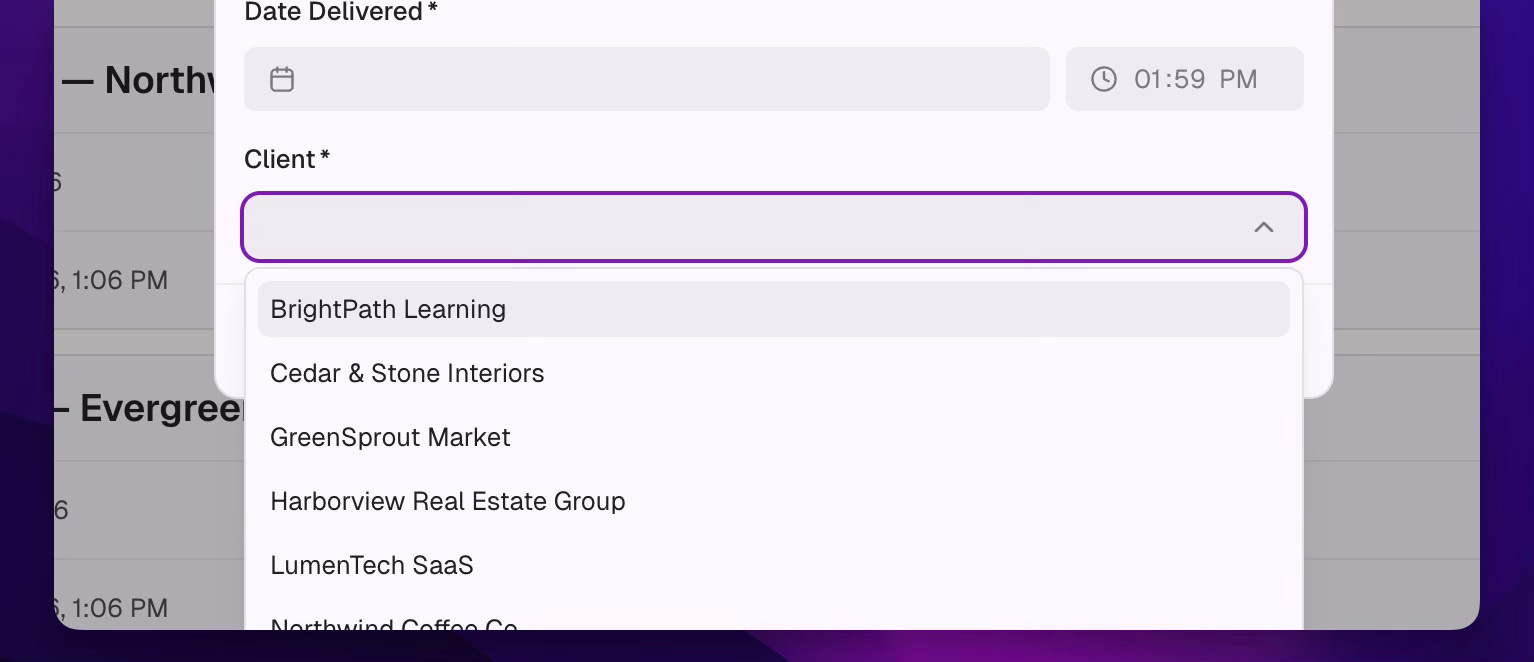
Choose the client as you are not really making a relational database
Doing QA (Quality Assurance)
All right, that’s awesome. But we still want to go click around and check things out. So how we do this is we go into preview mode. You’ll see the image here where you can click on Preview.
NOTE: After the initial build, it shows a message to “Try it Out”, that is going to preview mode for you.
[
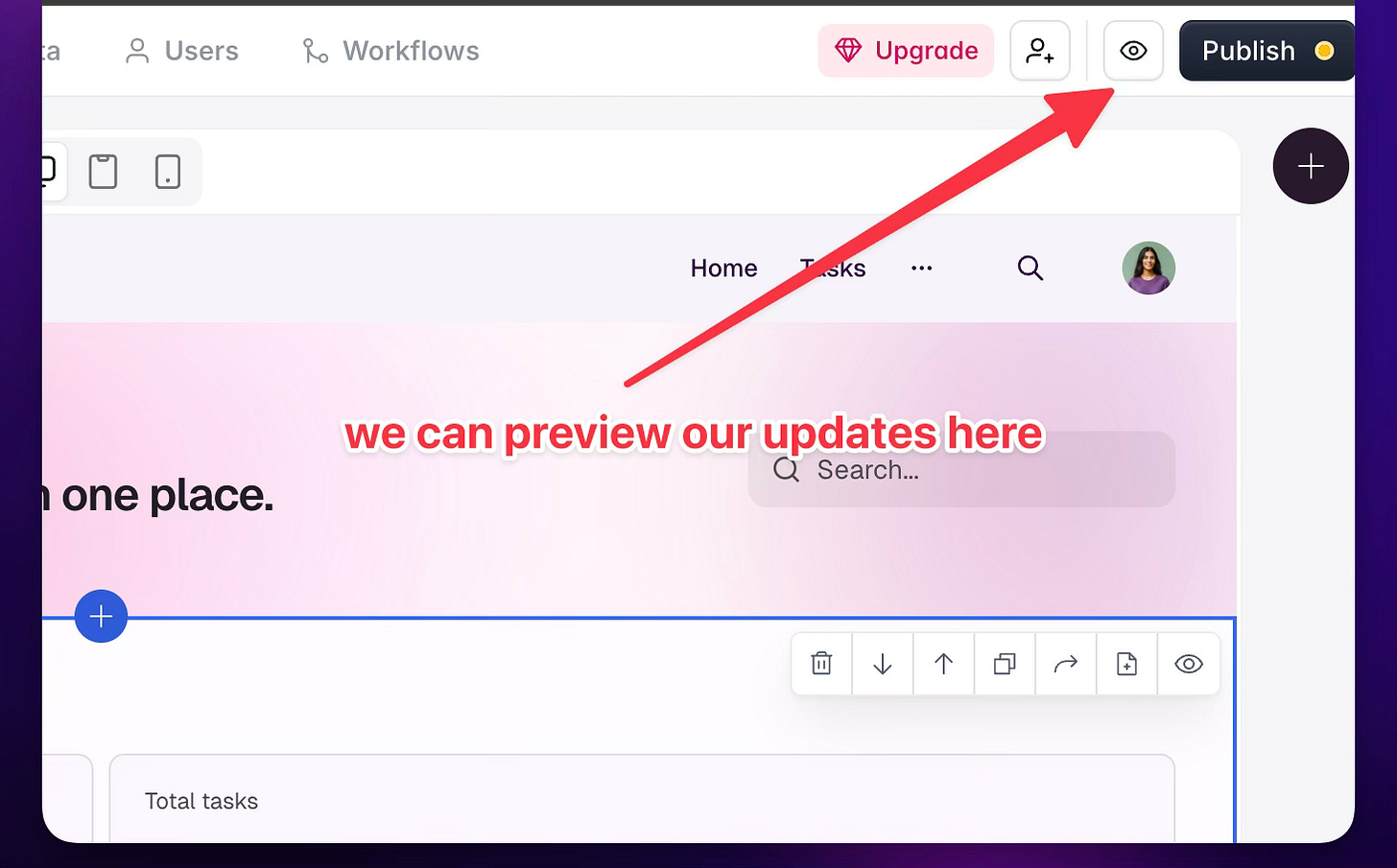
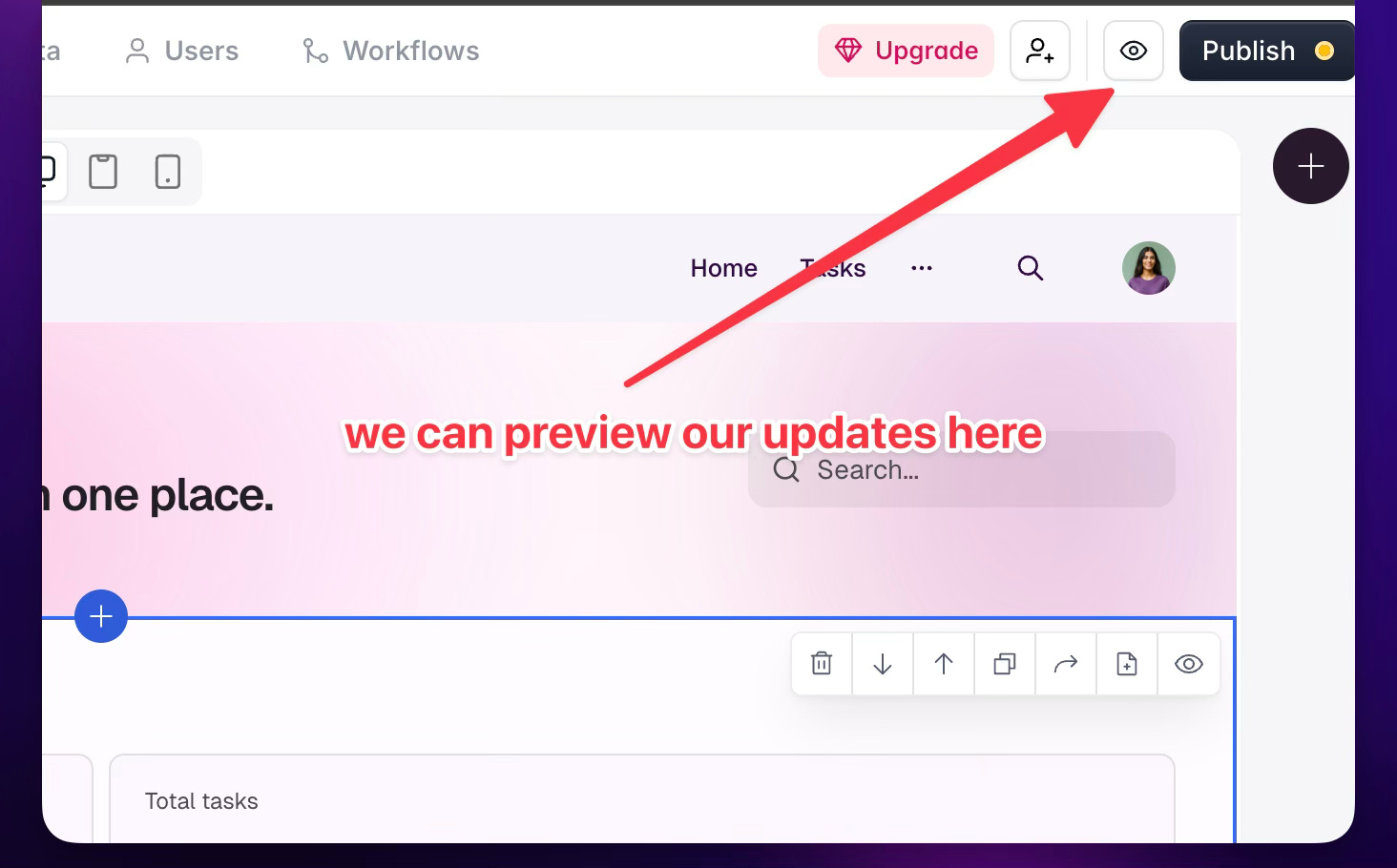
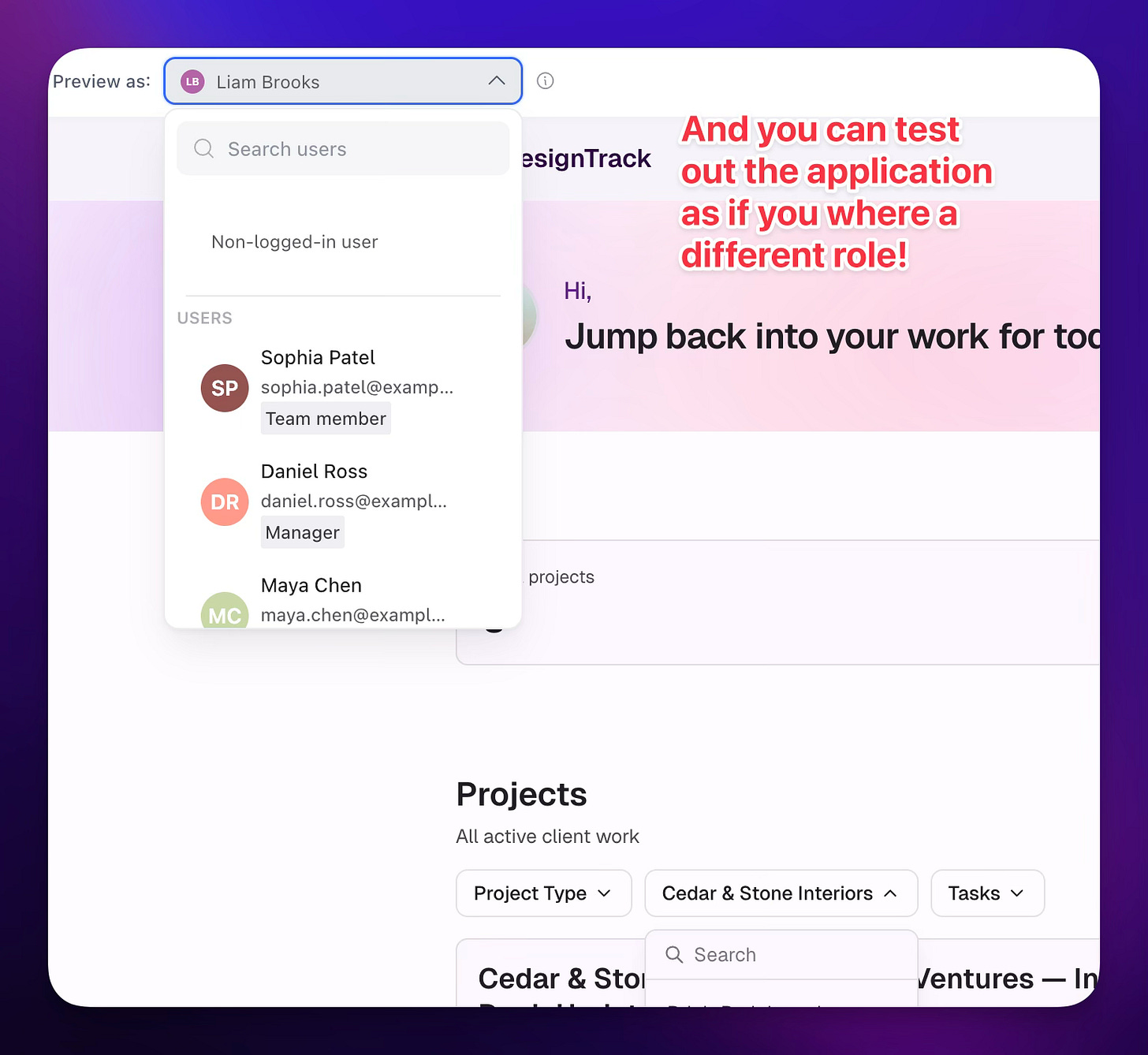
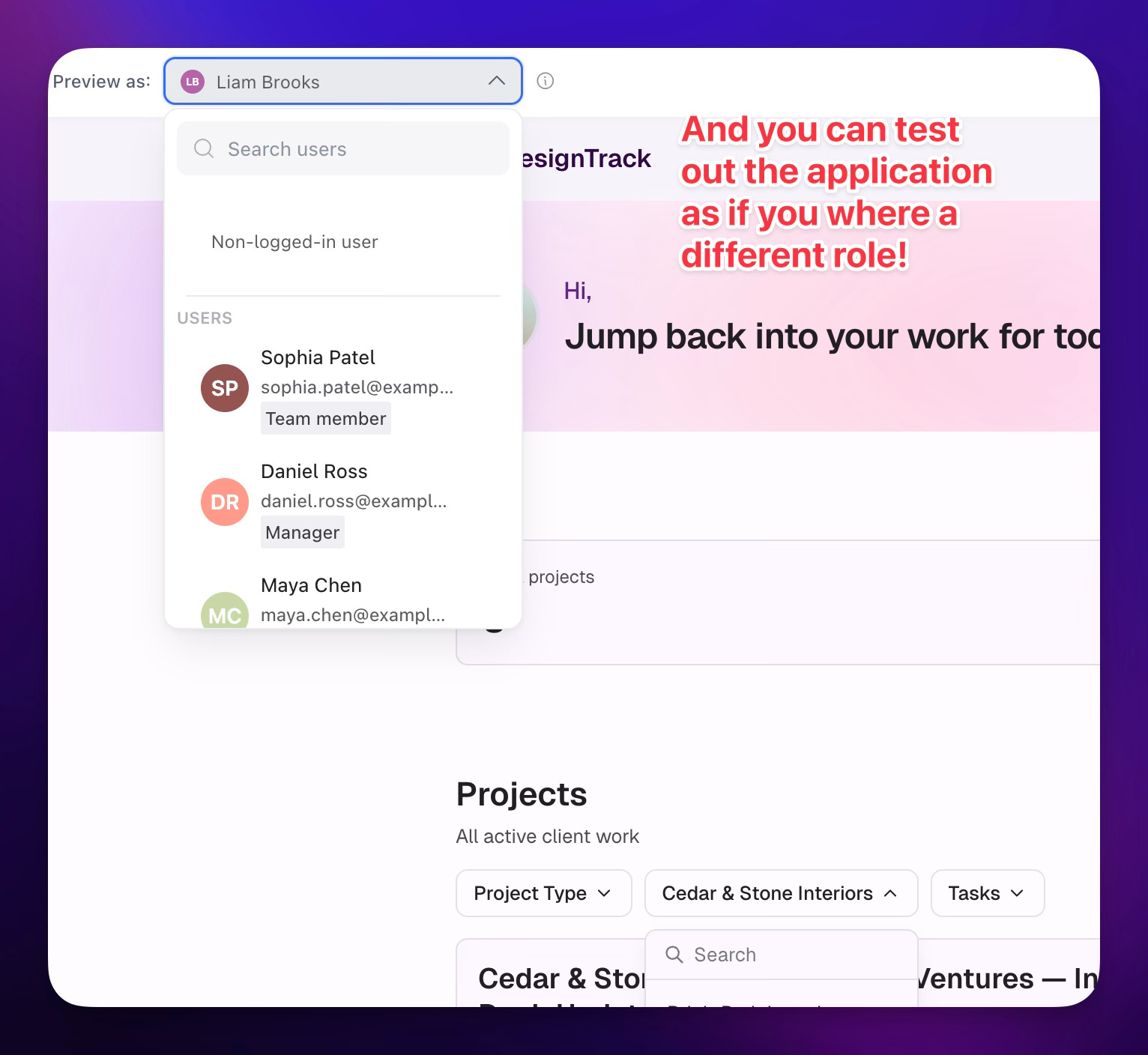
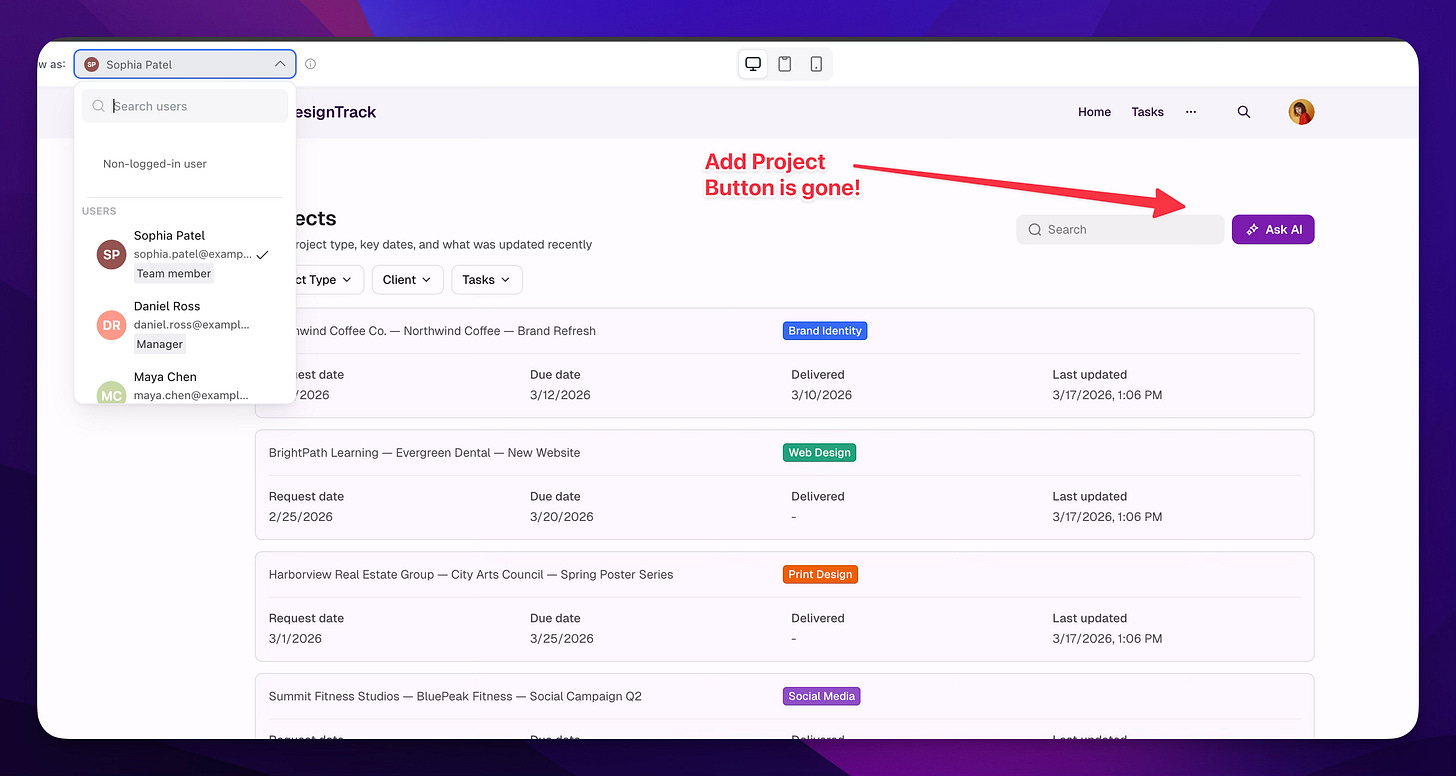
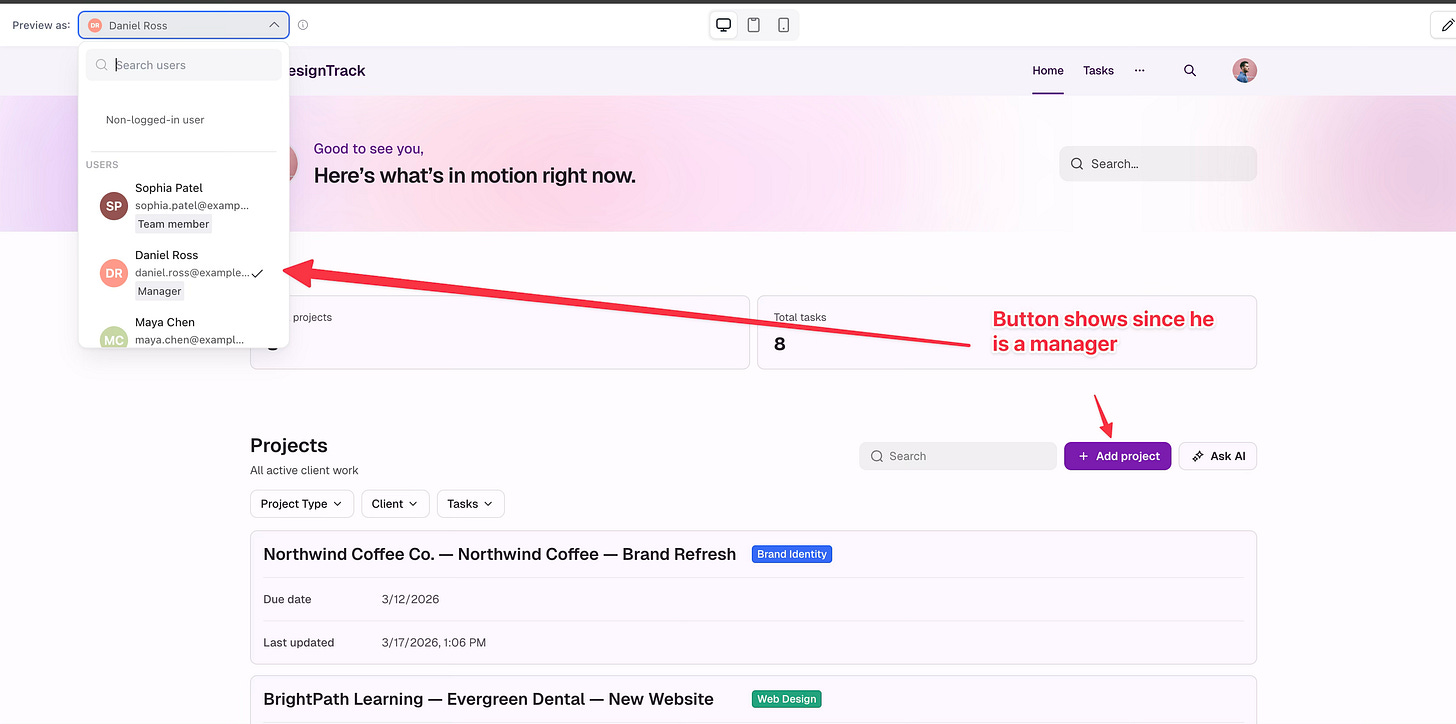
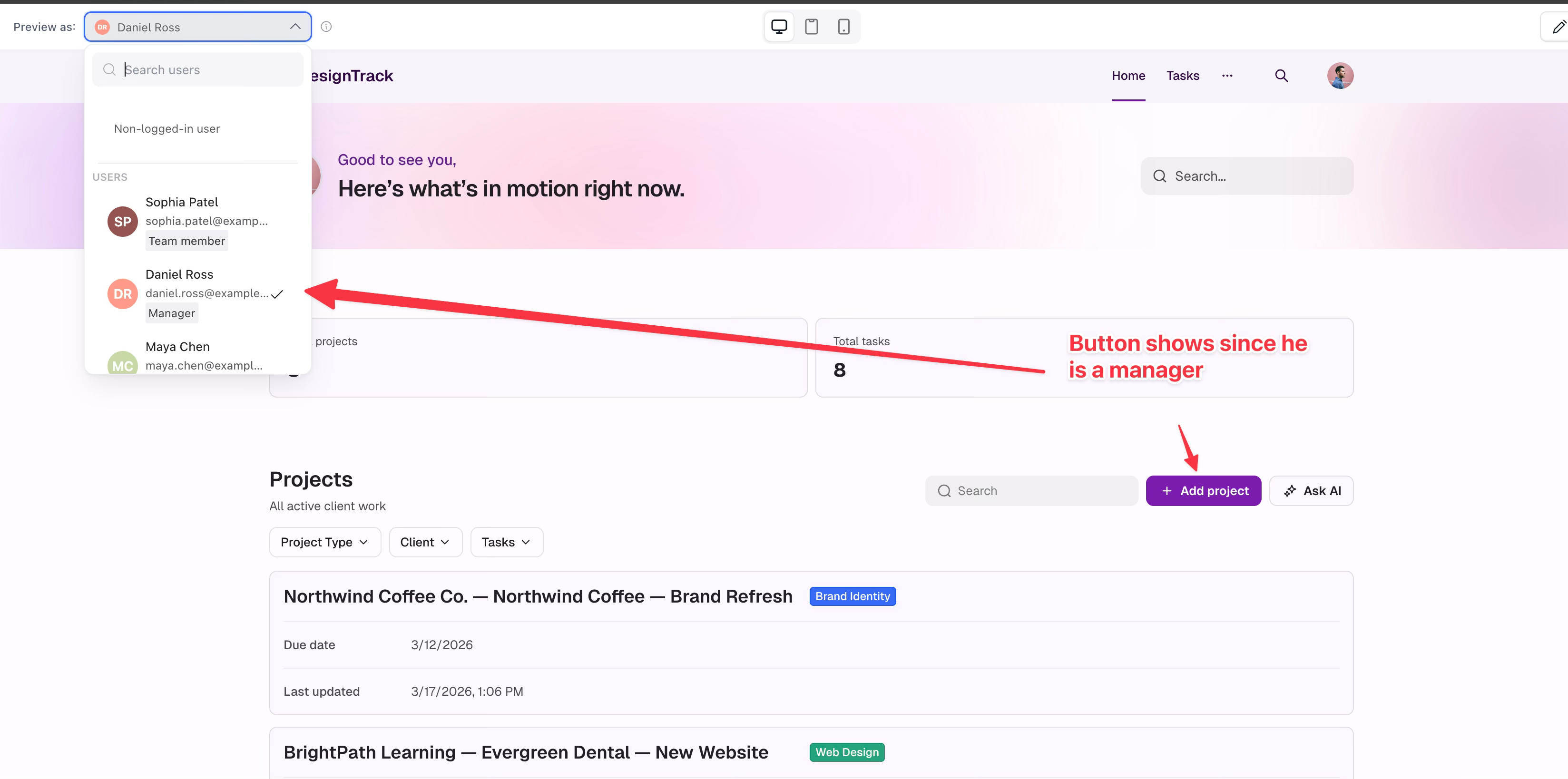
Now once in here, what are we testing? We’re going to make sure that as a manager role, I can see everything, and then as a team member role, they can’t do certain things. In this case, we’ll focus on adding a project. In preview mode, you can switch who you are so you can see how they see the page. You can see what permissions they have, which makes it really easy to do QA.
[
Fixing or Changing
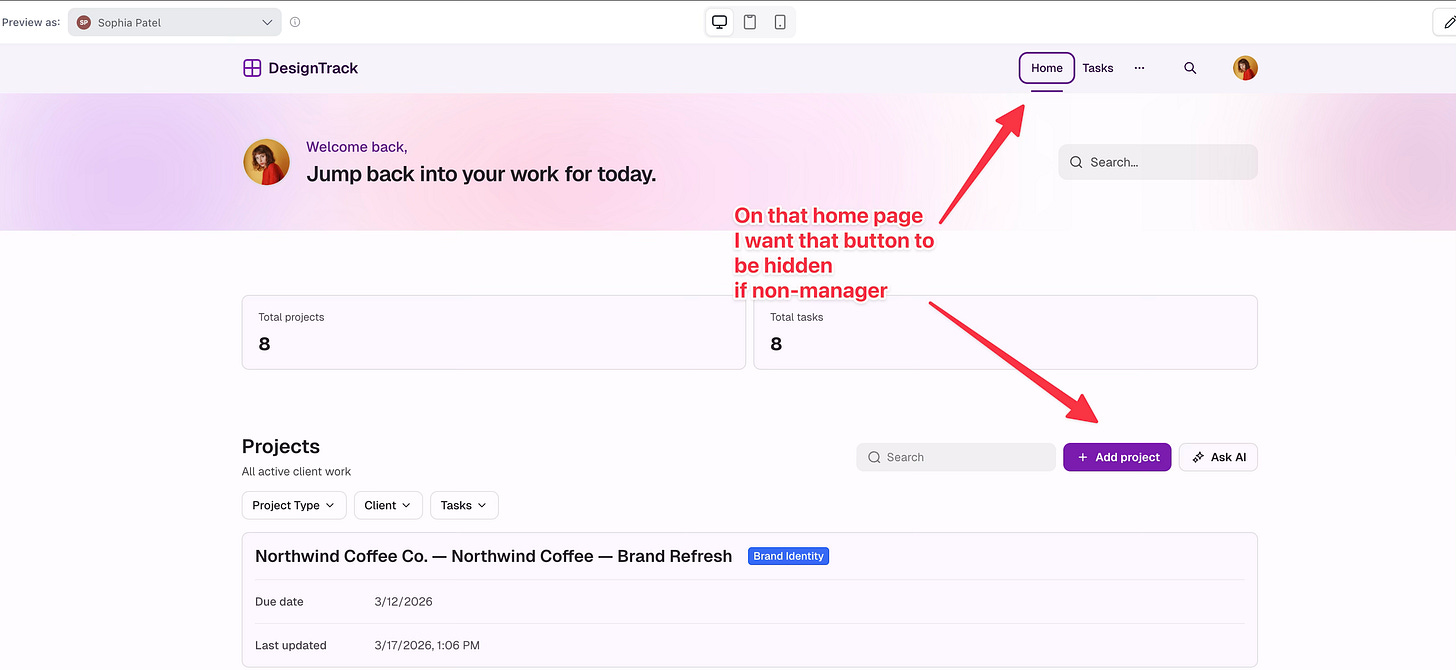
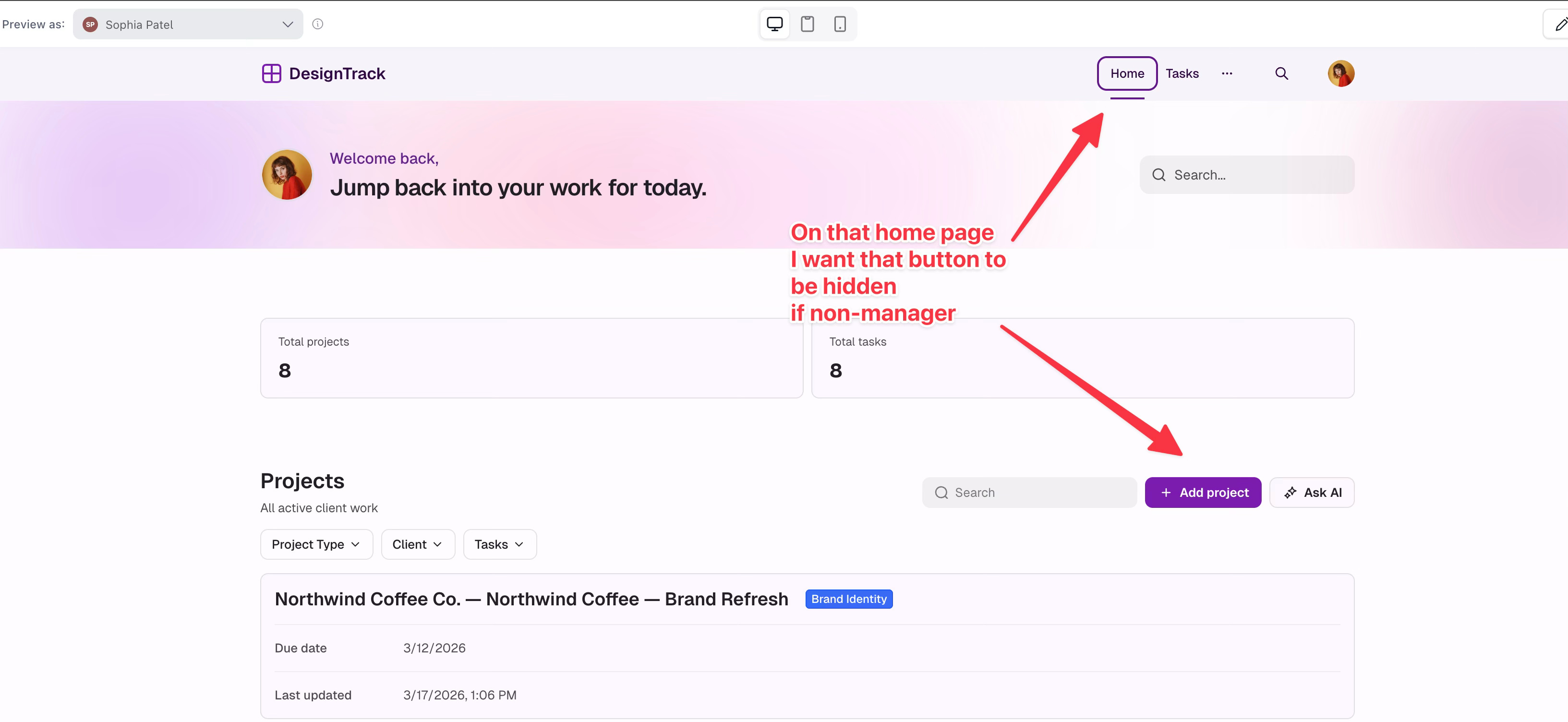
As noted, you can reopen the chat window to fix something. In this case, I found out that on the project page, the “Add Project” button was properly hidden for team members. But on the home page, the button was still showing even if you were logged in as a team member. So I just quickly asked the AI via chat to fix that for me.
[
So I start the chat:
[
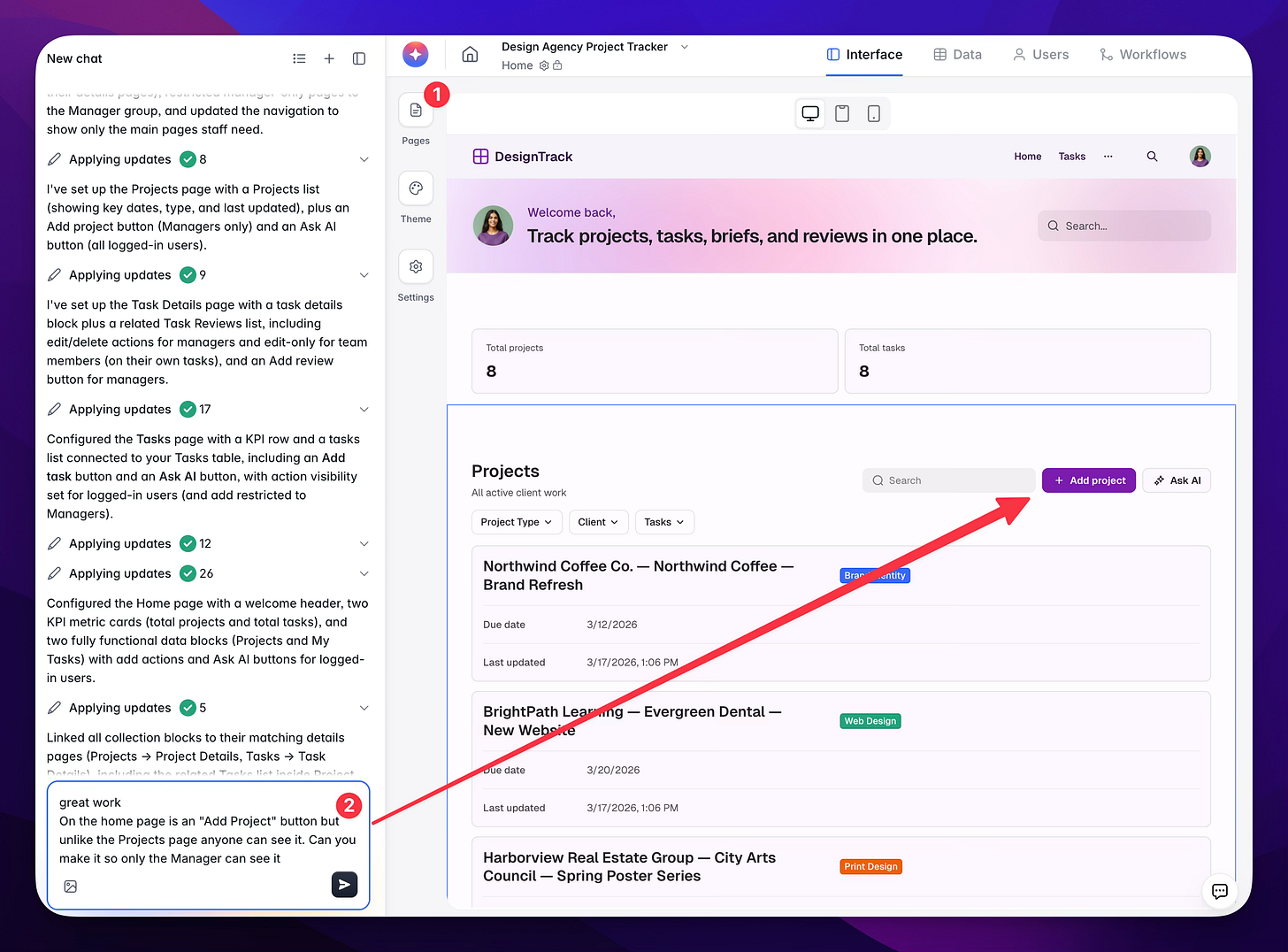
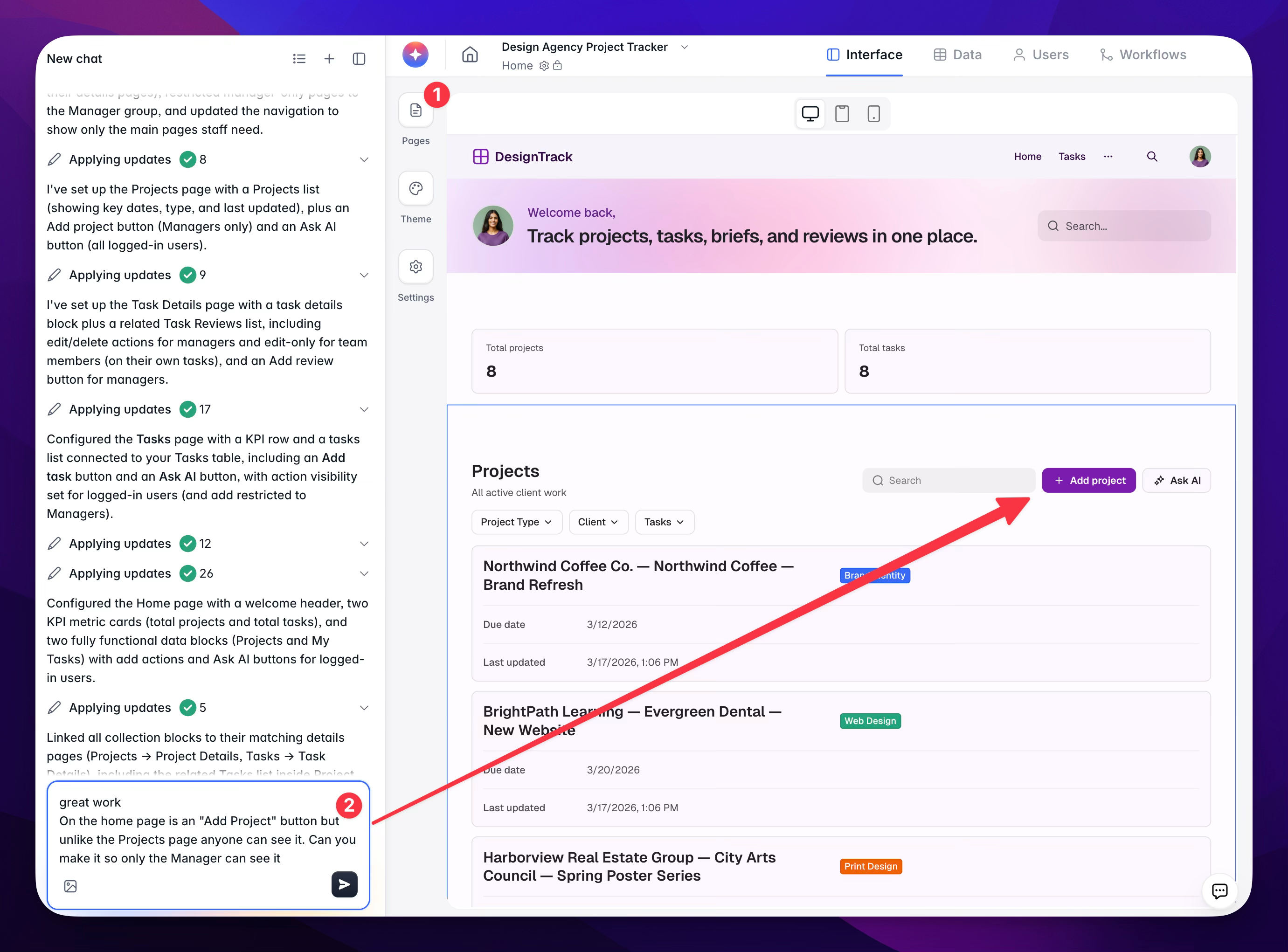
Then in moments we get:
[
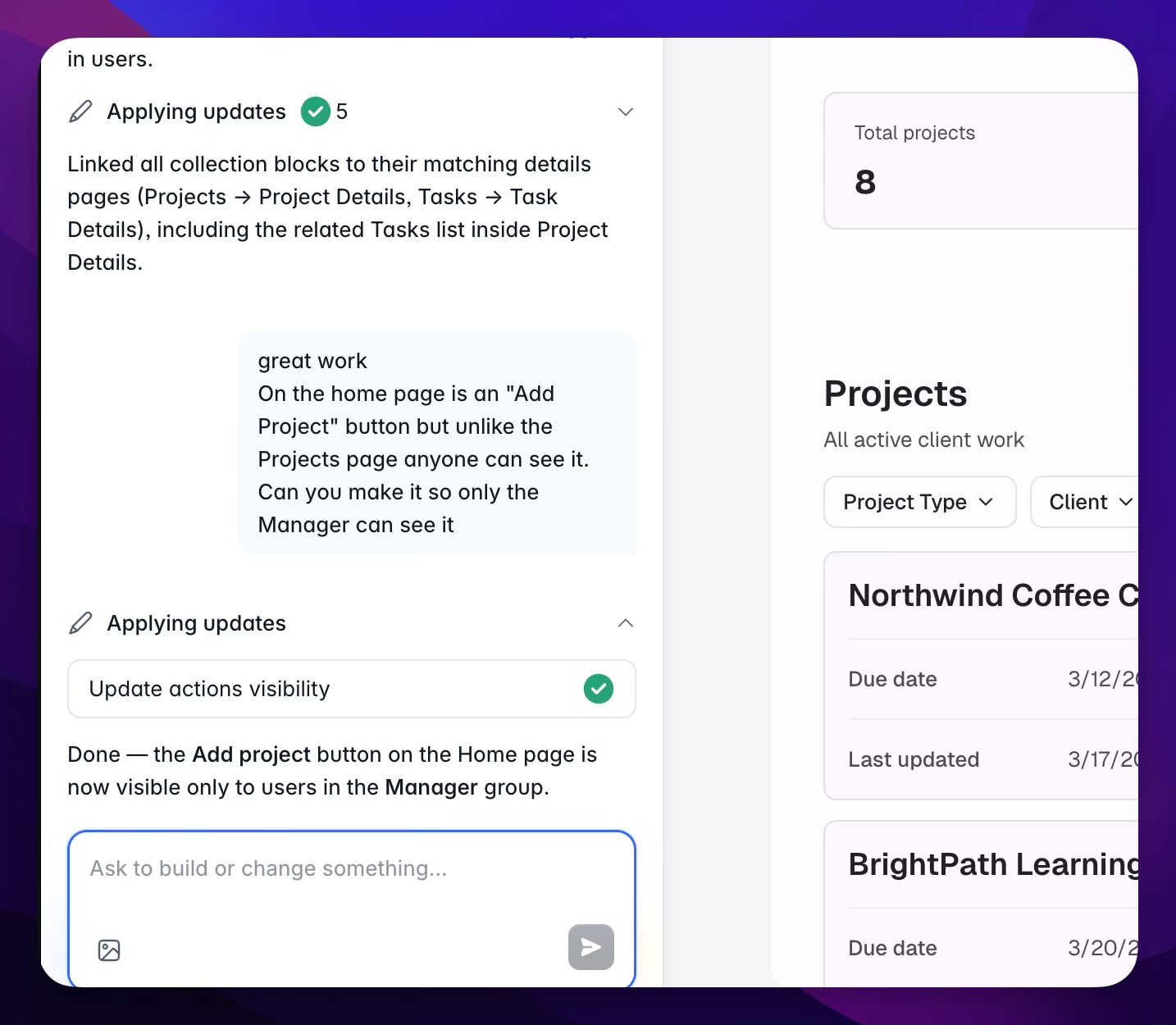
And then we see that as a team member, I can no longer see the button!
[
And the manager still sees the button.
[
And remember, you can click the blocks to fix elements as well. This is really the foundation to all of this. The AI isn’t building your app from scratch, it’s using all of the tried-and-true blocks that Softr has already made and putting them together in the way you need to meet the goal of your product.
[


So you can go back to the “Edit” area (not Preview) and click on the area you want to edit. If you hover, you’ll see the blue outline that defines the area you can edit. Then you can use the right-side panel to do what’s needed.
[
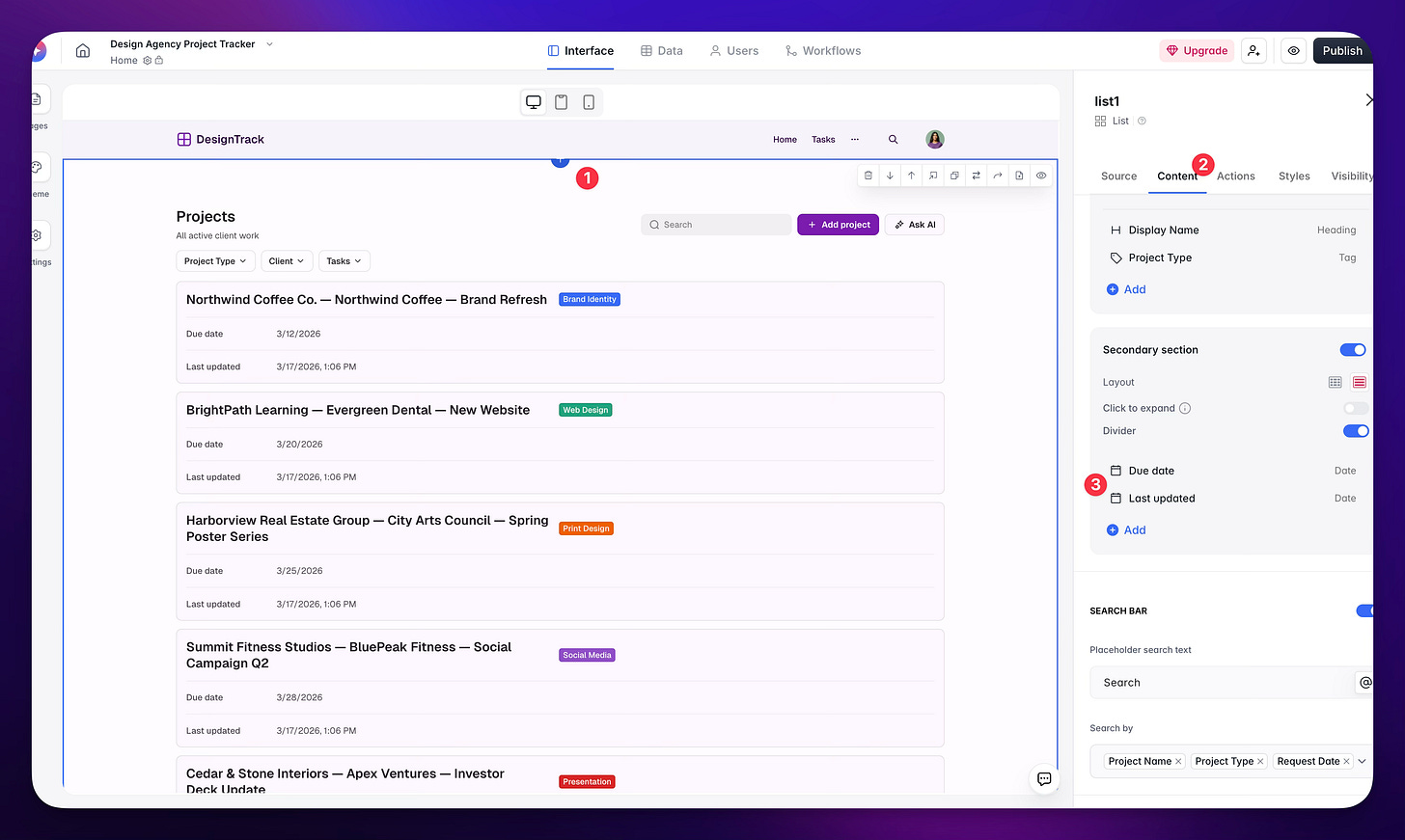
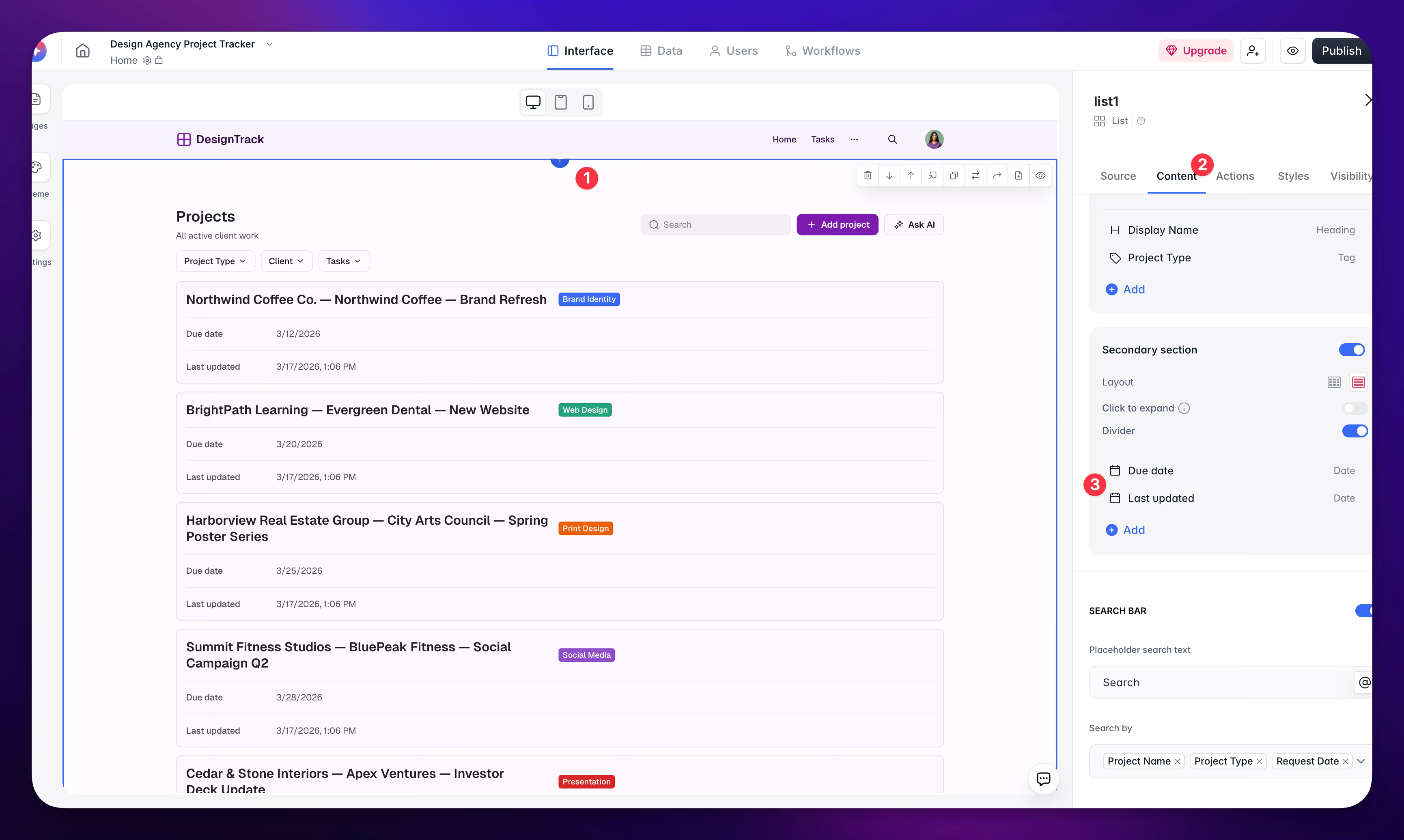
This gives you two ways to easily update your app!
Wrapping It Up
The addition here of AI building the app for you is one step closer to removing that barrier, the need to know what pieces are available, what’s possible, and replacing it with a natural language experience. It’s one level of intimidation removed. One level of struggle removed. Softr is really doing a good job of letting business owners just build their own solutions. And if you bring in a builder or a designer to help because you don’t have the time, or because putting together that initial prompt feels like a lot, that’s great too. That person is now even more empowered to build something useful in a prompt or two.
I hope this helps and inspires you to see what you can do. When you’re looking to build an intranet site, really consider Softr. Yes, they sponsored this, but I’m telling you, I’ve done a lot of work building stuff from scratch and building in other applications. When it comes to building your internal tools, you can get a lot done here without the worries of bugs and the complexity that comes with hosting and maintaining your own code. Give it a try.