NOCODE Getting Started With N8N
This workflow and notes go with the related YouTube video to help you get started with NoCode workflows and N8N
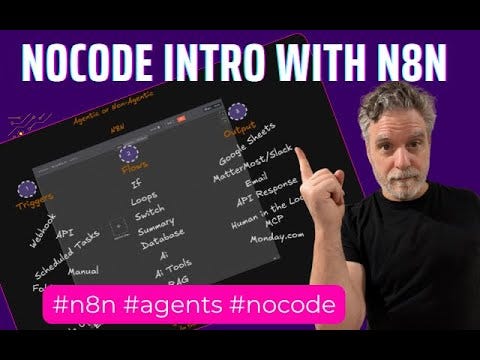
For a long time, building custom solutions for your business or personal projects meant one thing: learning to code. But what if you’re an expert in your field, not in Python or Javascript?
The game has changed. If you’ve ever thought, “I wish I could make an app for that,” I’m here to tell you that you can—right now. This is the era of the citizen developer, and the tools are ready for you.
In my latest video, I’m breaking down how you can start building powerful automations today using the no-code platform n8n. This isn’t about theory; it’s about shifting how you work and giving you the power to build the solutions you need without writing a single line of code.
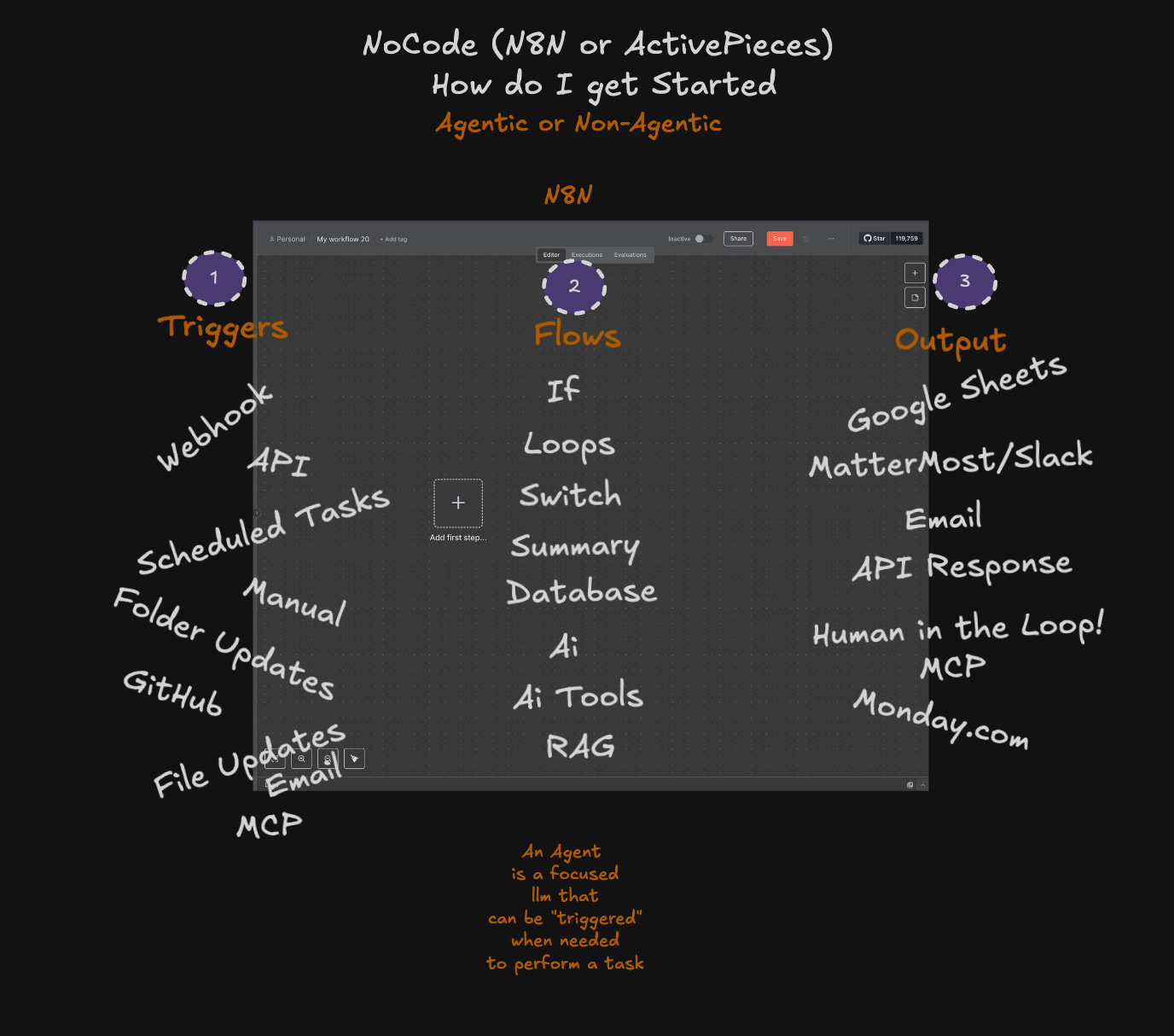
We’ll walk through the essential building blocks that will turn your ideas into reality:
Triggers: Your Starting Point: Forget waiting for manual input. You can now build workflows that automatically start when you get a new email, a sale comes in, a form is filled out, or on a schedule you decide. You connect the tools you already use and tell them when to start working.
Flows: The “Brain” of Your Operation: This is where you replace old, repetitive manual tasks. We’ll explore how you can automatically pull data from a Google Sheet, update your CRM, manage tasks in Notion, and even use AI to analyze information for you. You are in complete control of the logic, just by connecting simple visual blocks.
Outputs: Taking Action: An automation is only useful if it does something. We’ll cover how to make your workflows send custom emails, post messages to your team in Slack, update databases, and so much more. You design the outcome.
[
This is a fundamental shift from the old way of doing things. You no longer need to submit a ticket to an IT department or hire a programmer for every small but crucial task. You have the ability to solve your own problems.
Ready to start building? Get the blueprint.
For my paid subscribers, I’m providing the downloadable n8n workflows featured in the video. Think of these as a launchpad. You can import them directly into your n8n setup and immediately see how they work, then customize them for your own unique needs. It’s the fastest way to go from watching to building.
Below are the related workflow(s)
The barrier to entry for creating powerful, custom software has been removed. You have the ideas and the expertise in what you do. With tools like n8n, you now have the power to build. Let’s get started.
Workflows Main Workflow
Frequently asked questions
- Do I need to know how to code to build automations with n8n?
- No, and that is the whole point. n8n is a no-code platform where you connect visual blocks. If you are an expert in your field but not in Python or JavaScript, you can still build the solutions you need.
- What are the basic building blocks of an n8n workflow?
- Three of them: triggers (what starts the workflow, like a new email, a sale, a form submission, or a schedule), flows (the brain that pulls and processes your data), and outputs (the action, like sending an email, posting to Slack, or updating a database).
- What can I automate with n8n as a beginner?
- Everyday repetitive work: pull data from a Google Sheet, update your CRM, manage tasks in Notion, let AI analyze information, then send a custom email or Slack message. Start with one task you are tired of doing by hand and build from there.