I moved my site's chat to Cloudflare — and let the AI build it
Cloudflare's always been an option for this kind of thing. It just used to feel too technical to bother with. A spam problem on another project nudged me to finally try it — and with AI doing the heavy lifting, I wrapped my chat around OpenAI with real guardrails in an afternoon.
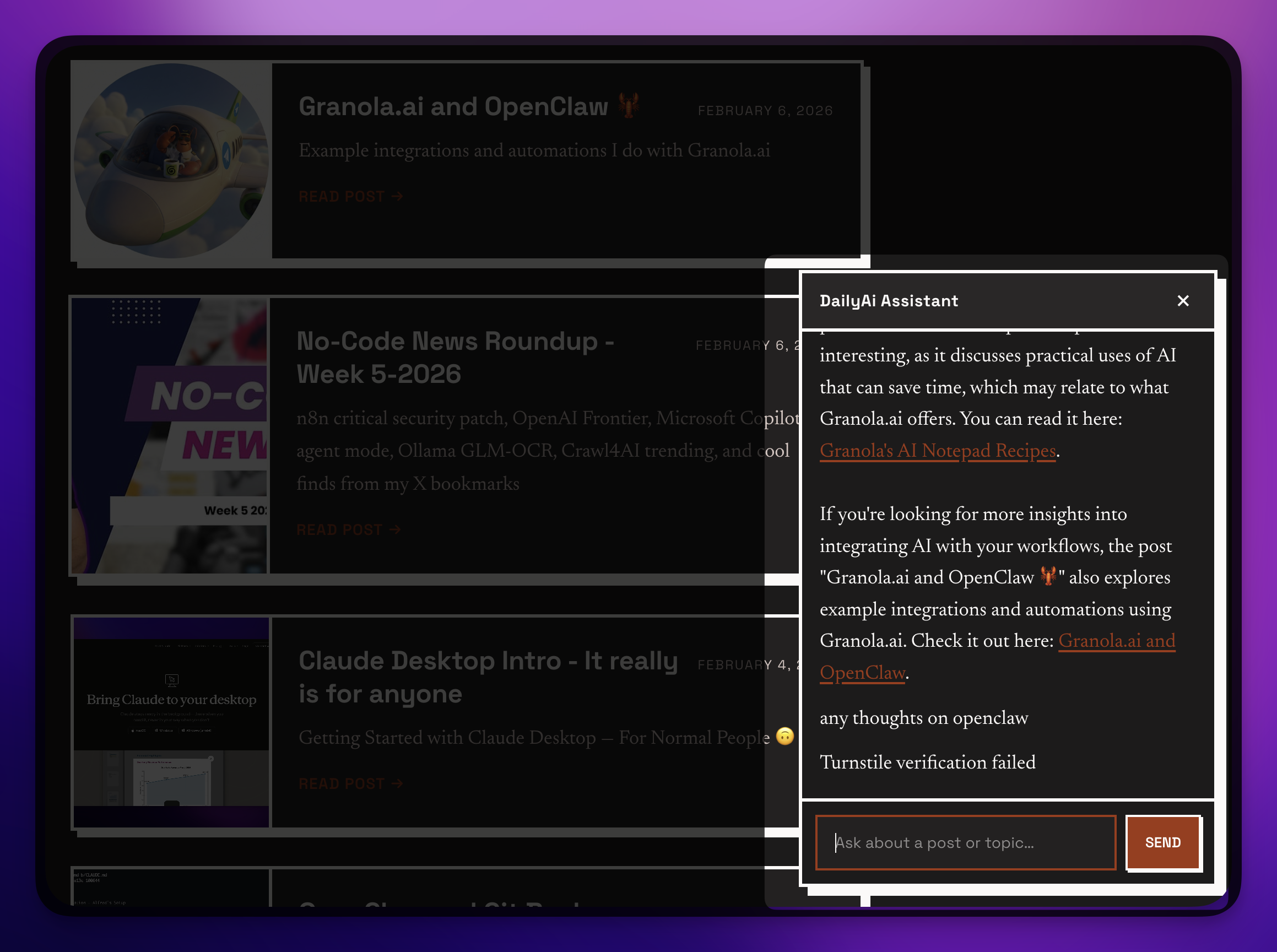
TLDR: I swapped the chatbot on this site for a simpler setup I run myself — a little Cloudflare service in front of OpenAI. Cloudflare was always an option, it just used to feel too technical to reach for. This time the AI did almost all the building, and I made the calls. The win isn’t the chat. It’s that it’s wrapped in enough protection that nobody can turn it into their free chatbot on my dime.
Why I even looked at Cloudflare again
If you’ve been following along, you know I added a chat to this site a while back, and I was careful about it on purpose. The whole point of that post was: don’t wake up to a surprise bill, and don’t let strangers use your AI on their own sites.
That setup was good. This one’s just simpler, and it’s mine end to end.
Here’s what actually got me moving. I was working on a totally different project this week — fighting spam, the boring kind that just keeps coming — and Cloudflare quietly solved it. And I thought, huh. I’ve always known Cloudflare could do a lot more than I use it for. It just had this reputation in my head as the technical option. The thing you reach for when you’re ready to roll up your sleeves.
So I figured: let’s put it to work on the chat too.
One thing up front — I’m not using Cloudflare’s own AI yet. They offer it. I just didn’t reach for it this round. I leaned on OpenAI for the actual chat and used Cloudflare for everything around it. Maybe I’ll try their AI next. For now, this did the job.
What I actually built
Let me describe it in plain terms, because the shape matters more than the tech.
When you open the little Ask AI box on this site and ask a question, your message doesn’t go straight to OpenAI. It goes to a small service I run on Cloudflare first. That service does a few jobs, then forwards your question to OpenAI, and streams the answer back so you watch it type out.
You → Cloudflare (the bouncer) → OpenAI → back to youThat little “bouncer” in the middle is the whole point. It’s where the protection lives.
And here’s the part I keep coming back to: the knowledge it answers from is just my blog posts. Every post on this site gets bundled up into a simple list — title, summary, link — and handed to the AI. No fancy database, no vector search, none of that. With around 160 posts it all fits, so the chat can point you to the right article without me building some big retrieval system. New post goes up, the chat knows about it on the next deploy. Done.
The guardrails — a.k.a. “you can’t have my chatbot”
This is the part I care about, and it’s the part most “just drop in a chatbot” tutorials skip.
When you put a chatbot on the open internet with your own AI key behind it, you’ve basically left your wallet on the table. A bot doesn’t care about your blog. It’ll hammer your chat endpoint and use your AI credits to do its work. That’s how a fun little feature becomes a four-figure bill.
So the bouncer checks a few things before anything reaches OpenAI:
- Is this even coming from my site? If the request isn’t from dailyai.studio, it’s turned away. You can’t just copy my chat onto your own page.
- Are you a human? There’s an invisible challenge (Cloudflare’s Turnstile) that quietly weeds out bots.
- Are you being greedy? There are limits — so many messages a minute, so many an hour, and a hard ceiling for the whole day. Hit the day’s cap and the chat politely says “come back tomorrow.”
- And a spending cap on OpenAI’s side as the last line of defense. Belt and suspenders.
Those settings live in one little config file, and they’re just plain English knobs:
PER_MIN   = "10"     # messages per minute, per person
PER_HOUR  = "60"
DAILY_CAP = "1000"   # the whole site, all day — then it stops
Want it tighter? Change a number, redeploy. No code surgery.
The result is the thing I actually wanted: I can leave this chat running and not think about it. It can’t quietly become someone else’s chatbot, and it can’t run up a bill while I’m asleep.
The honest part: the AI did the building
I’m not going to pretend I sat there hand-writing all of this.
I described what I wanted — a simple chat, wrapped in Cloudflare, talking to OpenAI, with these guardrails — and the AI did the work. Honestly, almost all of it. It set up the Cloudflare service, wrote the little widget, wired in the streaming, even caught a bug I’d never have spotted on my own.
My job was the part only I can do: deciding what mattered. No, I want a hard daily cap. Yes, lock it to my domain. No vector database, keep it simple. Don’t dump on the old setup, just tell the story. That’s the human-in-the-loop thing I keep talking about. The AI brings the speed. You bring the judgment.
The tool that ties it all together is something called Wrangler — Cloudflare’s command-line helper. Sounds intimidating. In practice it was a handful of commands the AI handed me, and a couple of keys I pasted in. That’s it. The thing that used to feel “too technical” took an afternoon, mostly because I wasn’t doing it alone.
Want to see it (or build your own)?
The whole thing is open. You can read every line here:
👉 github.com/alnutile/astro-and-zapier-chat
And if you want to build the same kind of thing for your own site, I packaged up the how — including how to prompt an AI to do the heavy lifting safely — as a shareable recipe. The pattern works whether your site is on WordPress, Webflow, Astro, whatever. The tools don’t matter. The guardrails do.
Here’s the one thing I’d leave you with: adding AI to your site is easy now. Adding it so it can’t be abused is the part worth ten extra minutes. Lock it to your domain, put a human-check in front of it, set a hard spending cap. Three knobs. Then you can actually relax and let it run.
You don’t need to be the technical one anymore. You just need to know which questions to ask — and to be the one who decides the answers.
Frequently asked questions
- Do I need to be technical to add an AI chat to my website?
- Not really anymore. The hard parts — the server, the streaming, the security wrapper — can be built by describing what you want to an AI. Your real job is the decisions: set a spending cap, lock it to your own domain, and keep it simple. The AI brings the speed; you bring the judgment.
- How do I keep an AI chatbot from running up a huge bill?
- Put limits in front of it. Use a per-person rate limit, a hard daily cap that stops all spending once it is hit, and a monthly spending limit set in your AI provider's dashboard. Those three together give you a bounded worst case instead of a surprise invoice.
- Can someone copy my chatbot and use it on their own site with my AI key?
- Not if you lock it down. Reject any request that is not coming from your own domain, and require a quick bot check (like Cloudflare Turnstile) on every message. That stops bots and stops people from lifting your widget onto their page to spend your credits.
- Do I need a vector database (RAG) for a chat that answers from my blog?
- Usually not to start. For a few hundred posts you can bundle a simple list of titles, summaries, and links and hand it to the model — it fits. Only reach for a vector database if your answers turn out too vague, and let that be a measured decision rather than a guess.