Just Start: Turning Your Idea into a Product with Ai + No Code
The advantage has shifted—those with ideas move fastest in the AI + no-code era.

I’ve been a developer for over 20 years. Time after time, I’ve seen entrepreneurs come to me with business ideas, willing to pay to get them built—and in today’s world, they have a huge edge.
Why?
Alfred Nutile from DailyAiStudio is a reader-supported publication. To receive new posts and support my work, consider becoming a free or paid subscriber.
Because we’re just a prompt away from an idea going from your head to the public.
But while tools are faster and more accessible than ever, the principles of building something users love haven’t changed.
Lean Thinking Still Wins
If you haven’t read The Lean Startup, give it a go—or listen to the audiobook. It’s still one of the best explanations for how easy it is to build the wrong thing… or build too much of the right thing before anyone even wants it.
Remember: your goal isn’t to launch a product. Your goal is to learn what people want—and build just enough to test it.
One of my favorite YouTube channels, Niche Pursuits, shows how simple and focused these early-stage ideas can be—and how effective.
Step 1: Just Start
Really. Go to bolt.new or lovable.dev, and prompt your idea. These tools can spin up a working app in minutes.
But here’s the catch: build the least you can.
Lovable might suggest 10 features. Ignore 8 of them. Just get your idea in front of users.
Instead of a 10-field form asking “Where do you want to travel?”, use one simple text box. Let AI break the response into structured data behind the scenes. This makes your app easier to use—and faster to build.
Databases Don’t Have to Be Scary
[
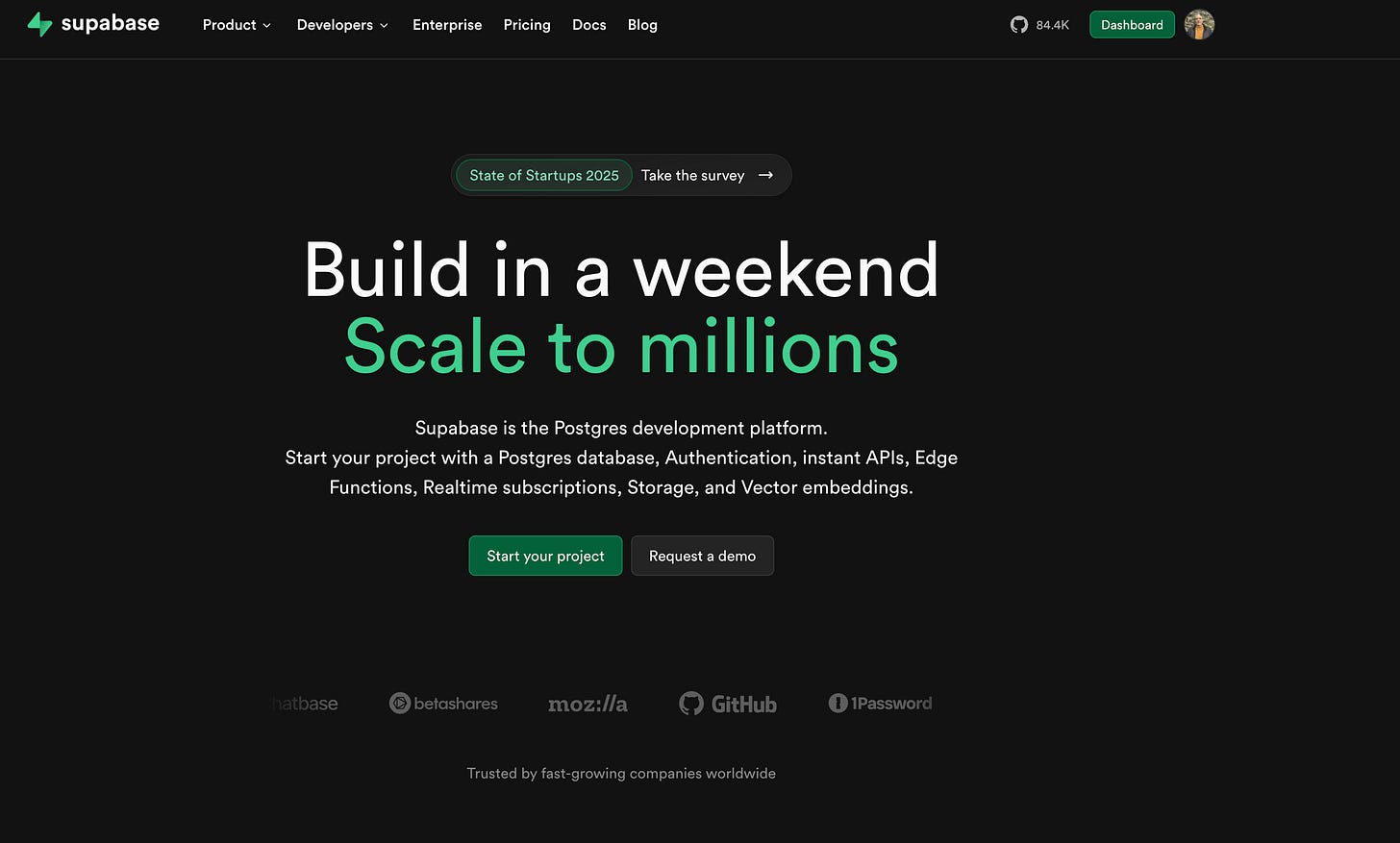
Back in the day, setting up a database was a job for someone like me. Today? You can use Supabase—an incredibly powerful open-source backend with a slick UI.
Supabase gives you:
A Postgres database with built-in auth
A UI that doesn’t overwhelm
Built-in AI tools to help you write queries, manage your data, and even structure your backend
And yes—tools like Bolt and Lovable integrate with Supabase out of the box.
You can even say, “Use Supabase for data, with auth, and allow file uploads,” and the app will scaffold it all for you.
Use AI for
Everything
AI isn’t just for building the app—it’s your cofounder, your QA team, your user advocate.
Here’s how to use it well:
Use ChatGPT or Claude to explore your idea from a user’s point of view
Upload a screenshot of your landing page and ask, “What would a user expect to happen here?”
Ask it to simulate a confused user, or a power user
Feed it your website analytics and ask for actionable insights
Use it to explain unfamiliar terms (like RLS in Supabase) and double-check your logic
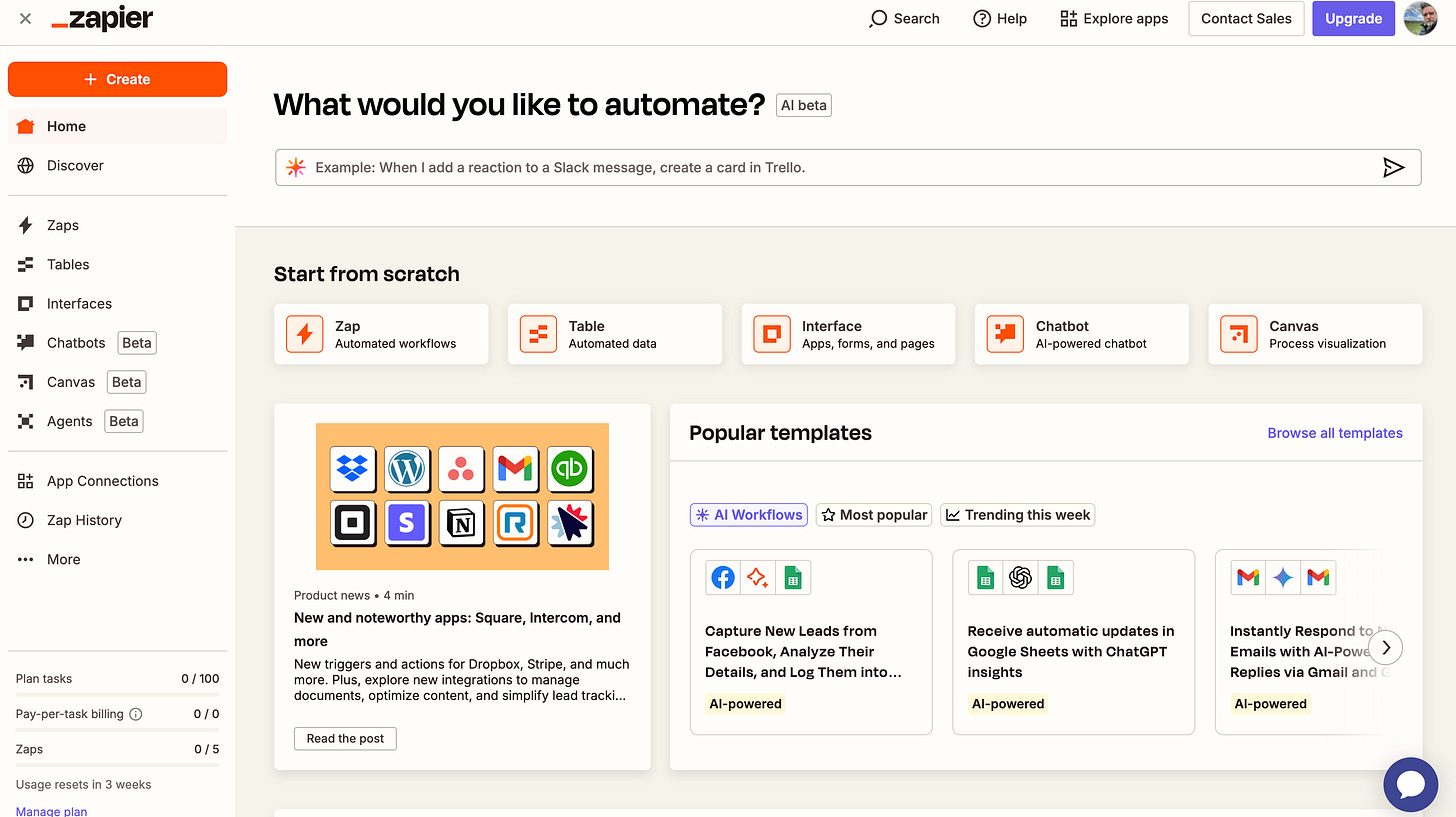
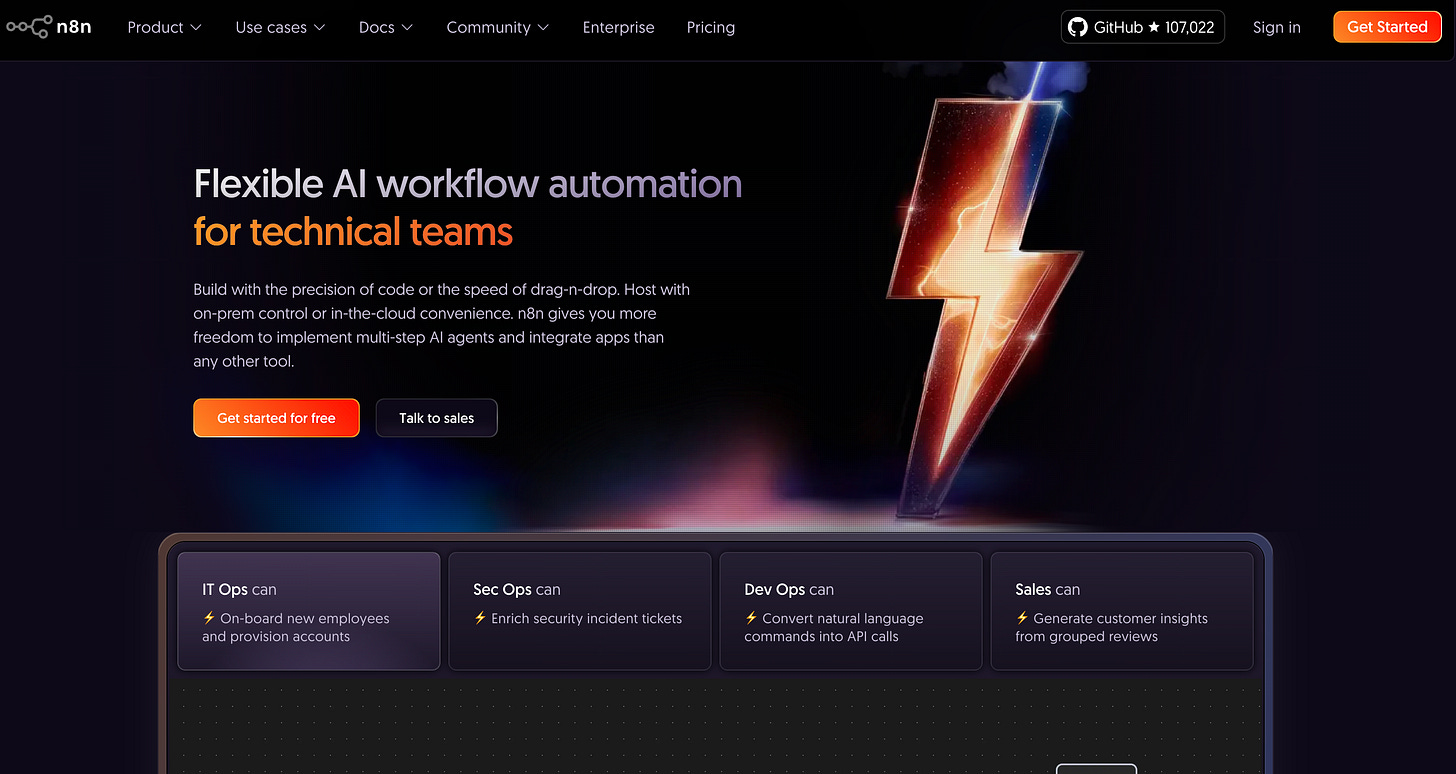
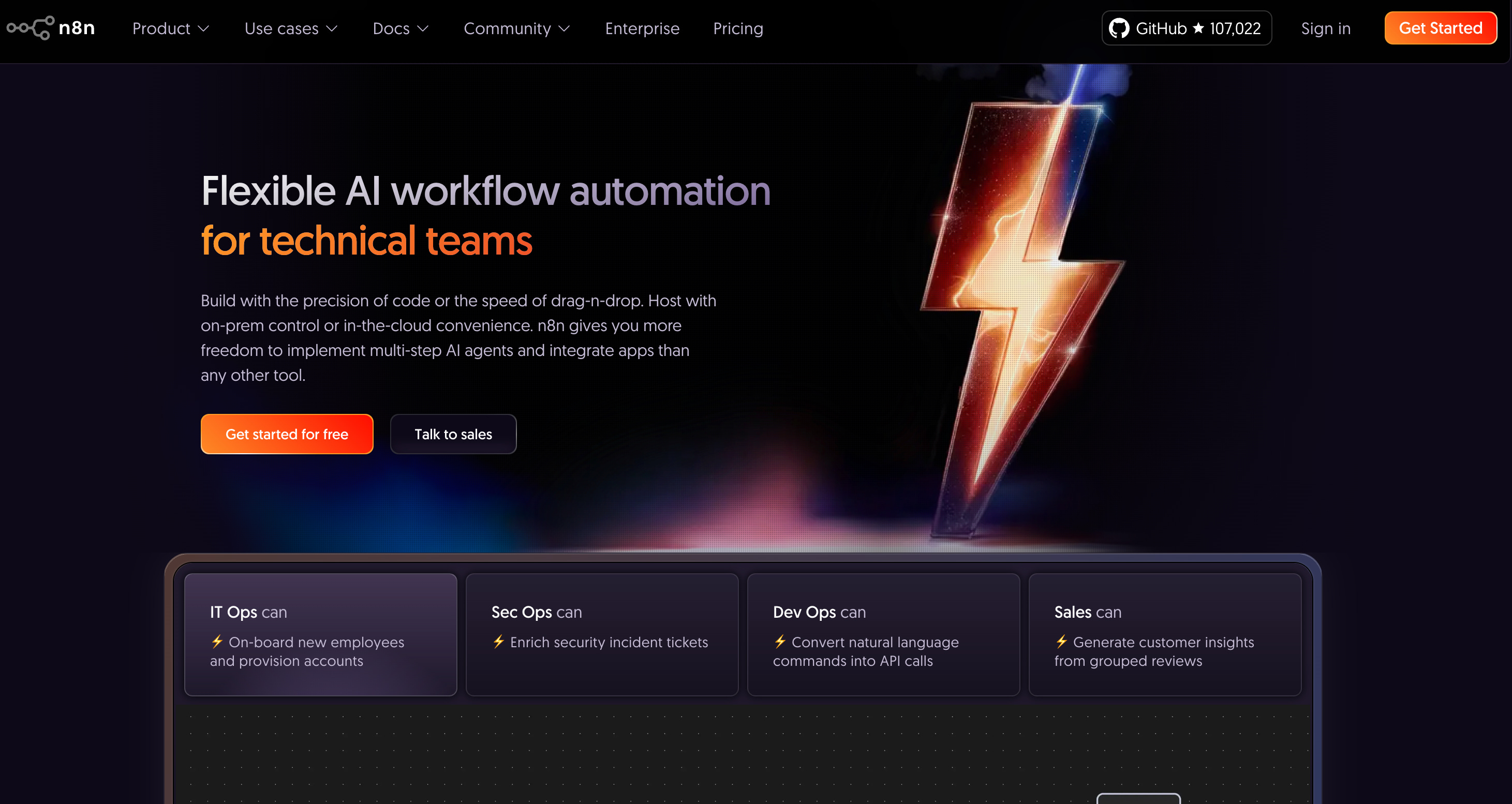
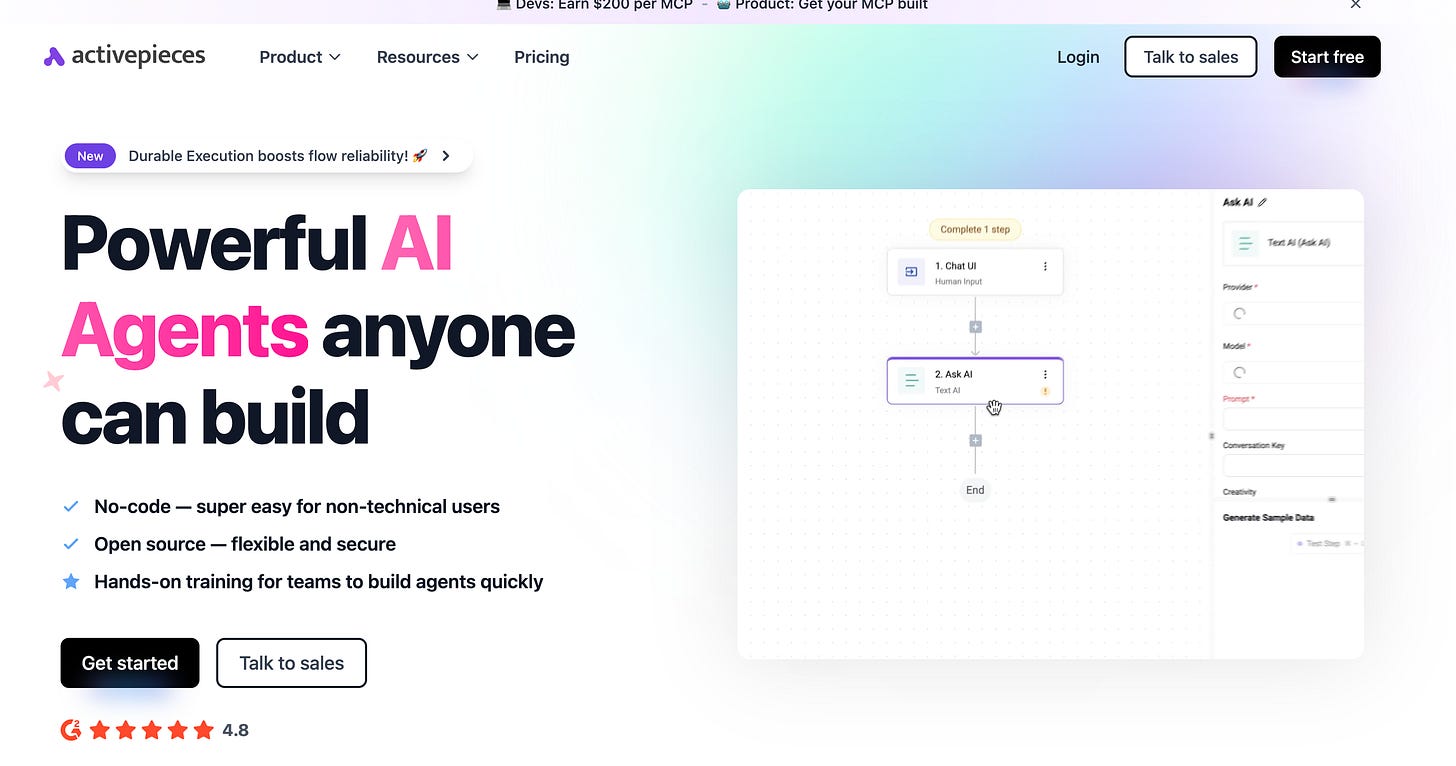
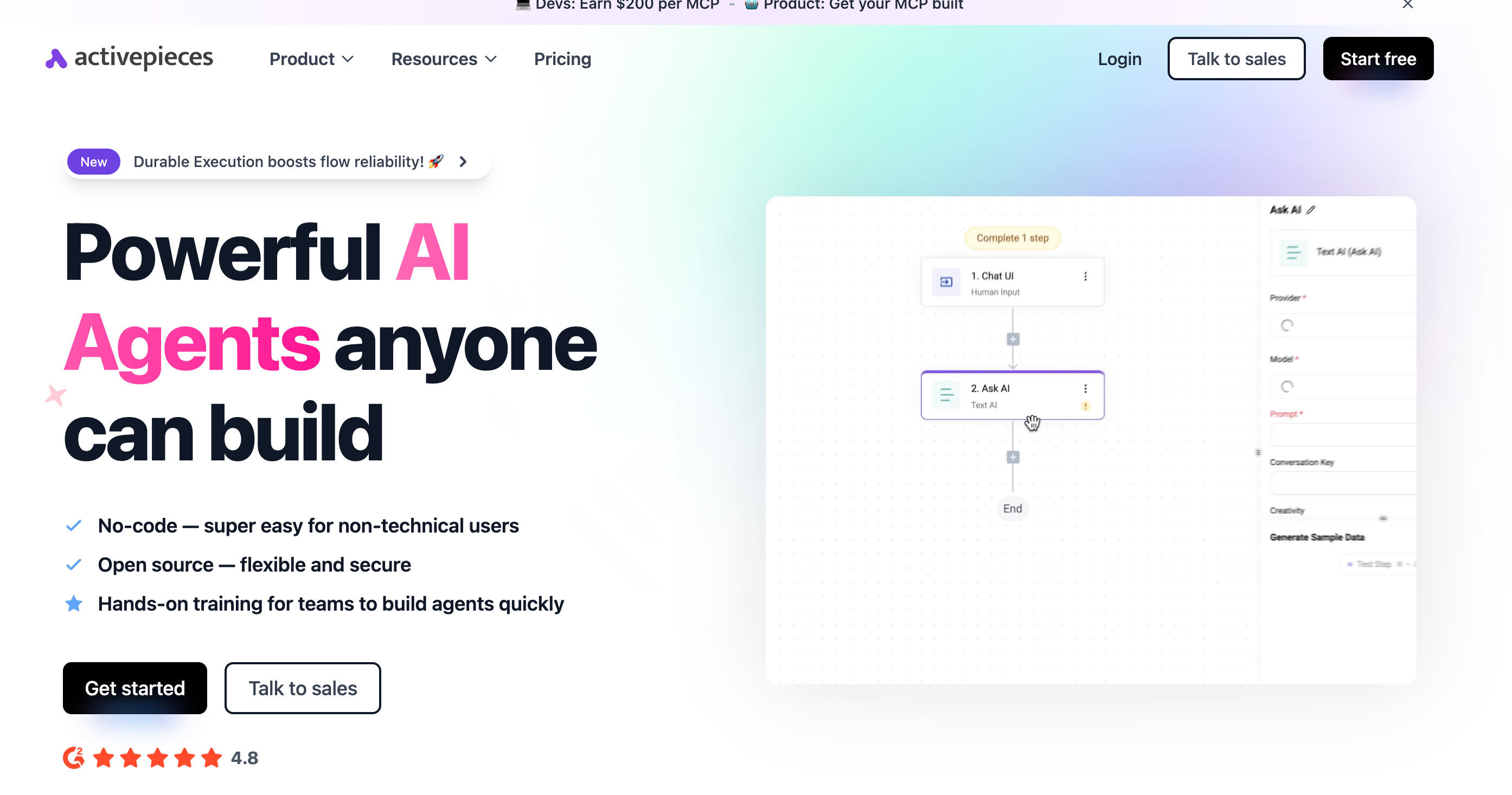
Automate with N8N, Make.com, Zapier, or Activepieces just not with code 🚀
[
N8N
[
ActivePieces
[
No-code tools are essential for stitching things together. Whether you’re sending emails, summarizing chat history, or syncing user activity with your CRM, these tools get it done.
Some ideas:
“Every morning, remind users what’s on their to-do list based on yesterday’s chat”
“Scrape tractor listings every Friday and email them out with emojis”
“When a user saves a trip idea, search the web for relevant blogs and email them the best links”
Pick a tool, wire it up, and let it run. These workflows are easy to build, easy to debug, and easy to modify. You can even screenshot your n8n flows and ask ChatGPT to review them!
Design Can Be Fast and Beautiful
Sites like v0.dev and reactbits.dev make UI design easier than ever.
Just remember:
Simple is better
Focus on clarity, not flash
Don’t delay launch waiting for design tweaks—get feedback first
Marketing: The Hardest Part
This is where most projects stall—not in the build, but in the tell.
AI can help you write posts, create social graphics, and plan a content calendar. But consistency is king.
Add SEO metadata
Use analytics (Google, Supabase, Plausible)
Schedule your tweets, posts, and videos
Tools help—but discipline is what gets eyeballs.
Self-Hosting? Maybe Later
A lot of tools offer self-hosted options. But here’s my advice:
💡 Don’t worry about scaling. Worry about getting users.
Paying $20/month for hosting is a steal if it means you’re learning and launching faster.
You can always scale later:
Upgrade your Supabase plan
Increase storage
Optimize N8N workflows
Migrate to your own infra once the idea is validated
Until then, keep it lean. Use the free tiers. Learn what users actually want.
Security Still Matters
Don’t skip this part.
Supabase gives you powerful tools like Row Level Security (RLS). Use it. Ask AI to review it. Send screenshots. Read the docs.
Your users deserve privacy, and skipping this can cause major headaches later.
Final Thoughts: Share Your Work
Post your progress on X using #buildinpublic
Talk about what you’re learning
Share your wins and frustrations
People love to follow along—and may even become users or collaborators
TL;DR
Start. Prompt your idea. Build the smallest version possible. Use AI and no-code tools to test it. Learn fast. Iterate. Share your progress.
🚀 The tools are ready. The only thing missing is your idea.
Alfred Nutile from DailyAiStudio is a reader-supported publication. To receive new posts and support my work, consider becoming a free or paid subscriber.