Email Slug Automations and N8N
Great automation hack around email and tools like N8N. Hope you enjoy!
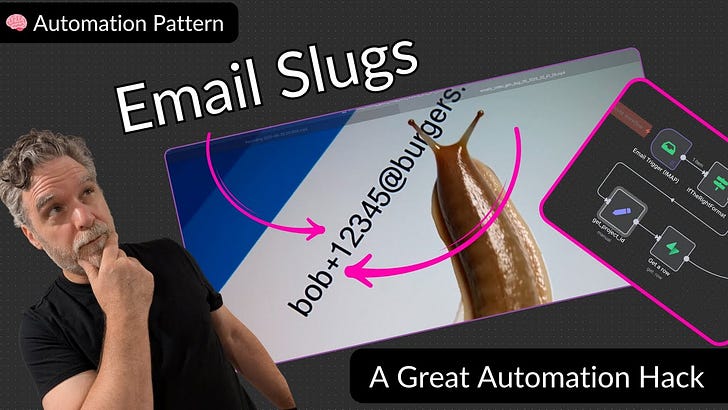
👉Workflow for N8N is here.
Hey everybody I used Opal for this, the new google tool, take my transcripts from the video and make it something that’s simple to read and follow along with for those who rather read than watch a video. Let me know what you think after you’re done reading it Thanks!
Unlock Powerful Automations with Email Slugs
Ever wished your single email inbox could do more than just receive messages? What if it could intelligently route, organize, and even trigger complex workflows? That’s the power of email slugs, a simple yet incredibly effective trick that transforms your inbox into an automation powerhouse. Let’s dive into how this works and what it can unlock for your productivity.
The Power of Email Slugs for Automation
The core concept is brilliantly simple: by adding a “slug” to your email address, you can create a unique identifier that a single email inbox can use to categorize and act upon incoming messages. This allows for powerful automations, turning a mundane email into a trigger for sophisticated processes. Learn more about email slugs for automation at 00:00:00
Kicking Off Workflows: The Email Trigger
At the heart of this system is an email trigger node, specifically an IMAP Email Trigger. This component constantly monitors your inbox, ready to detect new messages and kickstart the pre-defined workflow. It’s the essential first step that brings your automation to life. See the IMAP Email Trigger node in action at 00:17:34
Decoding the Slug: +anything in Your Email
The magic happens with the plus sign. Emails sent to youraddress+SLUG@example.com are still delivered to youraddress@example.com, but the +SLUG portion acts as a unique identifier. This “slug” can represent anything you define – an invoice number, a recipe, or, as demonstrated, a specific project ID, allowing you to organize data around that unique identifier. Understand how email slugs work at 00:41:48
Precision Extraction: Getting Your Project ID
Once the email arrives, the next crucial step is to extract this slug. The workflow employs a specific node, often using string matching, to precisely identify and pull out the characters between the + and @ symbols. This extracted slug then becomes your “project ID,” ready to be used in subsequent automation steps. Discover how to extract the project ID at 01:28:00
Linking to Your Data: Database Checks
With the project ID in hand, the system immediately queries your database (like a PostgreSQL database such as Superbase) to see if a corresponding project exists. This validation step ensures that only legitimate, recognized project IDs trigger further actions, effectively filtering out spam or mistaken emails. Explore the database integration at 01:52:00
Intelligent Automation: AI Agents at Work
This powerful setup isn’t just about routing; it can incorporate advanced AI. An AI Agent can process the email content and even leverage specific tools. For instance, if an email contains a URL, the AI agent can be programmed to use a URL scraper tool, automatically extracting valuable data from the linked website. Witness the AI Agent and tool utilization at 03:42:74
Organized Conversations: AI Chats & Project Links
Finally, for every interaction, the AI agent can create a “chat” entry in your database. Crucially, this chat is directly associated with the specific project ID derived from the email slug. This means all AI responses and interactions are neatly organized and linked back to their relevant projects, providing a comprehensive and context-aware record. Understand how AI chats are associated with projects at 04:26:00